22
Operating
1.
1.
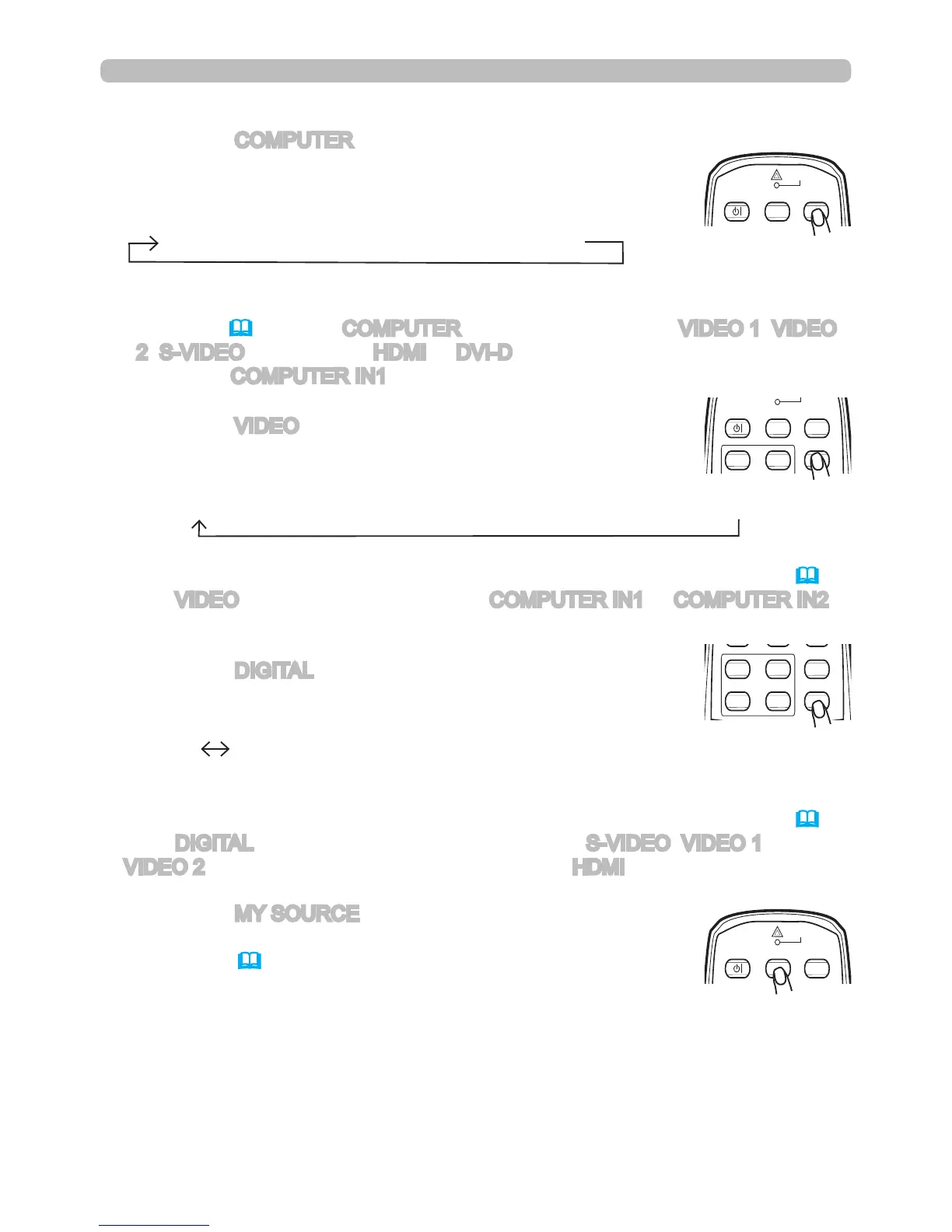
Press the VIDEO button to select an input for video signal.
Each time you press the button, the projector switches its
video input port as per below.
Press the DIGITAL button to select an input for the digital
signal. Each time you press the button, the projector
switches its digital input port as per below.
● While ON is selected for AUTO SEARCH item in OPTION menu, the projector
will keep checking every port sequentially until an input signal is detected (
47
).
If the VIDEO button is pushed when the COMPUTER IN1 or COMPUTER IN2
port is selected, the projector will check the Component port rst.
● While ON is selected for AUTO SEARCH item in OPTION menu, the projector
will keep checking every port sequentially until an input signal is detected (
47
).
If the DIGITAL button is pushed when Component, S-VIDEO, VIDEO 1 or
VIDEO 2 port is selected, the projector will check HDMI port rst.
COMPONENT (Y, Cb/Pb, Cr/Pr) S-VIDEO VIDEO 1 VIDEO 2
HDMI DVI-D
1.
Press the MY SOURCE button on the remote control.
The input signal will change to the signal specied in MY
SOURCE(49).
● This function can also be used for a document camera. Select the input port that
connected the document camera.
Displaying and switching the image
COMPUTER IN1 COMPUTER IN2 BNC
1.
Press the COMPUTER button to select an input port for the
RGB signal.
Each time you press the button, the projector switches
between the RGB input ports as per below.
●
While ON is selected for AUTO SEARCH item in OPTION menu, the
projector will keep checking every port sequentially until an input signal is
detected
(
47)
. If the COMPUTER button is pushed when VIDEO 1, VIDEO
2, S-VIDEO,
Component
, HDMI or DVI-D port is selected, the projector will
check the COMPUTER IN1 port rst.



 To Next Page