74
Troubleshooting
Symptom Situations not related to machine defects
Reference
page
Power does not
come on.
The electrical power cord is not plugged in.
Correctly connect the power cord.
15
The power switch is not set to the on position.
Set the power switch to [ | ] (on).
19
The main power source has been interrupted during
operation such as by a power outage (blackout), etc.
Please disconnect the power plug from the power outlet,
and allow the projector to cool down at least 10 minutes,
then turn the power on again.
19, 20
Either there is no lamp and/or lamp cover, or either
of these has not been properly xed.
Please turn the power off, and allow the projector to cool down
at least 45 minutes. After the projector has sufciently cooled
down, please make conrm the lamp and lamp cover are correctly
installed, and then turn the power on again.
67
Situations which can easily be mistaken for machine defects
►
Never use the projector if abnormal operations such as smoke,
strange odor, excessive sound, damaged casing or elements or cables, penetration
of liquids or foreign matter, etc. should occur. In this case, immediately turn off the
power switch and then disconnect the power plug from the power outlet. After making
sure that the smoke or odor has stopped, contact your dealer or service company.
WARNING
(Continued on next page)
Before requesting repair, please review the following
chart. These suggestions may resolve your problem.
If the situation cannot be corrected;
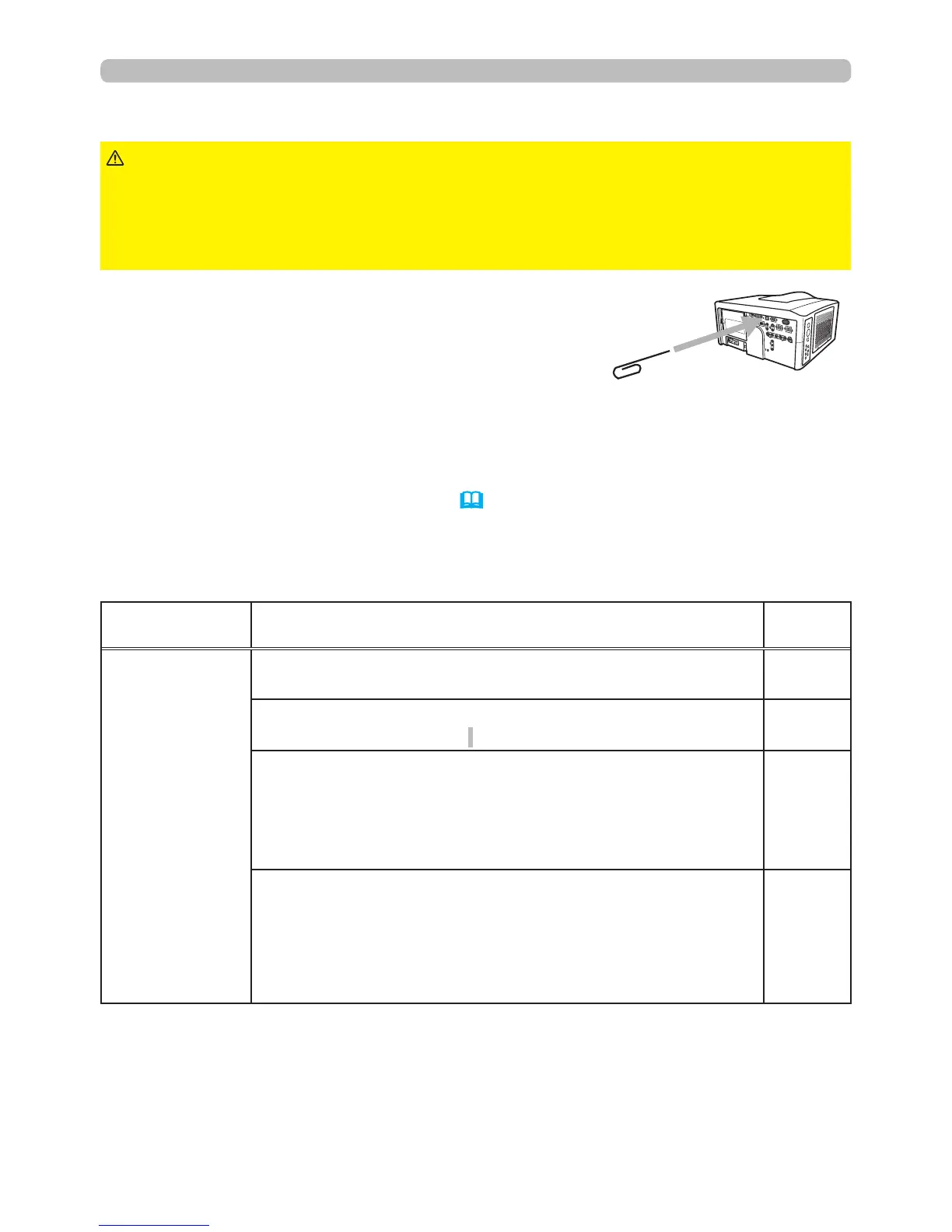
- The projector’s microprocessor may need to be reset.
Please push the Reset switch by using a pin or similar and the projector will turn
off immediately. Before turning it on again, wait at least 10 minutes to make sure
the projector cools down enough.
- Some settings may be wrong. Please use the FACTORY RESET function of the
SERVICE item in the OPTION menu (55) to reset all settings to factory default.
Then, if the problem is not removed after the remedy, please contact your dealer
or service company.



 To Next Page