75
Troubleshooting
(Continued on next page)
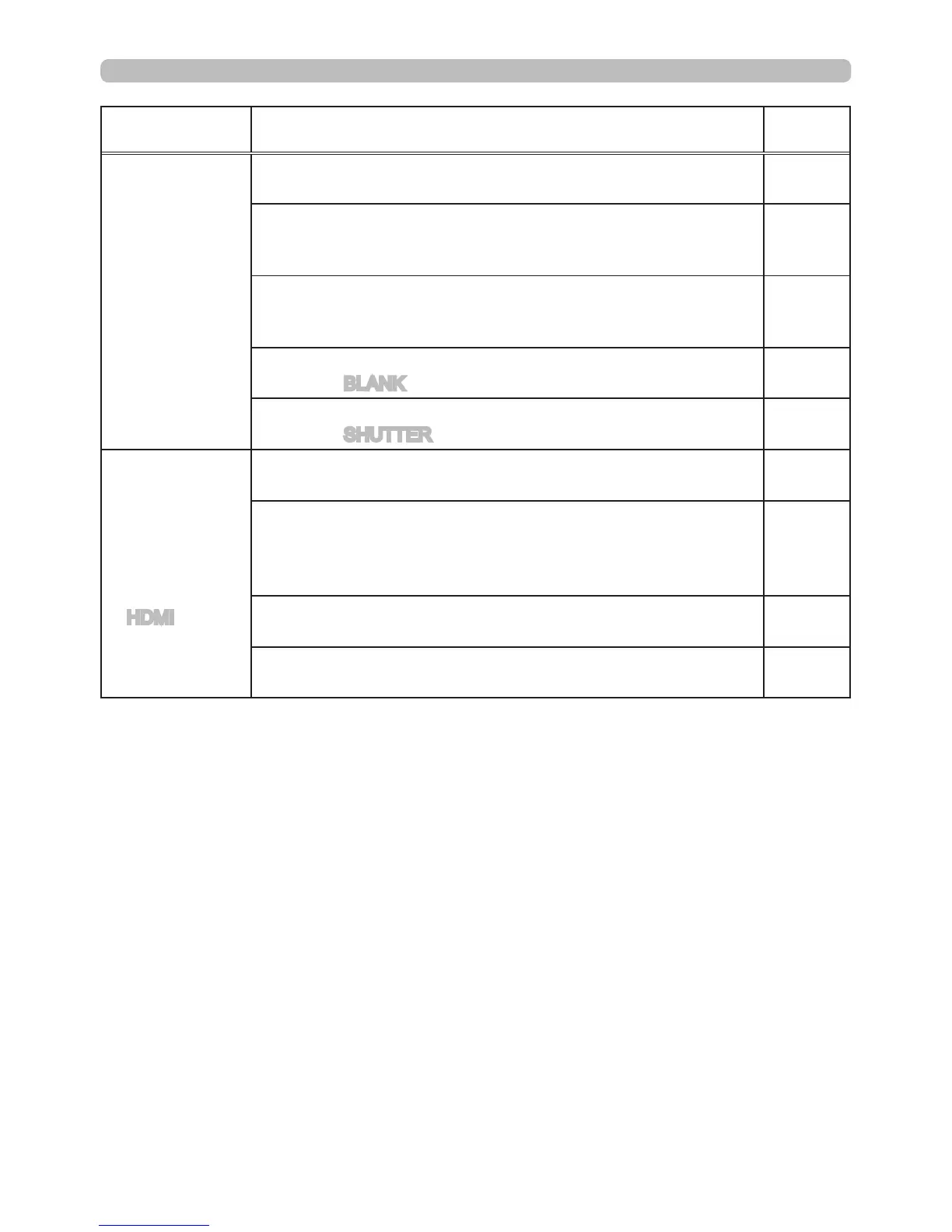
Symptom Situations not related to machine defects
Reference
page
No picture is
displayed.
The signal cables are not correctly connected.
Correctly connect the connection cables.
11
The brightness is adjusted to an extremely low level.
Adjust BRIGHTNESS to a higher level using the menu
feature or the remote control.
31
The computer cannot detect the projector as a plug and play monitor.
Make sure that the computer can detect a plug and play
monitor using another plug and play monitor.
14
The BLANK screen is displayed.
Press the BLANK button on the remote control.
26
The shutter is closed.
Press the SHUTTER button.
26
No images
or disturbed
images are
displayed on
HDMI input.
The HDMI cable is not correctly connected.
Correctly connect the HDMI cable.
11
Your HDMI equipment is not compatible with the projector
This projector can be connected with another equipment
that has HDMI or DVI connector, but with some equipment
the projector may not work properly.
14
Your HDMI equipment and the projector are not harmonized.
Turn off the equipment, and turn them on again
–
The signal format on the HDMI is not supported.
Check the video setting on your HDMI equipment.
14



 To Next Page