8
Setting up
Setting up
Read this chapter through rst before installing the projector.
►Do not place the product on an unstable surface surface such
as an uneven, tilted, or vibrating location.
►Do not place the product near water - for example, near a bathtub, washbowl,
kitchen sink, or laundry tub; in a wet basement, near a swimming pool, beach; or
outdoors.
WARNING
►Do not place the product in a dusty, smoky, or humid place -
for example, in a passageway, in a smoking space, in a kitchen, or outdoors.
►Do not place the product near heat sources - for example, radiators, heat
registers, stoves, or other products (including ampliers) that produce heat.
►Do not place this product in a magnetic eld.
CAUTION
Installation environment
This product must be installed in a stable, cool and airy location. Check your
installation environment in accordance with the following.
►Do not place the product in a place where radio interference may
be caused.
► Do not place the projector in a place where any strong light can hit the remote
sensors.
NOTICE
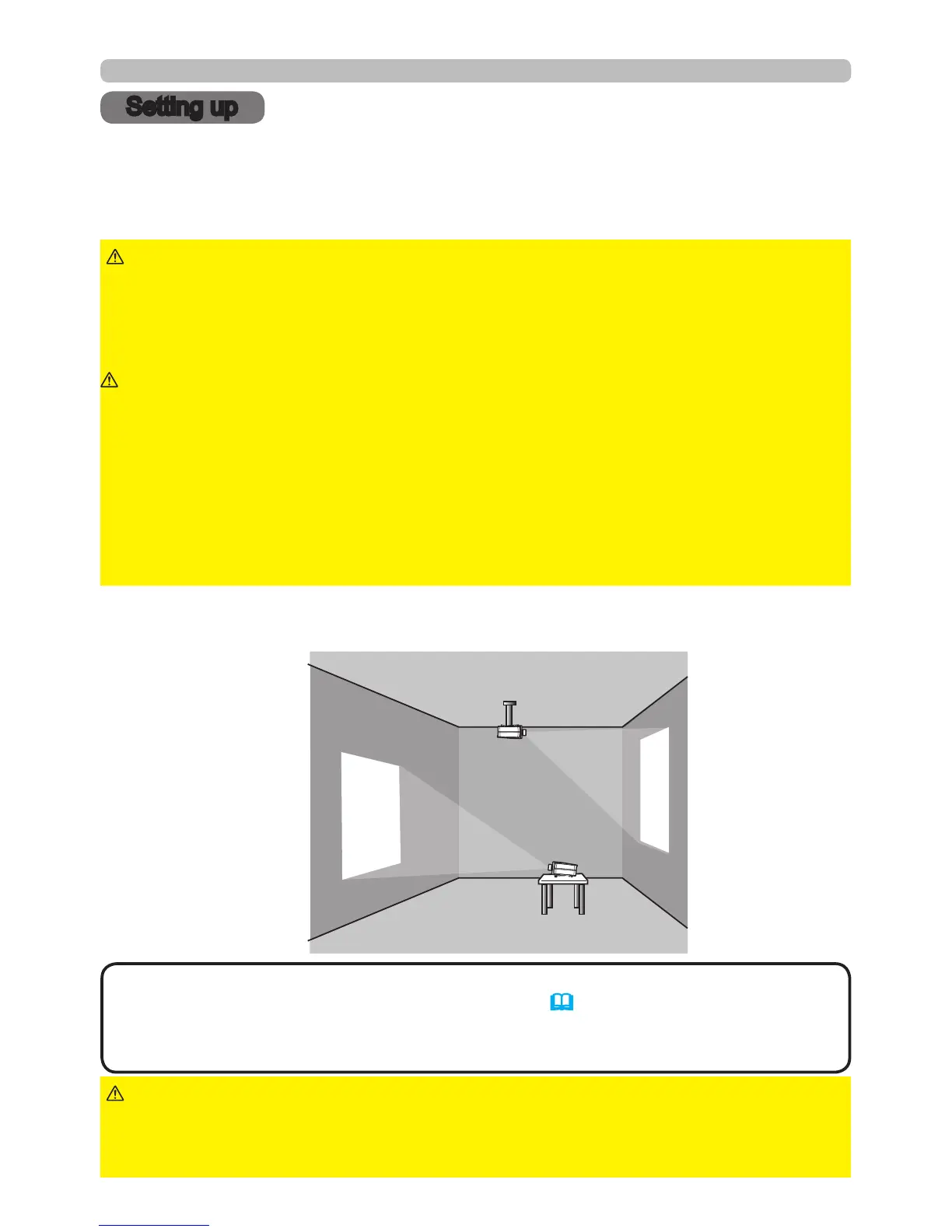
Projection style
This projector can be used in the following projection styles. Choose the style
suitable to your use.
(1) Standard style
(placed on a table)
(2) Ceiling mount
(suspended from a ceiling)
• When mounting the projector in a ceiling mount or upward/downward
projection style, specic mounting accessories (77) and service are required
to install the projector. Contact your dealer for more information. If a different
projection style is needed, contact your dealer.
NOTE
►Consult your dealer about installation beforehand.
►Only use manufacturer approved mounting accessories, and use authorized
service personnel to install your projector and mounting accessories
WARNING



 To Next Page