73
Troubleshooting
• When the interior portion has overheated, for safety purposes, the
power source is automatically turned off, and the indicator lights may also turn
off. In this case, press the “O” (off) side of the power switch, and wait at least
45 minutes. After the projector has sufciently cooled down, please conrm the
lamp and lamp cover are properly attached and then turn the power on again.
NOTE
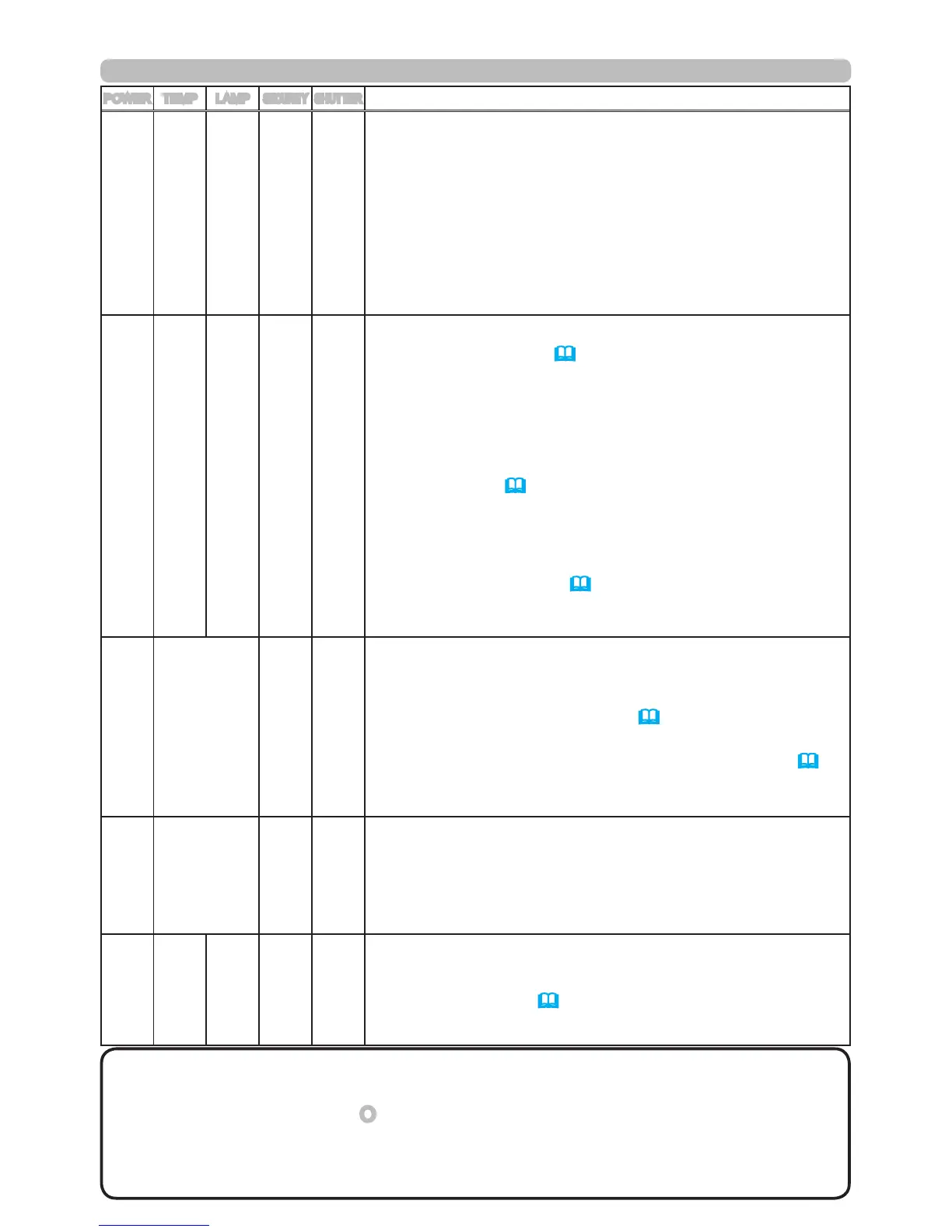
POWER TEMP LAMP
SECURITY
SHUTTER
Description
Blinking
In
Red
or
Lighting
In
Red
Blinking
In
Red
Turned
off
Turned
off
Turned
off
The cooling fan is not operating.
Please turn the power off, and allow the projector to
cool down at least 20 minutes. After the projector has
sufciently cooled down, please conrm that no foreign
matter has become caught in the fan, etc., and then turn
the power on again.
If the indicators are still showing the same pattern
afterwards, please contact your dealer or service
company.
Blinking
In
Red
or
Lighting
In
Red
Lighting
In
Red
Turned
off
Turned
off
Turned
off
The internal temperature is rising too much.
Turn the projector off (
20
) soon, and allow it to cool
down for 20 minutes or more. After cooling, perform the
following check.
- Are there any obstacles to ventilation around the
projector?
- Does the temperature around the projector exceed the
limit specied? (
77
)
When this message is displayed without the obstacles
mentioned above, replacement of the lter unit is
required. Replace the lter unit soon according to the
procedure directed in the paragraph "Filter unit" in the
chapter "Maintenance" (
69
). Remember resetting the
FILTER TIME is needed soon after replacement of the
lter unit.
Lighting
In
Green
Simultaneous
blinking
Red
Turned
off
Turned
off
Replacement of the lter unit is required.
The value of the timer of the FILTER TIME reached the
preset value of the FILTER MESSAGE on the SERVICE
menu under the OPTION menu (
50
). Replace the
lter unit soon according to the procedure directed in the
paragraph "Filter unit" in the chapter "Maintenance" (
69
).
Remember resetting the FILTER TIME is needed soon
after replacement of the lter unit.
Lighting
In
Green
Alternative
blinking
Red
Turned
off
Turned
off
The projector interior may have become
overcooled.
Please use the projector between 5°C and 35°C. After
the temperature has been adjusted, reset the power to
on.
Blinking
in
Green
for
approx.
3
seconds
Turned
off
Turned
off
Turned
off
Turned
off
At least 1 “Power ON” schedule is saved to the
projector.
(Please refer to the
User’s Manual - Network Guide:
Schedule Settings for more information.)



 To Next Page