33
PICTURE menu
Item Description
ACTIVE IRIS
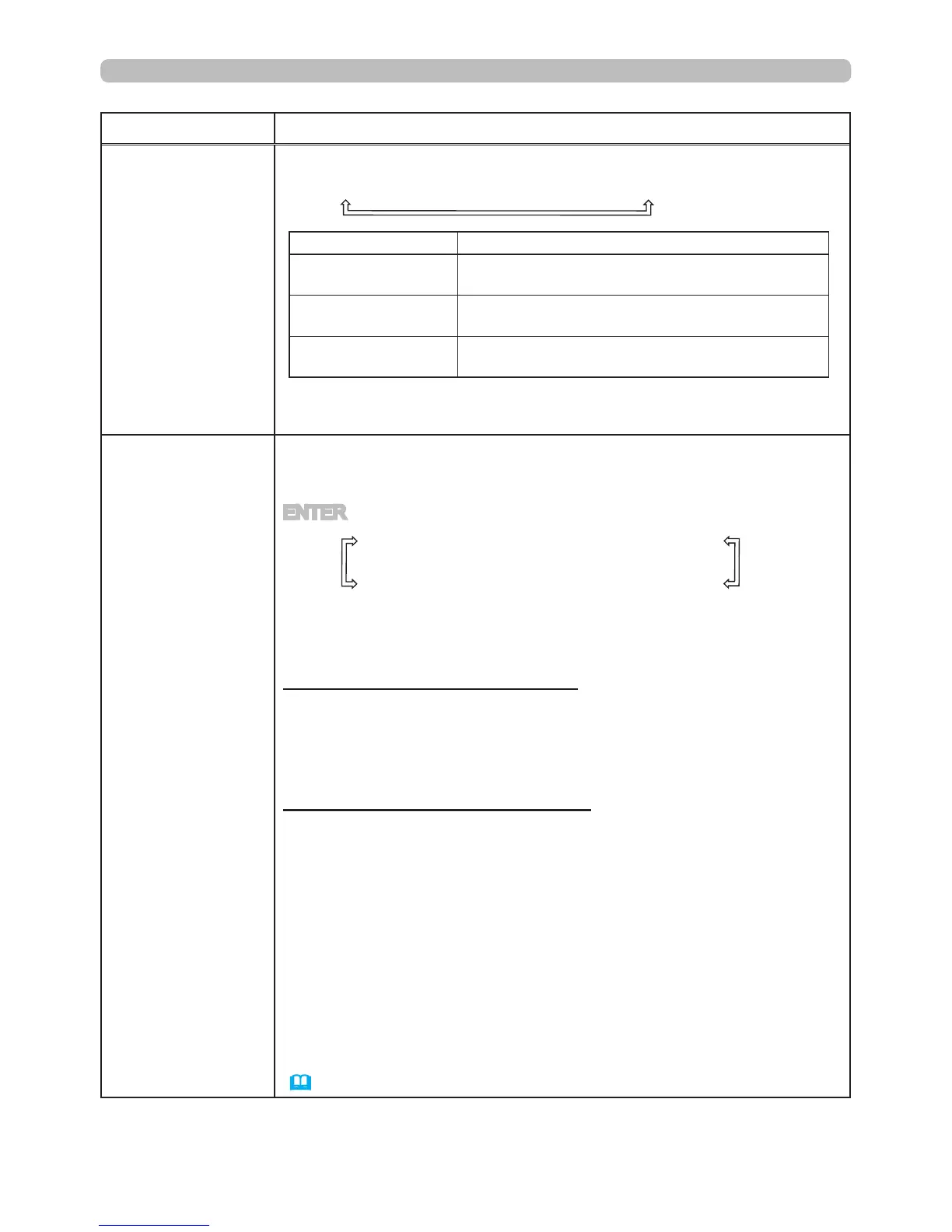
Using the ▲/▼ cursor buttons changes the active iris control mode.
PRESENTATION
ó
THEATER
ó
MANUAL
Feature
PRESENTATION
Displays the best presentation image for both
bright and dark applications.
THEATER
Displays the best theater image for both bright
and dark applications.
MANUAL
The active iris can be set to a xed brightness
(0:dark - 7:bright)
• The screen may icker when the PRESENTATION or THEATER
modes are selected. If this occurs select MANUAL.
MY MEMORY
This projector has 4 memories for adjustment data (for all the items
of the PICTURE menu).
Selecting a function using the ▲/▼ buttons and pressing the ► or
ENTER button performs each function.
SAVE-1
ó
SAVE-2
ó
SAVE-3
ó
SAVE-4
LOAD-4
ó
LOAD-3
ó
LOAD-2
ó
LOAD-1
• This item can be selected for a video, S-video, component, HDMI
and DVI-D signal when VIDEO is selected on the DIGITAL FORMAT
item.
SAVE-1, SAVE-2, SAVE-3, SAVE-4
Performing a SAVE function saves the current adjustment data into
the memory linked in the number included in the function’s name.
• Remember that the current data being stored of a memory will be
lost by saving new data into the memory.
LOAD-1, LOAD-2, LOAD-3, LOAD-4
Performing a LOAD function loads the data from the memory linked
in the number included in the function’s name, and adjusts the
picture automatically depending on the data.
• The LOAD functions whose linked memory has no data are
skipped.
• Remember that the current adjusted condition will be lost by
loading data. If you want to keep the current adjustment, please
save it before performing a LOAD function.
• There may be some noise and the screen may icker for a
moment when loading data. This is not malfunction.
• The LOAD functions can be also performed by the MY MEMORY
button which can be set by the MY BUTTON item in OPTION menu
(
49
).



 To Next Page