43
SCREEN menu
Item Description
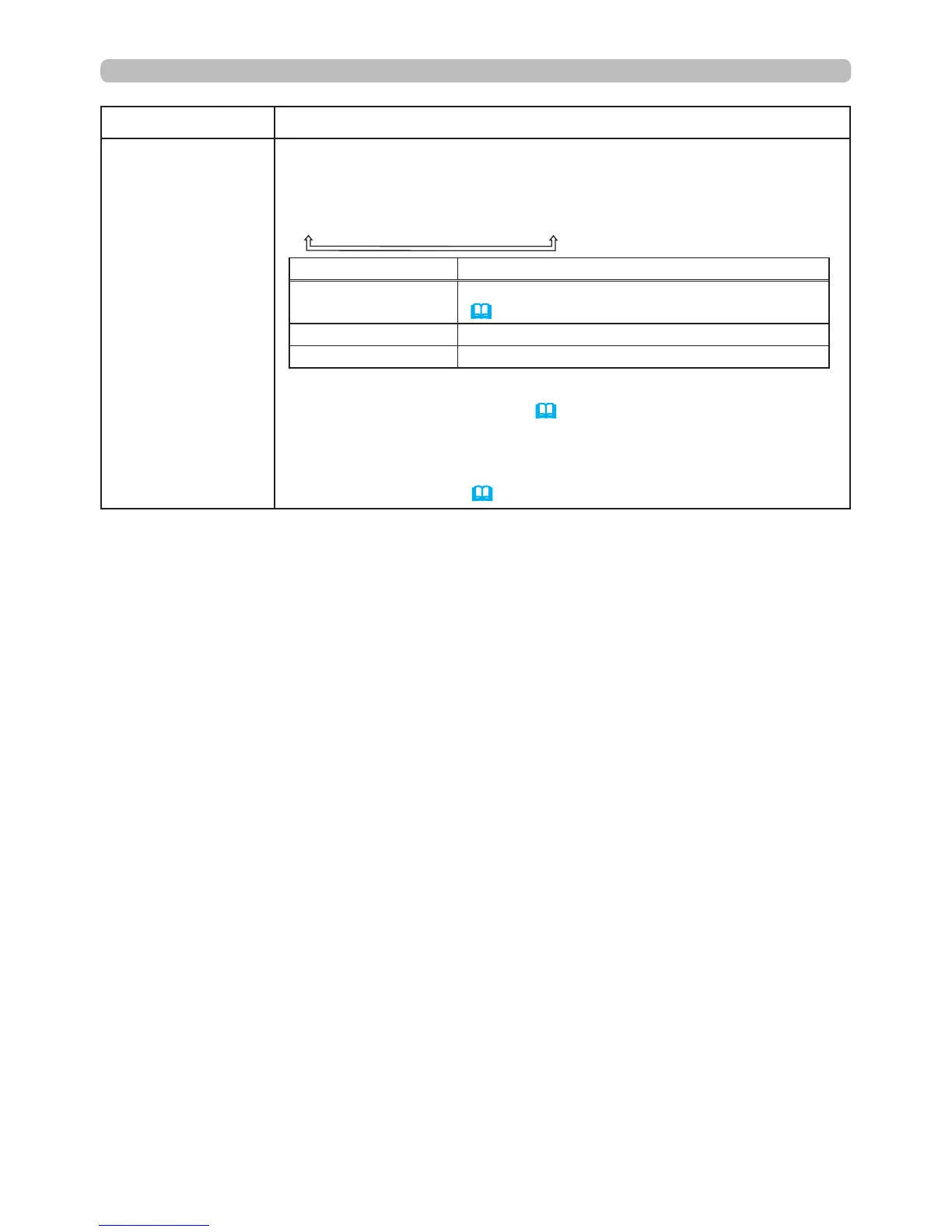
START UP
Using the ▲/▼ buttons switches the mode for the start-up screen.
The start-up screen is a screen displayed when no signal or an
incorrect signal is detected.
MyScreen
ó
ORIGINAL
ó
OFF
Feature
MyScreen
Screen can be registered by the MyScreen item
(
44)
.
ORIGINAL Screen preset as the standard screen.
OFF Plain black screen.
• To avoid screen burn-in, the MyScreen or ORIGINAL screen will
change to the BLANK screen (
26
) after several minutes. If the
BLANK screen is the MyScreen or ORIGINAL, a solid black screen
will display instead.
• When the ON is selected to the MyScreen PASSWORD item in
the SECURITY menu (
62
), the START UP is set to MyScreen.
(continued on next page)



 To Next Page