58
NETWORK menu
Item Description
PROJECTOR
NAME
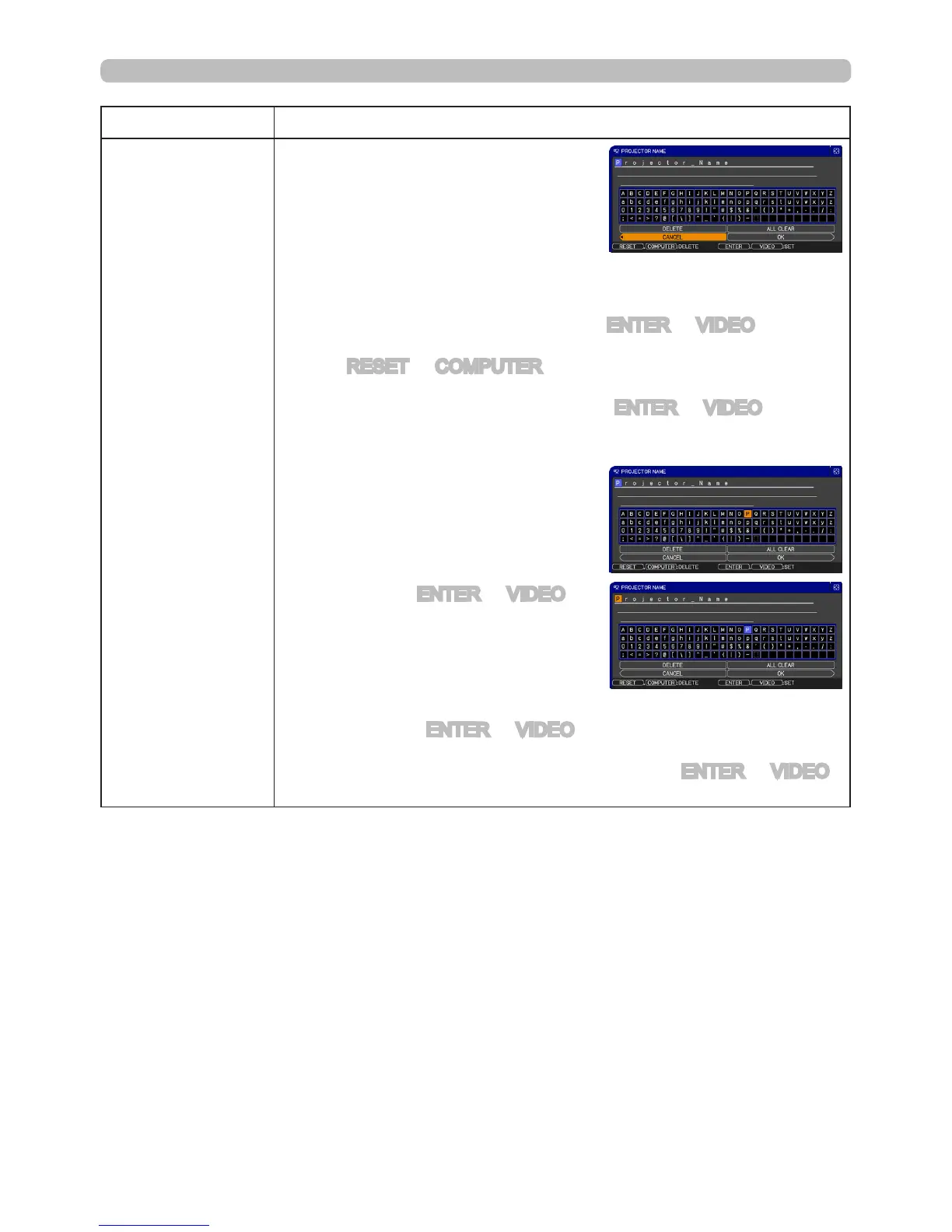
(1) Use the▲/▼ buttons on the
NETWORK menu to select the
PROJECTOR NAME menu
and press the ► button. The
PROJECTOR NAME dialog will
be displayed.
(2) The current PROJECTOR NAME will be displayed on the rst 3
lines. If not yet written, the lines will be blank.
Use the ▲/▼/◄/► buttons and the ENTER or VIDEO button to
select and enter characters.
The RESET or COMPUTER button can be used to erase 1
character at a time. Also if you move the cursor to DELETE or
ALL CLEAR on screen and push the ENTER or VIDEO button,
1 character or all characters will be erased.The PROJECTOR
NAME can be input up to 64 characters.
(3) To change an already inserted
character, press the ▲/▼ button
to move the cursor to one of the
rst 3 lines, and use the ◄/►
buttons to move the cursor on the
character to be changed. After
pressing the ENTER or VIDEO
button, the character is selected.
Then, follow the same procedure
as described at the item (2) above.
(4) To nish entering text, move the cursor to the OK on screen and
press the ►, ENTER or VIDEO button. To revert to the previous
PROJECTOR NAME without saving changes, move the cursor
to the CANCEL on screen and press the ◄, ENTER or VIDEO
button.
(continued on next page)



 To Next Page