NV11 Manual Set – Section 4 36
Copyright © Innovative Technology Ltd 2012 GA963-2
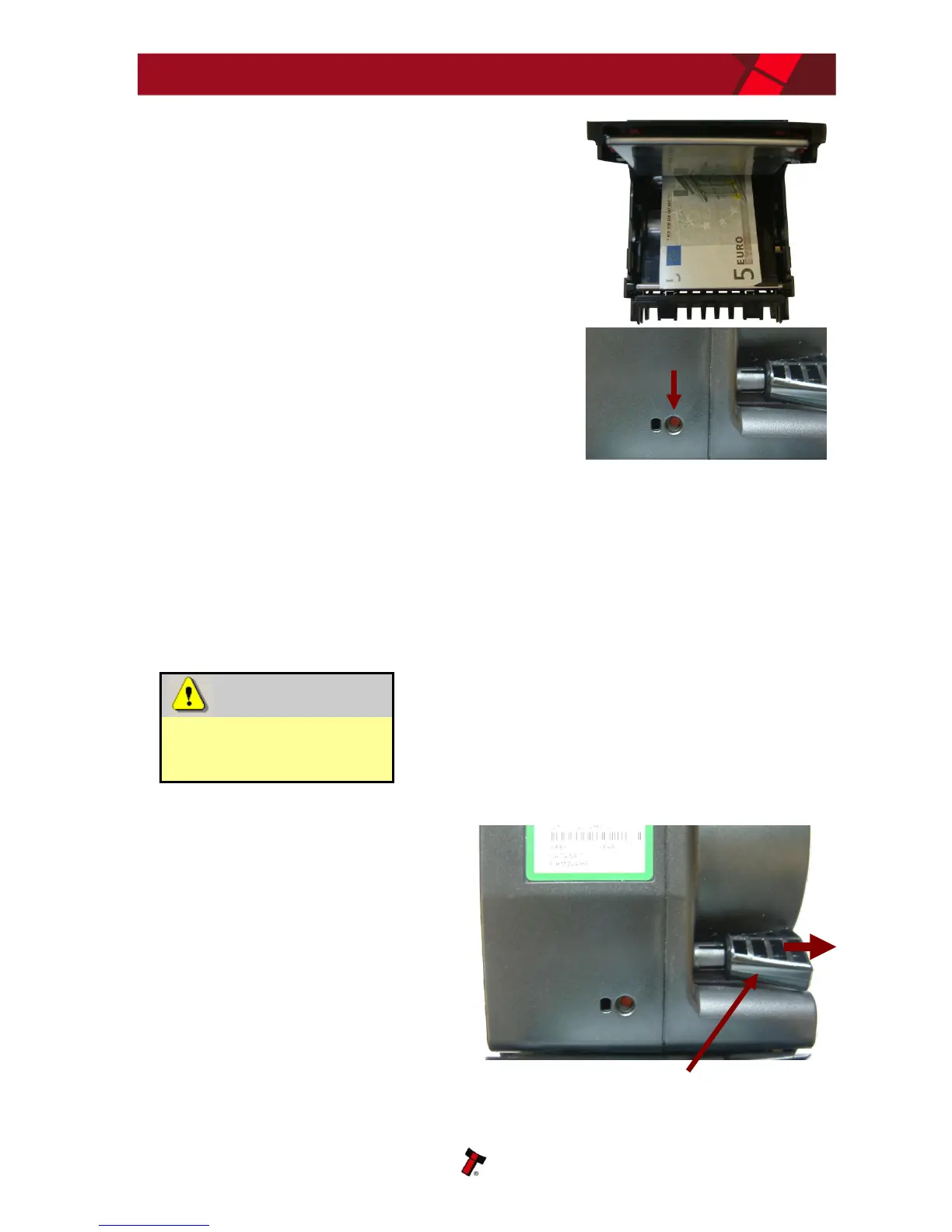
3. Carefully remove the bank note, then close the
cover firmly and refit the module onto the validator
head
Press the Configuration Button once after powering
up the NV11 to decrease the note count by 1
Manual Emptying:
In the unlikely event that you need to remove all the bank notes from the Note Float
module, this can be done following the steps below (after removing the Note Float
module from the validator head as detailed previously). There is a special cross point
tool (ITL part number PM979) used to manually operate the module’s transport
mechanism – please do not use any other tool as you may damage the mechanism.
Risk of serious damage
to Note Float module
internal mechanism
If you need to follow this procedure, only use the
PM979 cross point tool and take great care not to
over wind the mechanism or force past the dead
stops – if you do the module will be damaged
beyond repair.
1. Remove the PM979 cross point tool
from the stowage location on the side
of the Note Float module by pulling
the tool away from the module















 To Next Page