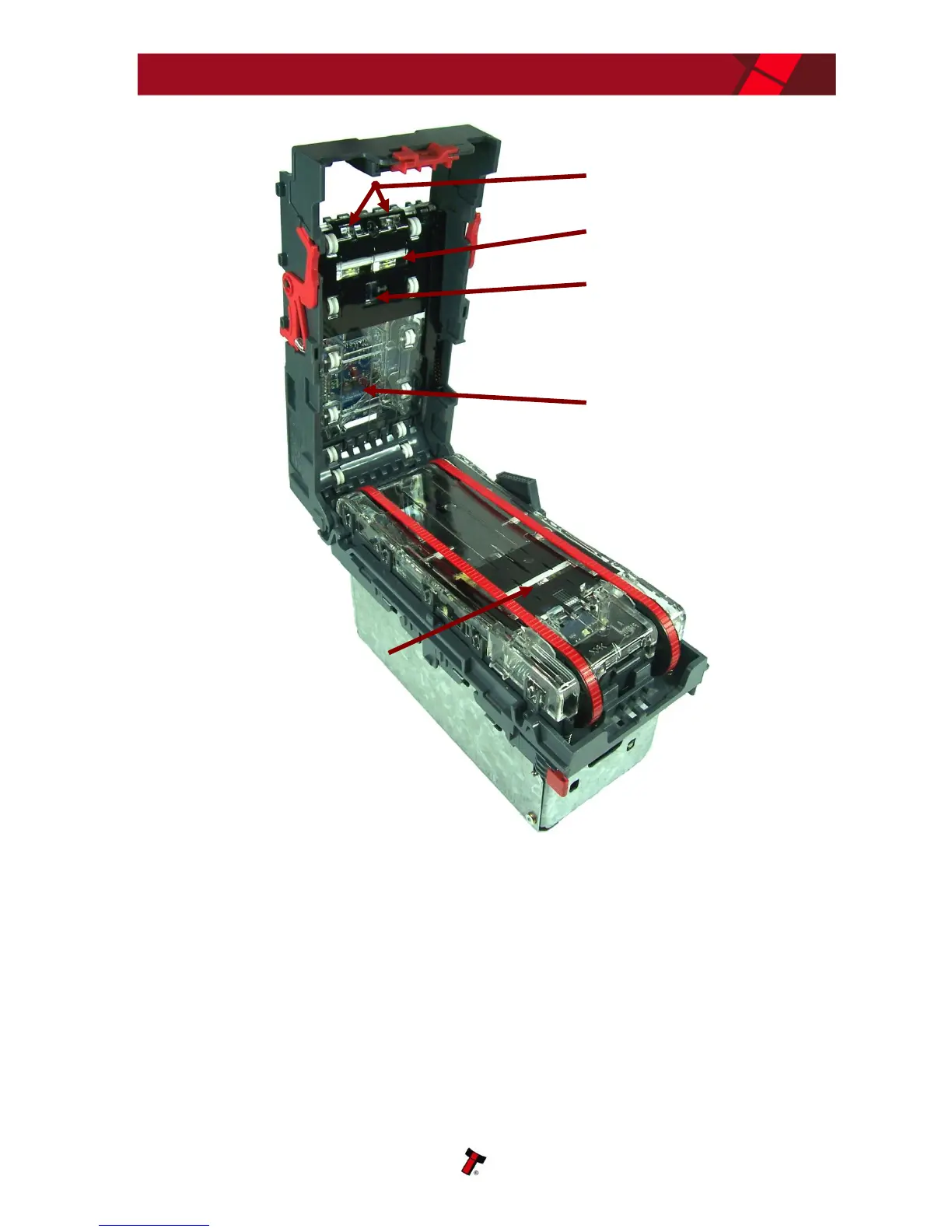
Examine the note paths, lozenge and note stacker for any dirt or debris, and carefully
clear and wipe the surfaces of the note paths and lozenge with a soft lint free cloth
that has been dampened with a water and mild detergent solution (i.e. household
washing up liquid.) - be very careful when cleaning around the sensor lenses and
make sure they are clean and dry before closing the cover and restarting the unit. Do
not try to polish the sensor lenses – if a lens is badly scratched, contact ITL technical
support for advice.
Also check that the note stacker and cash box spring plate are not jammed.















 To Next Page