NV11 Manual Set – Section 3 28
Copyright © Innovative Technology Ltd 2012 GA963-2
Run State
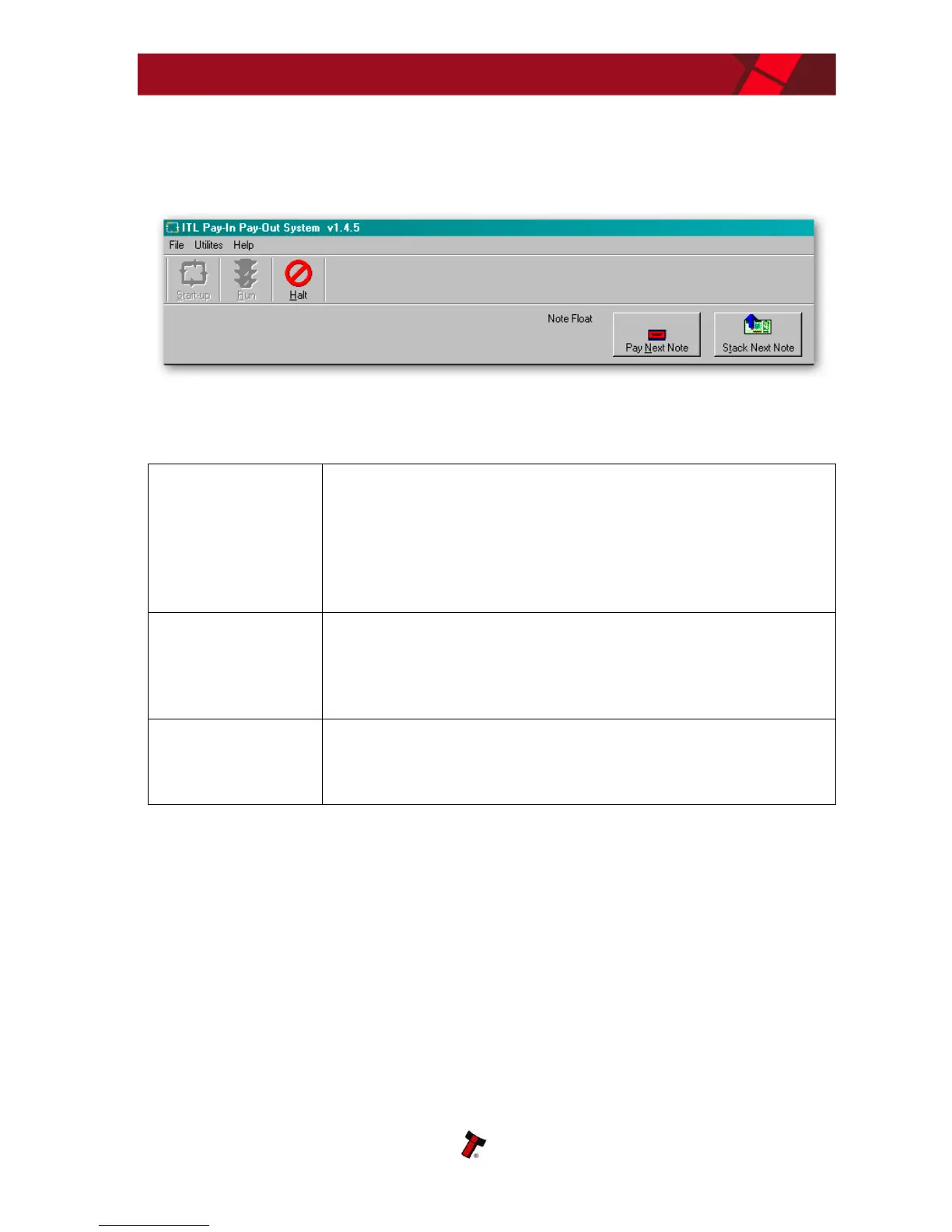
If the system is in ‘Run’ state, the user will have clicked on the ‘Run’ button and the
menu bar will look like this:
Run State Options
To set the pay in route for inserted bank notes to either
Cashbox or Note Float module, select the desired domination(s)
and click the required route. The system will send the
commands to the device and store these preferences so that
they will be set again on the next start-up.
This command will empty all the stored notes in the connected
Note Float module into the device cashbox. After emptying the
notes, counters on the device will be reset to zero.
This command will reset the connected payout device. After
reset, the system will re-initialise the device for use.















 To Next Page