NV11 Manual Set – Section 3 35
Copyright © Innovative Technology Ltd 2012 GA963-2
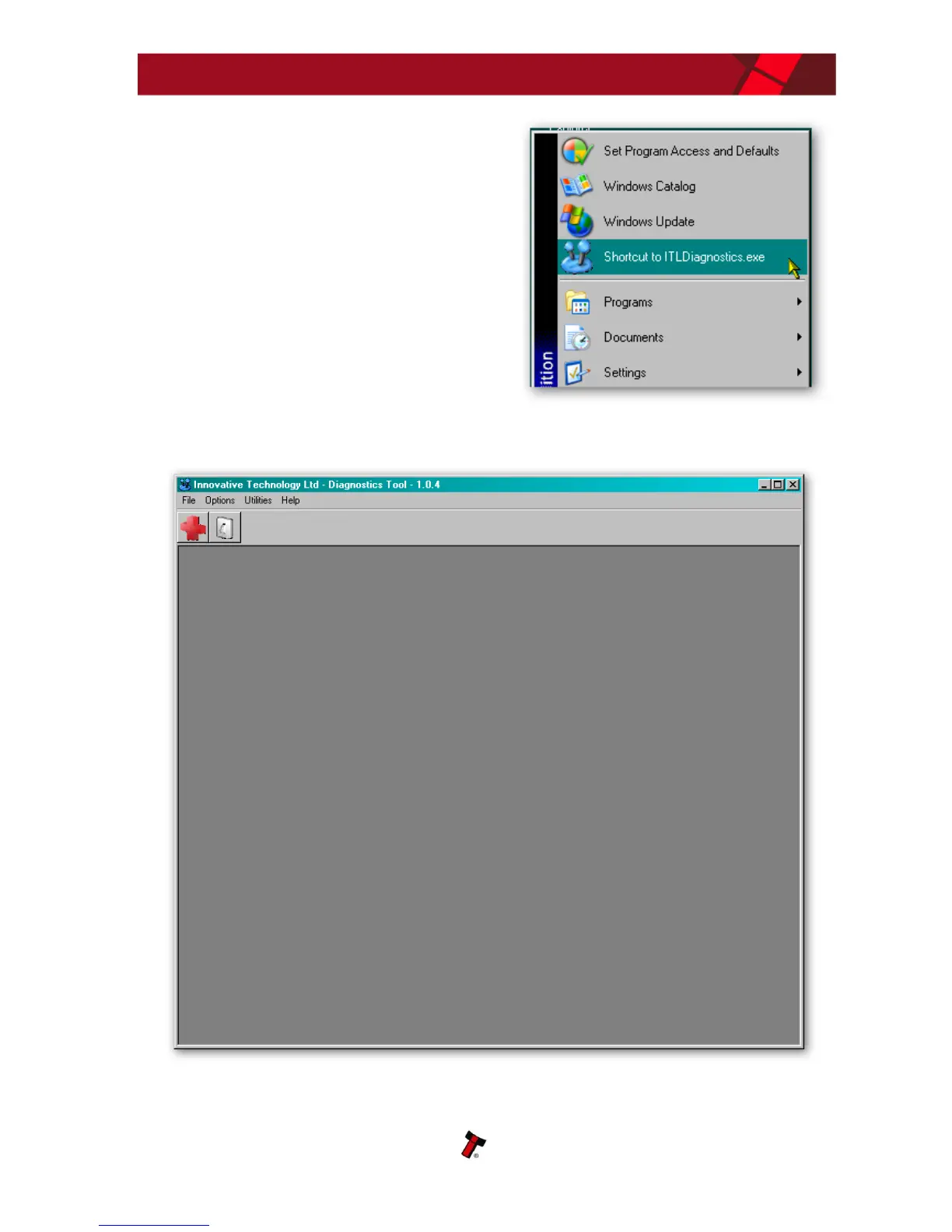
After installing the software, you can run the
diagnostics software by selecting the
‘Shortcut to ITL Diagnostics.exe’ item near
the top of the Windows Start menu. Make
sure that the NV11 Validator is powered up
and the USB cable is connected before
starting the program.
The main screen of the diagnostics tools software looks like this:
When running the software for the first time, you need to set a few options. These
are accessed from the ‘Options’ menu:















 To Next Page