D-0126440-A – 2020/08
VisualEyes™ 515/525 Instructions for Use - US Page 7
3.3.2 Installation of DAQ hardware driver for Nydiag 200 rotary chair
Ensure that the CAN motor control cable from the Nydiag 200 chair is connected to the computer’s USB port.
Open Windows® Explorer. Navigate to the following location:
C:\Program Files (x86)\Interacoustics\Micromedical VisualEyes™\Driverfiles and run the program
kvaser_drivers_setup.exe.
When asked which components should be installed, choose the default selections for installing the Drivers
(32/64-bit x86), Start Menu Shortcuts, and GUI tools.
When asked for the destination folder for installing the drivers, choose the default location of C:\Program
Files\Kvaser\Drivers.
During installation, Windows Security may request permission to install the device software from Kvaser AB.
Check the box to always trust software from ‘Kvaser AB’, then choose Install.
3.4 Hardware components
The VisualEyes™ system is composed of several hardware components to build the complete equipment setup.
Its software is designed to be compatible with both Interacoustics A/S and Micromedical Technologies Inc.
equipment.
3.4.1 Laptop/desktop PC
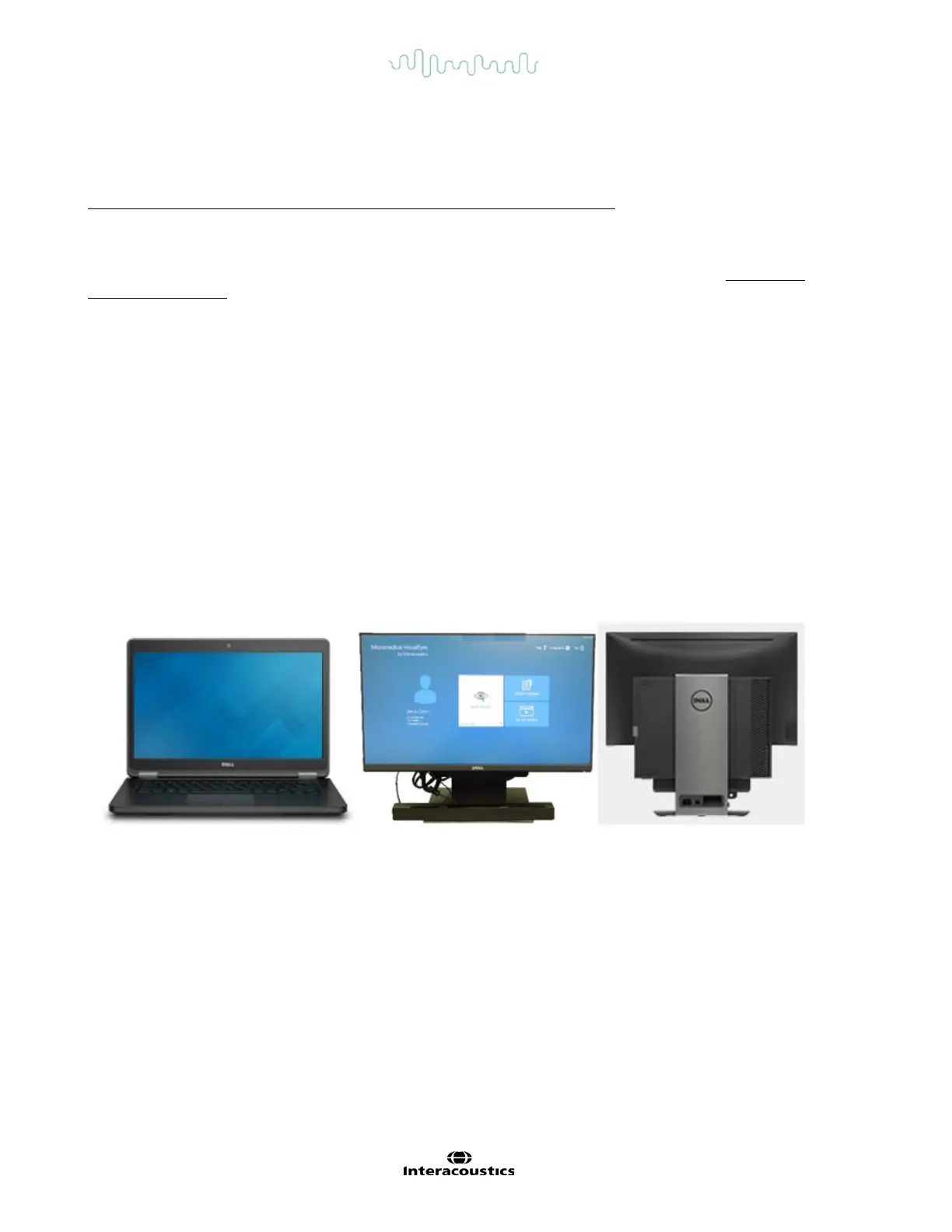
The customer can choose between a laptop or desktop PC from Interacoustics, which comes with pre-installed
software (Figure 3.4-1). Laptop systems are configured with an externally powered USB hub to connect
additional devices. Desktop PCs may be configured with a combination monitor stand to reduce desk space. The
software also supports any other system of customer choice if the system is compliant with all pre-requirements
to install the software.
Figure 3.4-1 Laptop/Desktop PC
3.4.2 Television/projector display/Digital Light Bar
The VisualEyes™ system can be configured with either a TV or a Projector or a DLB (Figure 3.4-2). The TV may
be mounted on the wall or placed on a table with the TV feet. Windows Desktop can be extended across both
displays. Digital Light Bar can be set up with desired height level by adjusting the tripod. Whenever the
TV/projector/DLB is changed, the operator should calibrate the stimulus before taking the system for routine use.
This helps the software to calculate the new hardware delay based on the patient’s gain delay and
accommodates for televisions and projectors. Refer to Section 8.2.4 of ‘Additional information’ for more detail
on calibration.














 To Next Page