D-0126440-A – 2020/08
VisualEyes™ 515/525 Instructions for Use - US Page 9
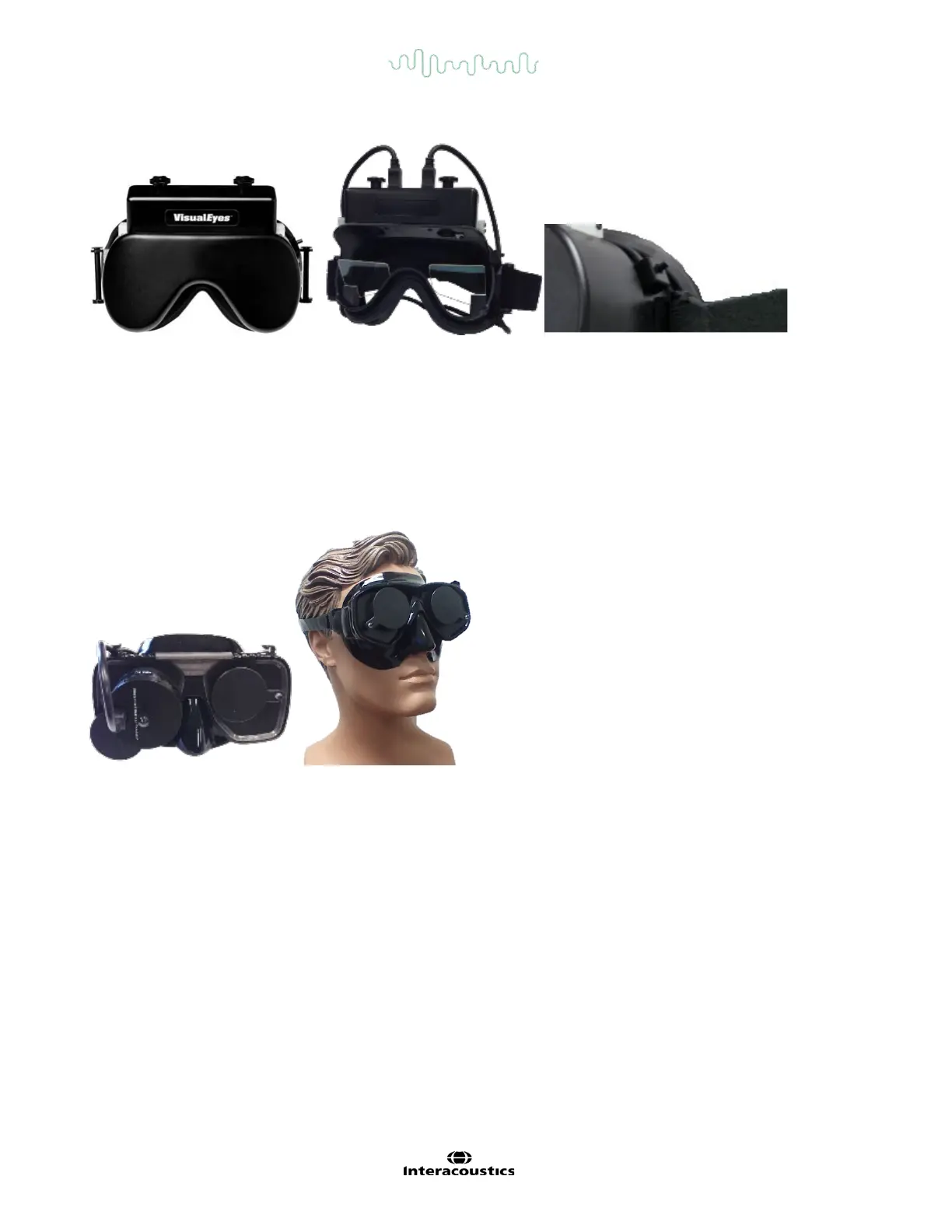
Figure 3.4-4 Top mounted camera goggles. Cover slips over front of goggles for vision-denied testing. The
switch on the left side of the goggles starts and stops the test.
3.4.5 Front mounted camera goggles
The front mounted camera goggles (Figure 3.4-5) use a single USB camera pressed into the camera portal on
the front of the goggle’s mask. The camera can be placed into either camera portal to record the desired eye.
The cable is secured in the cable clip above the portal. Each portal has a swivel cover plate to provide vision-
denied testing. The goggles have an adjustable head-strap that secures the goggles while still providing patient
comfort. The front mounted camera goggles are typically used for smaller and younger patients.
Figure 3.4-5 Front mounted camera goggles. Left picture shows the standard goggles, and the right picture
shows the small face goggles.
3.4.6 EyeSeeCam camera
The EyeSeeCam camera (Figure 3.4-6) acquires the eye position and head position data during video head
impulse tests (vHIT). Along with vHIT, VisualEyes™ can now use the EyeSeeCam goggle for standard VNG
tests where applicable. The camera can be mounted over either eye and a laser stimulus projects from the
goggles in the vHIT test if selected.














 To Next Page