D-0126440-A – 2020/08
VisualEyes™ 515/525 Instructions for Use - US Page 13
Please find the below example for better explanation:
Before calibration, one can command to select ‘Calibration’ option which is shown
in white background.
After calibration, one can command to select ‘START’ option which is shown in
white background.
This way, the operator can perform below listed actions.
• Goes forward in the software
• Launches calibration
• Following calibration, button will start the test
• If the test is running, it stops the test
• If in playback mode, the button will advance to the next test in the list
3. Left button:
• Aborts the test
4. Bottom button:
• Turns the fixation light on/off during a test
NOTICE The right and left buttons are not active during rotary chair tests for safety reasons.
The SVV remote’s buttons (refer to figure no: Figure 3.4-11 ) will rotate the SVV line by 0.1° counter-clockwise
(left button) or clockwise (right button). The buttons can be held down as well to rotate the SVV line
incrementally until the button is released.
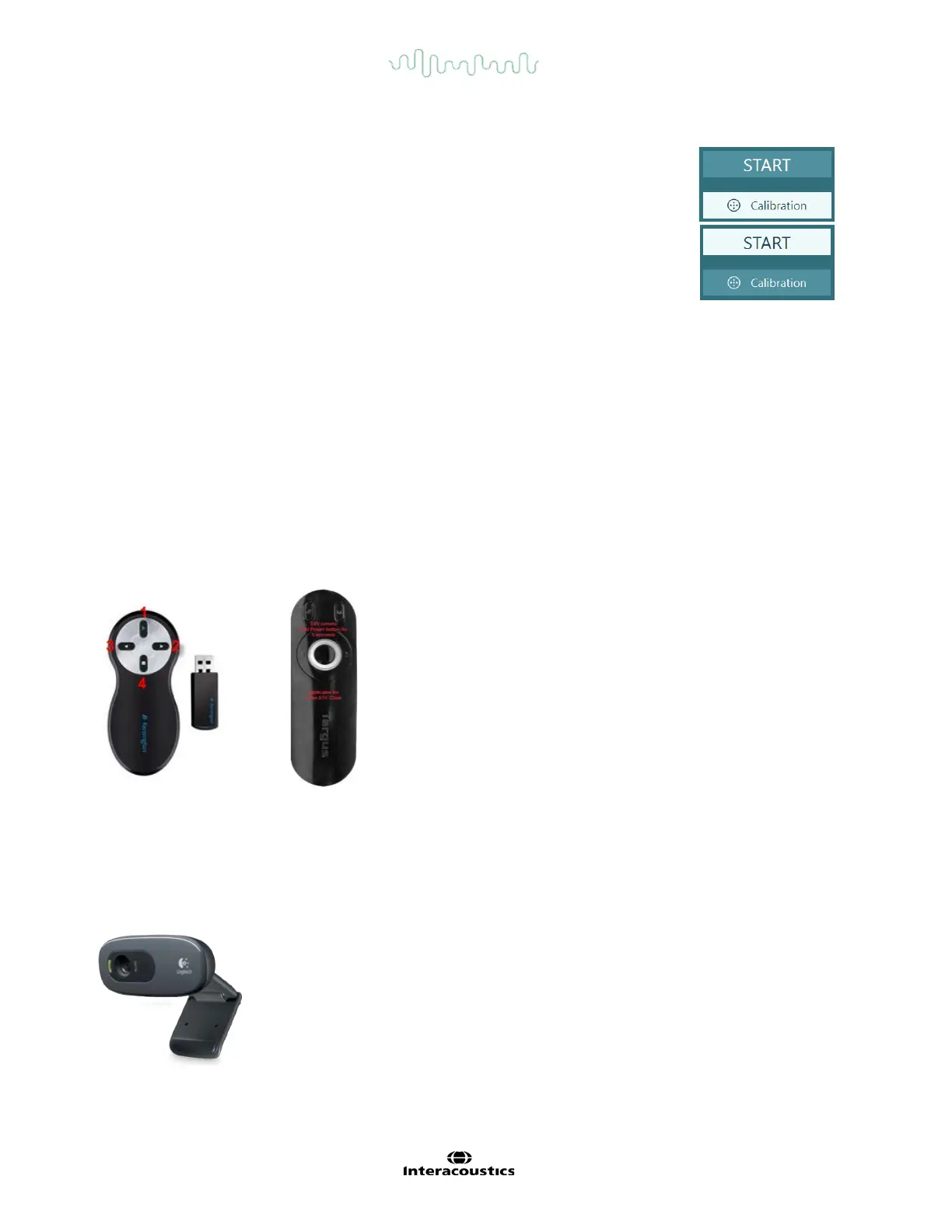
Figure 3.4-11 Standard RF remote (left) and SVV remote for AT/C chair (right)
3.4.12 External room camera and observation camera
The external room camera (Figure 3.4-12) may be an external device or integrated in the laptop. It serves to
record and save the external environment and patient testing process from the beginning.
Figure 3.4-12 External room camera














 To Next Page