D-0126440-A – 2020/08
VisualEyes™ 515/525 Instructions for Use - US Page 12
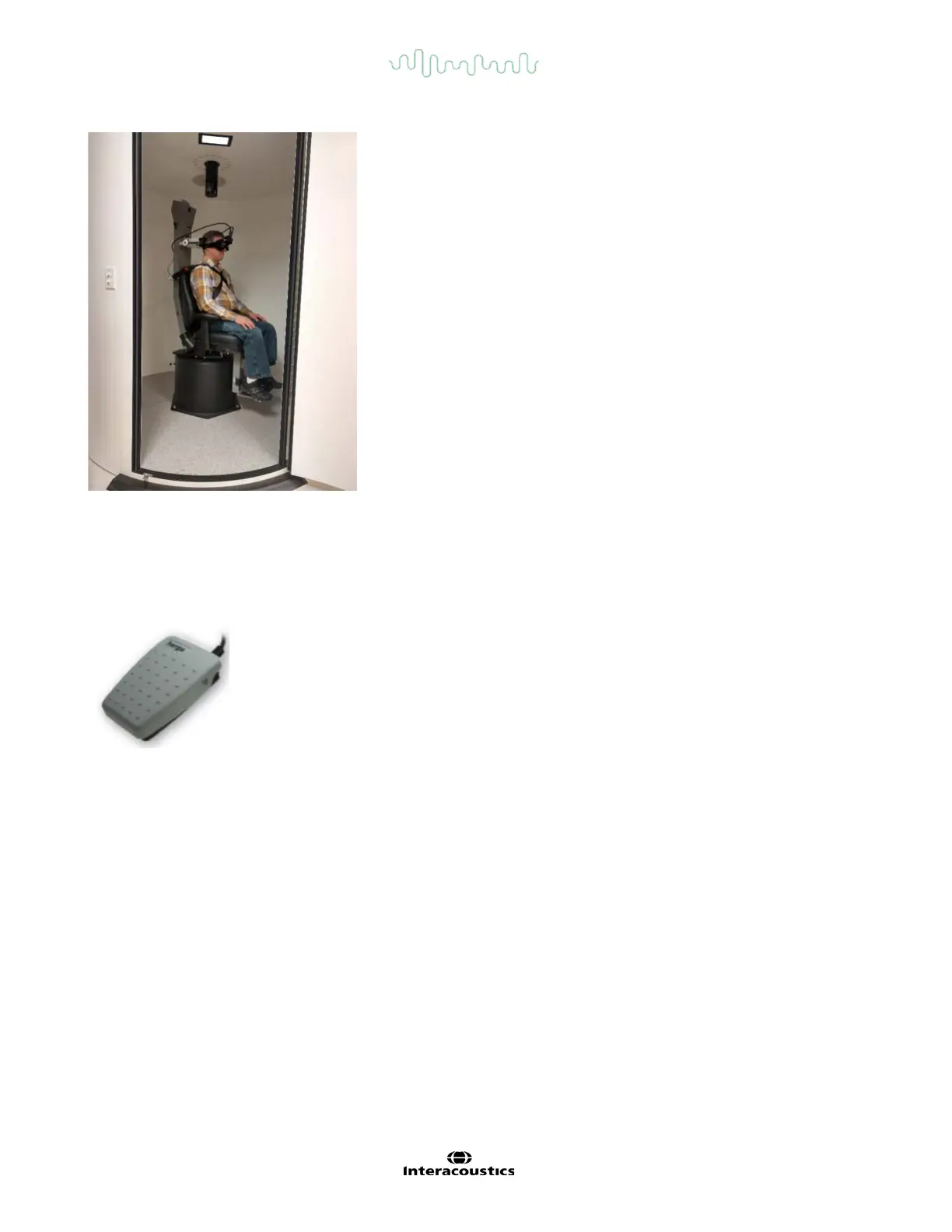
Figure 3.4-9 AT/C rotary chair and booth enclosure.
3.4.10 Foot pedal (optional)
The foot pedal (Figure 3.4-10) allows you to begin testing by pressing the foot switch so you have both hands
free to look after the patient (e.g. Dix-Hallpike) or to operate other devices (e.g. caloric irrigators). Connection
with the PC is via a USB port.
Figure 3.4-10 VisualEyes™ foot pedal.
3.4.11 VisualEyes™ remote control (optional)
The remote controlError! Reference source not found. provides a hand-held option for controlling and
performing tests within the VisualEyes™ VNG suite, allowing ease of use when looking after the patient (e.g.
positional tests) or centering the eyes. Connection to the PC is via a USB port.
The operator can get a standard remote control and can also use the SVV remote along with the Orion AT/C
chairs.
Standard remote serves four functions (refer to Figure 3.4-11):
1. Top button:
• Centers eyes (top mounted goggles)
• Centers traces (side mounted goggles)
2. Right button:
Typically, this can perform any command in VisualEyes which is selected (indicated with white background).














 To Next Page