57Intermec EasyCoder 501 – Service Manual Ed. 7
Chapter 8 Print Unit
8.7 Printhead, cont.
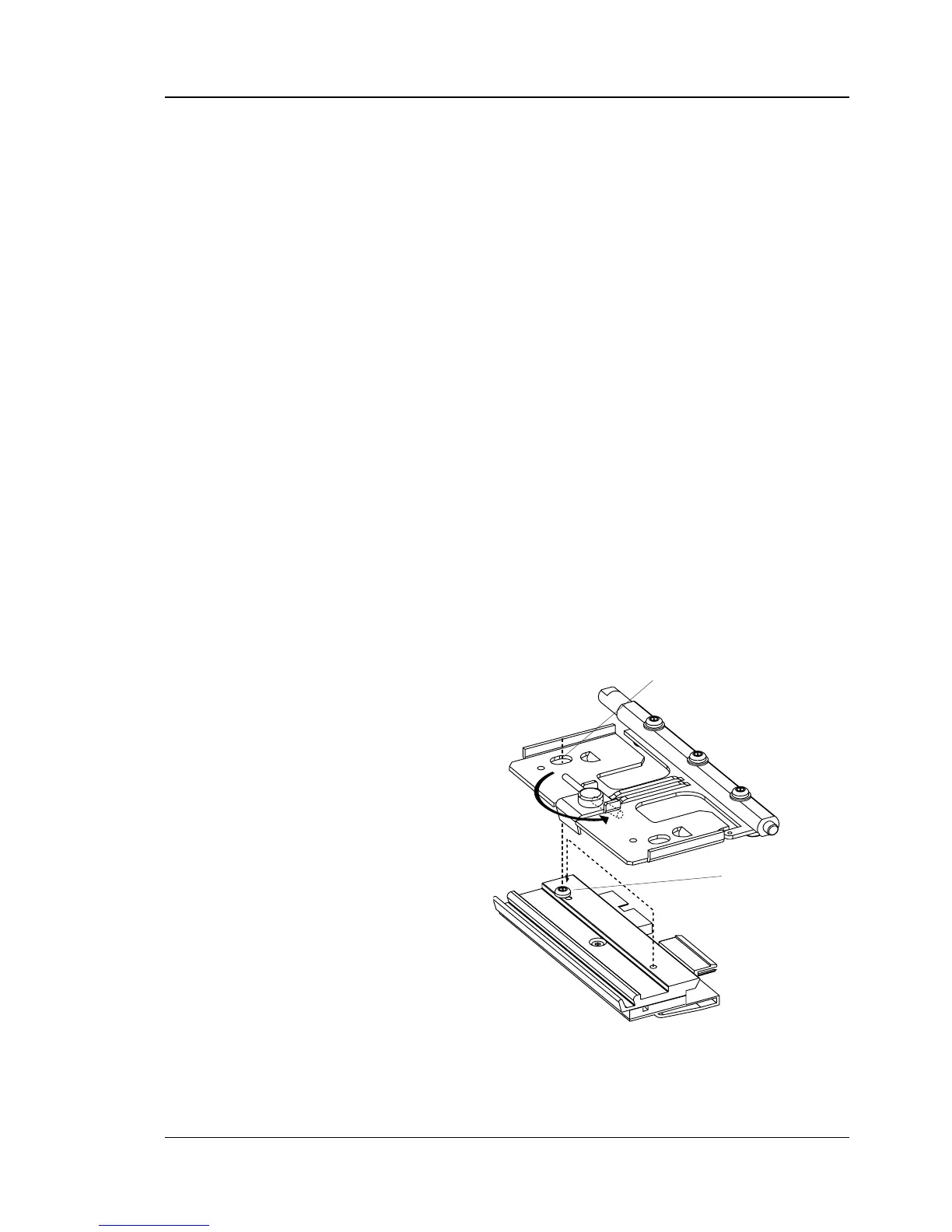
• If you want to change the lateral position of the printhead, move
the #T20 Torx guide screw to its alternative position as illus-
trated below.
The 8 dots/mm (203.2 dpi) printhead can be fi tted in either left-
hand or right-hand position, whereas the 11.81 dots/mm (300
dpi) printhead only should be fi tted in right-hand position (see
later in this chapter).
• Connect the two cables to the printhead.
• Fit the replacement printhead assembly back into the bracket,
making sure that the guide screw fi ts into its slot and that the
rear part of the adapter is held by the two lugs on the bracket.
You can switch between printheads with different densities at
will (except in EasyCoder 501 LinerLess that only uses an 8
dots/mm printhead).
• Turn the locking handle clockwise to locked position.
• Put back the transfer ribbon, if any. Check that the printhead
cables do not interfere with the ribbon.
• Lower the printhead.
• Switch on the power. At power-up, the printer will automati-
cally reset itself to the characteristics of the printhead in regard
of head resistance and density (see Chapter 17.8).
• Check the paper type setup.
• Close the front hatch and right-hand door and the printer is
ready for operation.
Printhead fi tted in left-hand position. Compare the position of the guide
screw with the illustration on the previous page.
Slot
Guide Screw
(l-h position)



 To Next Page