48 of 54
Version 2.4 (03/2020) Online
Translation of the original operating manual
Maintenance and cleaning
7 Maintenance and cleaning
WARNING
Risk of injury from following incorrect procedure.
¾ Maintenance and repair work must only be carried out by authorised and trained (specialist) personnel.
¾ Maintenance and repair work must only be carried out when the system has been disconnected from the
power supply. Switch o the power to the RollerDrive and ensure that it cannot be unintentionally switched
on again.
¾ Put up signs to indicate that maintenance or cleaning work is being carried out.
7.1 Maintenance
WARNING
Risk of injury due to uncontrolled movements!
Damage to the RollerDrive cable can lead to uncontrolled behaviour (start-up, wrong direction of rotation, ...)!
¾ Check RollerDrive cable / extension cable weekly for visible damage.
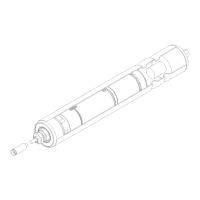
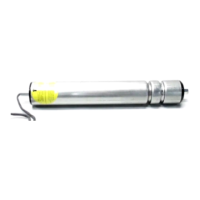
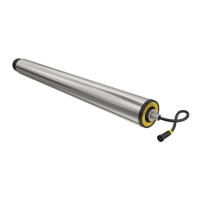
Checking the RollerDrive
If the RollerDrive is not secured according to the installation instructions (see „Installing the RollerDrive“ on page 41),
it may rotate in the side prole. This means that the RollerDrive cable may twist and become damaged.
¾ One month after the RollerDrive has been installed, check to ensure it is still rmly seated in the side prole and
tighten it with a torque spanner if necessary.
¾ Check the RollerDrive every month for any visible damage.
¾ Once a year, ensure that the shaft of the RollerDrive is still correctly secured in the side prole.
Replacing the RollerDrive
If a RollerDrive is damaged or defective, it must be replaced.
Do not attempt to open the RollerDrive.
¾ Install a new RollerDrive (see „Decommissioning“ on page 50 and „Installing the RollerDrive“ on page 41).


 To Next Page