EasyManua.ls Logo

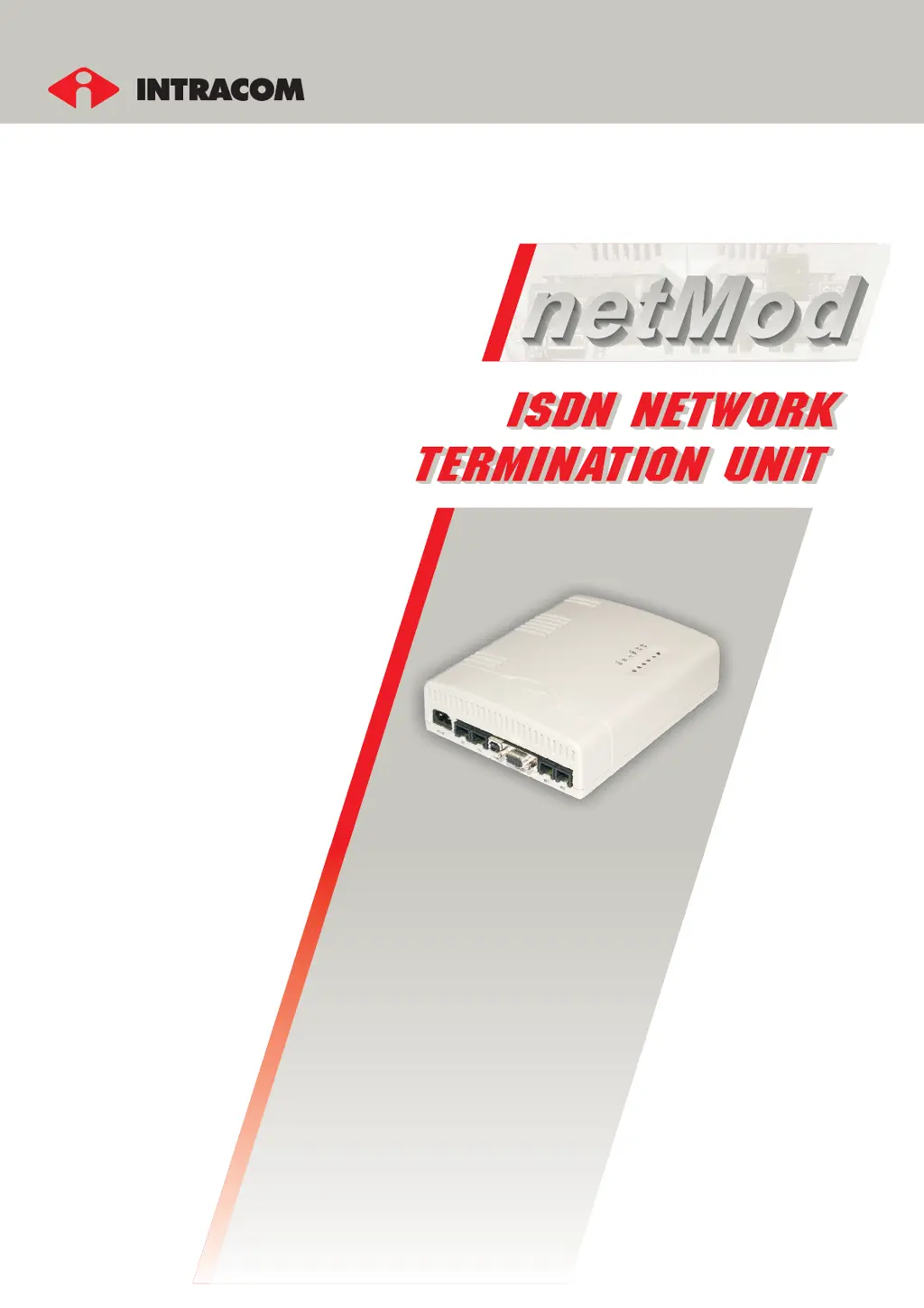
Intracom netMod - User Manual

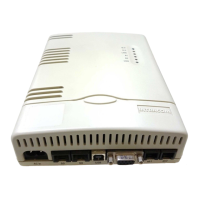
Intracom netMod
91 pages
Print Icon
To Next Page IconTo Next Page
Loading...
netMod
user's manual

Table of Contents

Questions and Answers

  • M
    Matthew PorterSep 12, 2025
    Why don't some supplementary services function on Intracom netMod's analogue ports?
    • B
      Beth SimmonsSep 12, 2025
      If some supplementary services don't function on the analogue ports of Intracom Network Hardware, these services haven't been activated on the ISDN line (ISDN connection). Check if the local ISDN exchange supports the functional or the keypad protocol to activate/deactivate the Supplementary/Additional services and set up the Intracom Network Hardware accordingly. Request activation of the desired services on your line from the Local Exchange. Adjust the identification time FLASH period of key on the analogue ports, assigning to the S56 register the proper value.
  • H
    hansenjulieSep 14, 2025
    What to do if I don't hear a dial tone on Intracom Network Hardware during a power outage?
    • M
      Michael Newton Jr.Sep 14, 2025
      If the Intracom Network Hardware is not supplied by the AC mains, you Hook-off and you do not hear the dial tone, the device you're using doesn't operate in case of emergency operation. If your device is an ISDN device, be sure that it can operate in emergency mode and then check if the switch SW3 of Intracom Network Hardware is in the “ON” position. If your device is an analogue device, be sure that the SW3 switch of Intracom Network Hardware is in the “OFF” position.

Summary

INTRODUCTION

An Introduction to ISDN

Explains the basics of ISDN and its features.

FAMILIARIZATION WITH netMod NETWORK TERMINATION UNIT

Installation of netMod

Guides through the physical setup and connection of the netMod device.

Switch Settings

Details the function of the on-board switches for configuration.

Indicators

Explains the status indicated by the LEDs on the netMod device.

netMods Functionality in Case of Emergency Operation

Describes how netMod operates when mains power is unavailable.

U-line Connection

Details the RJ-11 jack for connecting the U-line ISDN service.

Terminal Devices Connection

Connecting Analogue Devices

Instructions for connecting analogue telephones or fax machines.

Connecting an ISDN Device

How to connect ISDN terminal devices to the S-bus ports.

Connecting a Personal Computer

Steps for connecting a PC via RS232 or USB.

ISDN SERVICES

Detailed Description and Use of Supplementary Services

Comprehensive guide to ISDN supplementary services offered.

Detailed Description and Use of Additional Services

Functional; Keypad Protocol

Explains service activation protocols (Functional vs. Keypad).

Distinctive Ringing

Details how to set different ringing tones for specific numbers.

SUPPLEMENTARY SERVICES AND TERMINAL DEVICES

Connecting a FAX or MODEM to the Analogue Ports

Guide for connecting fax or modem devices.

Communication with an ISDN MODEM

Using ISDN modems with netMod.

CONNECTING TO A PC

Installation of netMod

Steps for installing the netMod software and drivers.

Configuring netMod with the netMod Task Bar Utility (nMtsk)

Using the utility to configure netMod settings.

CONNECTING TO THE INTERNET

Required Settings

Prerequisites for connecting to the Internet via ISDN.

Connecting to the Internet using PPP or ML-PPP Protocol

Configuration for Internet access using PPP/ML-PPP.

COMMUNICATION BY OTHER MEANS

Transparent Modes

Explains voice, PPP, and data transparent transmission modes.

AT COMMANDS

Basic AT Command Set

Lists fundamental AT commands for device control.

Extended AT! Command set (AO;DI - X.25 Functionality)

Advanced commands for AO/DI and X.25 protocols.

CREATION OF A PASSIVE BUS (S-BUS)

Short Passive Bus 1

Setup for a short passive S-bus connection.

Extended Passive Bus

Setup for an extended passive S-bus connection.

TECHNICAL CHARACTERISTICS

MALFUNCTION DETECTION AND TROUBLESHOOTING

Intracom netMod Specifications

General IconGeneral
ModelnetMod
CategoryNetwork Hardware
Operating Temperature0°C to 40°C
ManufacturerIntracom
ADSL StandardsANSI T1.413 Issue 2, ITU-T G.992.1 (G.dmt), ITU-T G.992.2 (G.lite)
Power SupplyExternal Power Adapter
Weight200g

Related product manuals