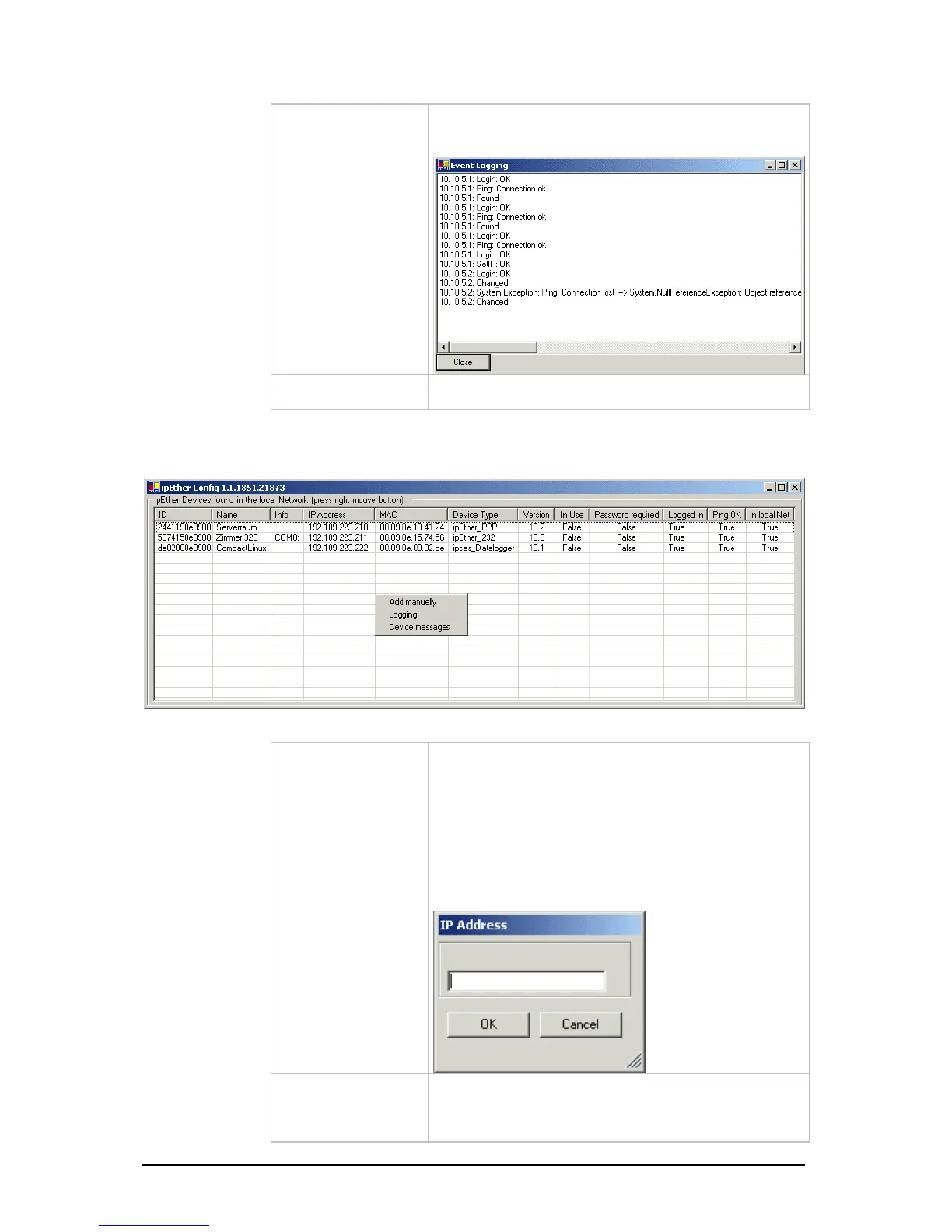
Show internal Trace
Open current logfile. The messages will be showed from
the configurationtool.
Properties
Type-specific configuration surface.
Further informations in the respective chapters.
It will be opened a dialog by a right-click on no entry of device.
dd Manually
ipEther232 is connected after a router, they are not
utomatically located. They have to be entered manually
Add Device manually“).This requires the entering of the
the device is installed after a router, the IP address
couldn`t be changed, as otherwise the device might
become inaccessible by mistake.
A
If
a
("
IP address. If the device can be accessed via this
address, it is included in the list.
If
Änderungen vorbehalten Stand 09.09.05
ipcas GmbH ipEther232 V11.01 Seite 24 von 150



 To Next Page