D
u
r
c
h
e
i
n
e
R
e
h
e
n
M
a
u
s
k
l
i
c
a
u
f
k
e
i
n
e
n
G
e
r
ä
t
e
e
i
n
t
g
w
i
r
d
n
c
t
k
r
a
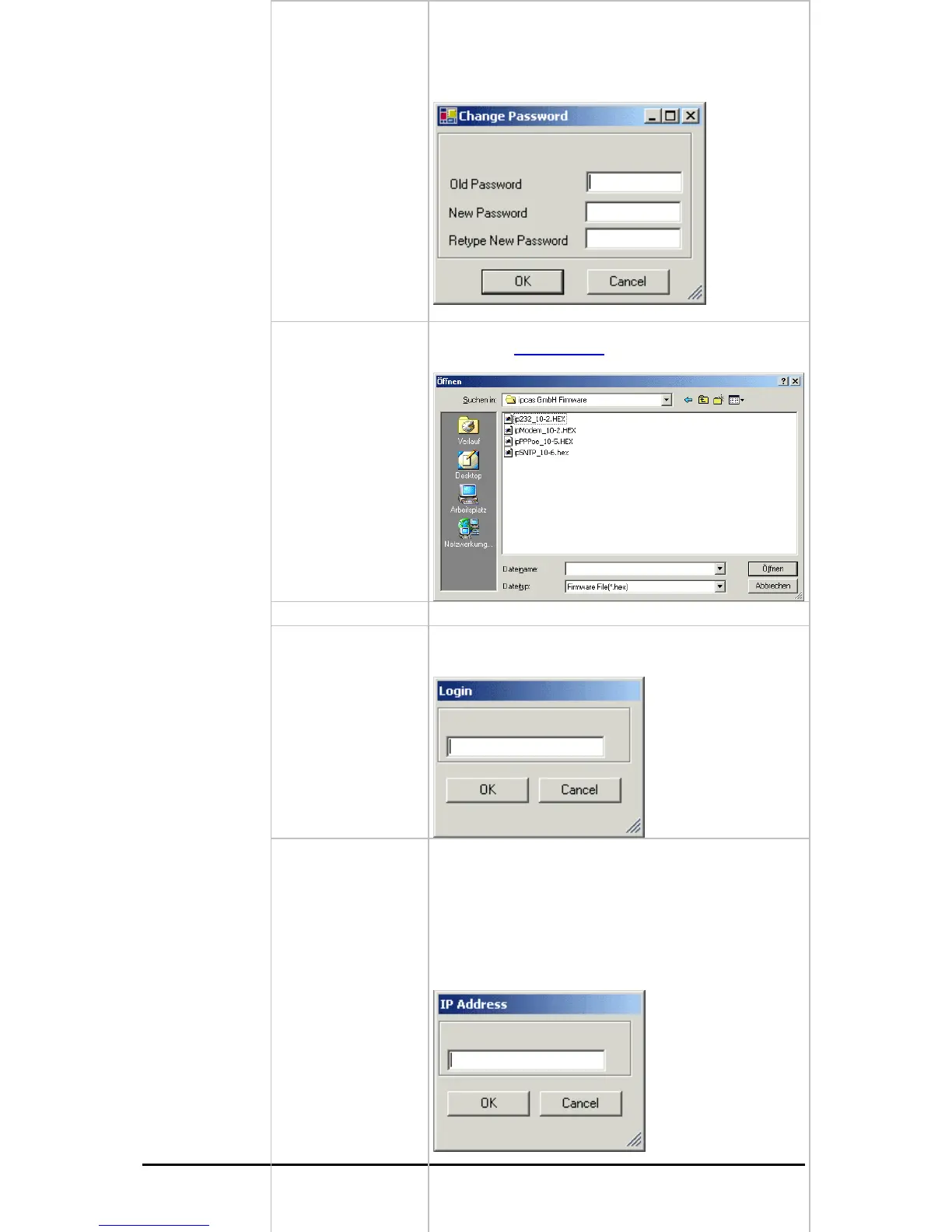
Change Password
Set / change password
Upload Firmware
Update new firmware. You can find new versions of the
firmware on
www.ipcas.de . You should only update if
you really need to.
Delete
Delete current marked entry
Login
If the device is password protected (Passwort required
„True“) you have to enter the password before the
configuration.
=
Ad
Änderungen vorbehalten Stand 09.09.05
ipcas GmbH ipEther232 V11.01 Seite 23 von 150
d Manually
ipEther232 is connected after a router, they are not
utomatically located. They have to be entered manually
Add Device manually“).This requires the entering of the
address. If the device can be accessed via this
ddress, it is included in the list.
the device is installed after a router, the IP address
couldn`t be changed, as otherwise the device might
become inaccessible by mistake.
If
a
("
IP
a
If



 To Next Page