3.4.2 User defined IP address 7
3.4.2 User defined IP address
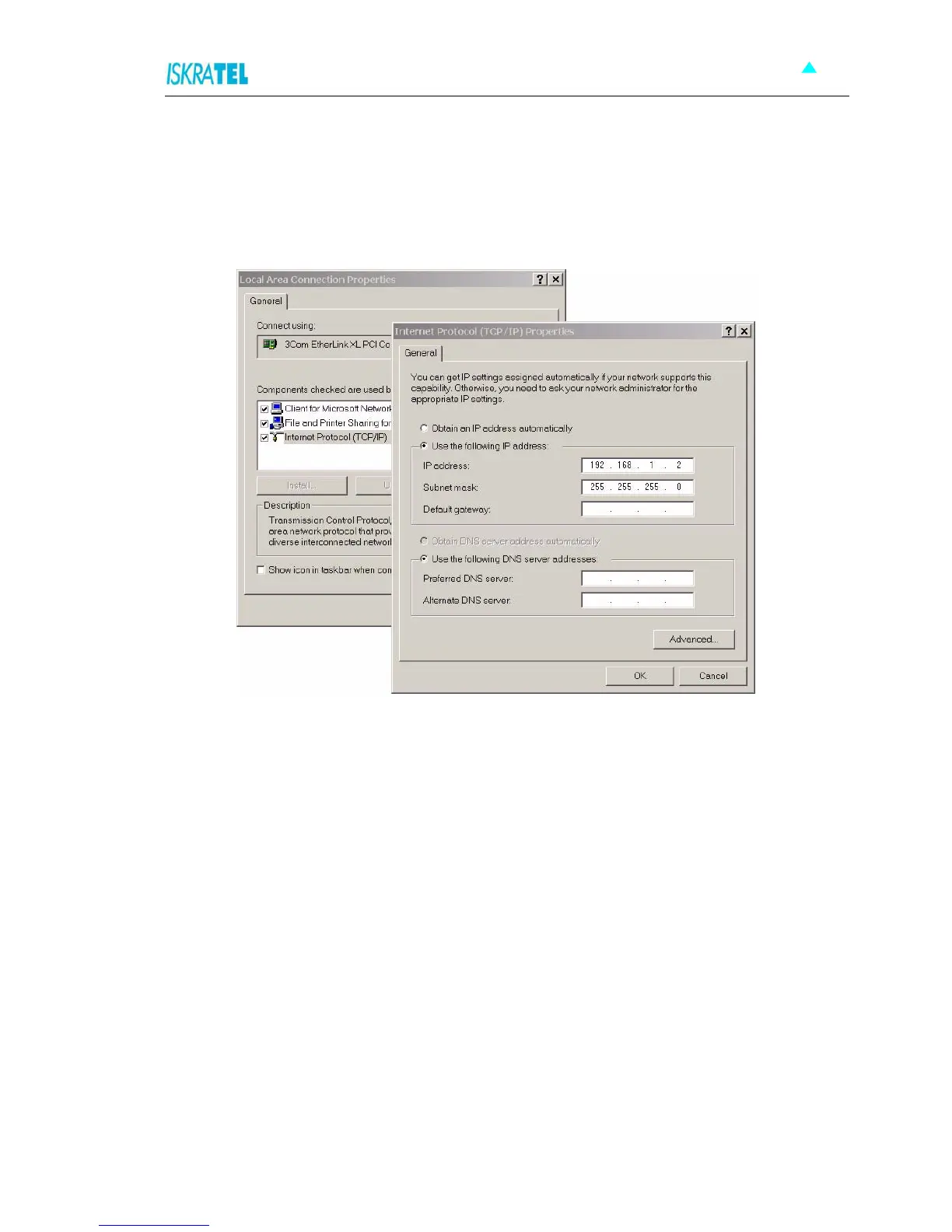
The default option is to set up the connection by yourself. In this case you must specify the IP address of
your system. Be careful that the subnet values of your system and the modem are the same, e.g.
192.168.1.0 (IP address 192.168.1.1 for modem and IP address 192.168.1.2 for computer). Example is
shown on the picture bellow.
Figure 3-4: User defined IP address set up for Local Area Connection on computer
The IP address of the modem can also be changed, you can learn about that under the WEB management
connection sections of the manual.



 To Next Page