4.5.1 Wireless Global Settings 21
4.5.1 Wireless Global Settings
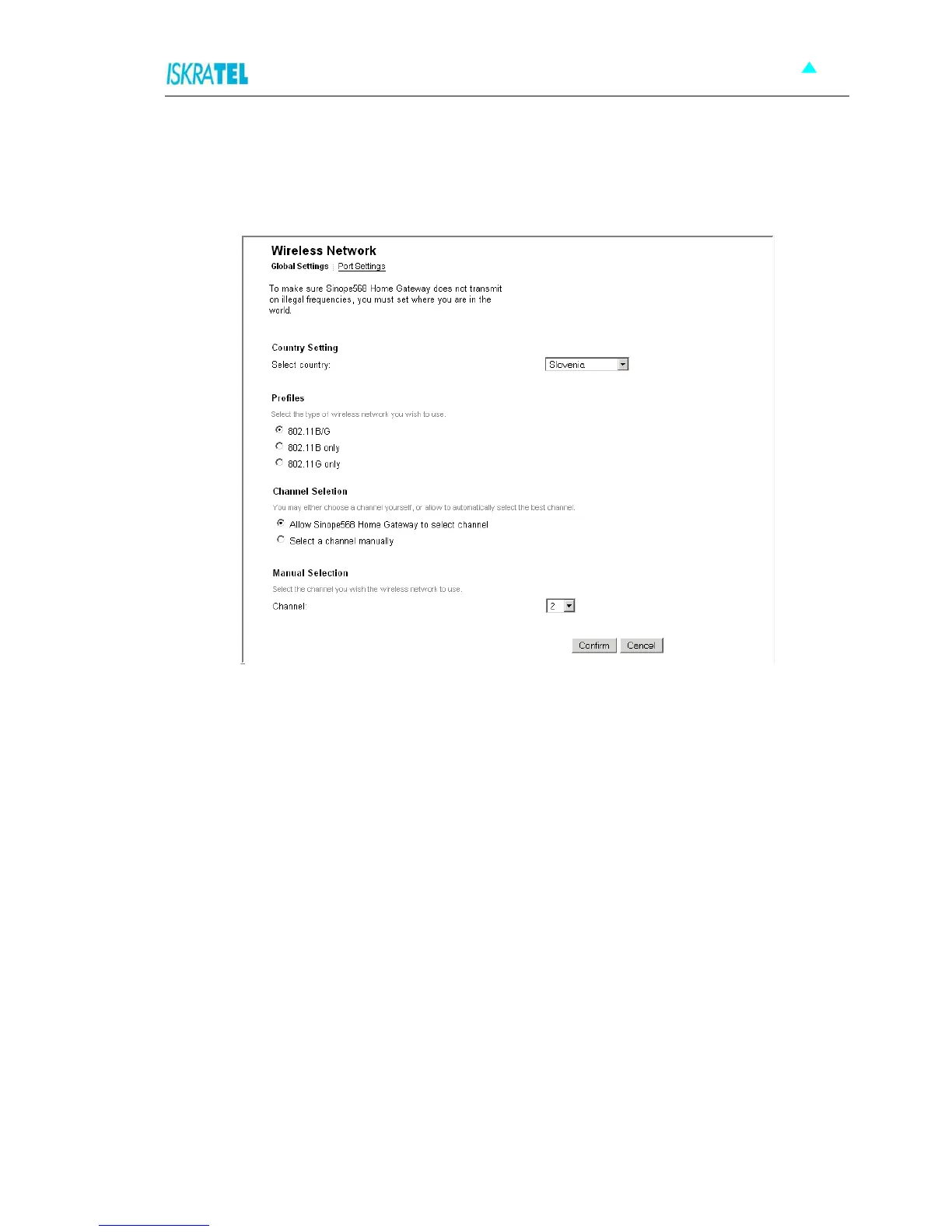
1. Select Configuration > Wireless Network. Click the Global settings tab. The following page is
displayed.
Figure 4-13: Global Settings page
2. To make sure Sinope568+ does not transmit on illegal frequencies, you must set where you are in the
world. In the Country Setting area, select your country from a drop-down list.
3. In the Profiles area, select the type of wireless network you wish to use.
4. In the Channel Selection select one of the following:
• Allow Sinope568 to select channel - the device will automatically select the best channel
• Select a channel manually - select a channel yourself.
5. Click Confirm.



 To Next Page