4.4.4.2 To add a fixed host 19
4.4.4.2 To add a fixed host
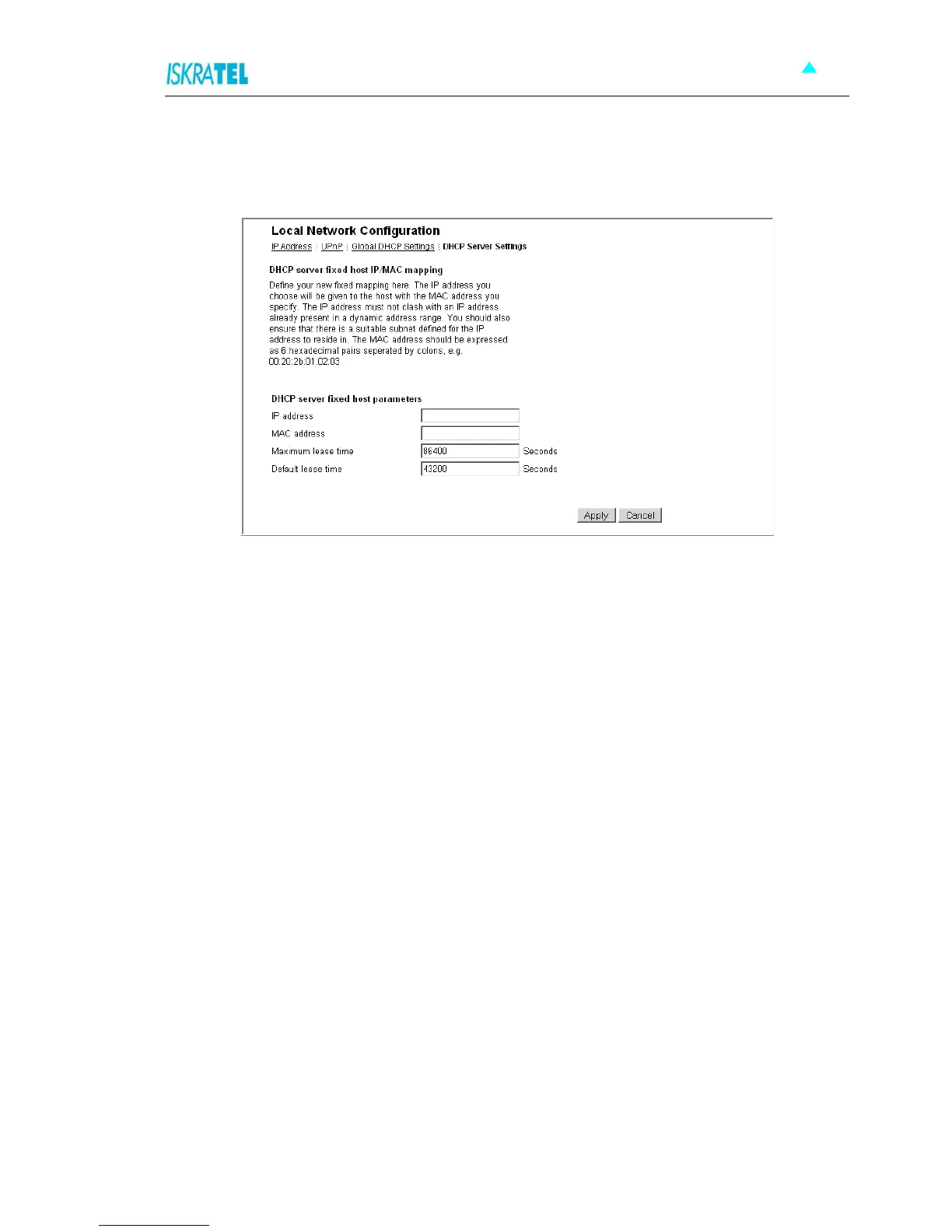
1. In the DHCP Server Settings page, click Add Fixed Host. The following page is displayed:
Figure 4-11: Add Fixed Host page
2. Type in:
IP address that will be given to the host with the specified MAC address,
MAC address,
maximum lease time (default is 86400 seconds).
3. Click Apply.



 To Next Page