4.10 Administration Password 39
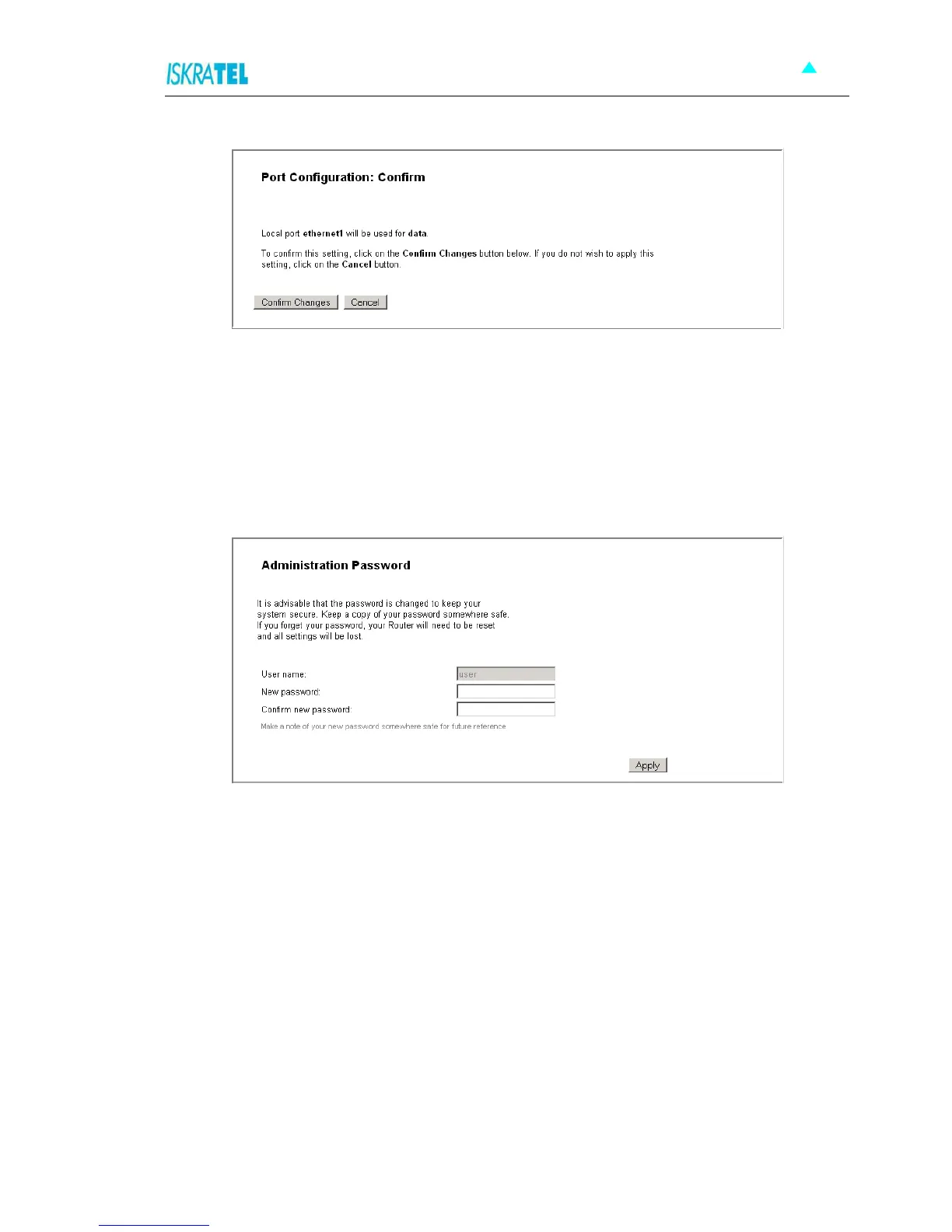
Figure 4-42: Port Configuration - Confirm
4. Examine the settings and if appropriate, click Confirm Changes.
4.10 Administration Password
1. To change the administration password, select System > Admin Password. The following page
opens
Figure 4-43: Administration Password
2. Type in the new password twice - in the New password field and in the Confirm new password field.
The password can be any combination of letters and numbers of up to 20 characters.
3. To confirm new settings, click Apply.



 To Next Page