C. User Guide14
4.4.1 IP Address
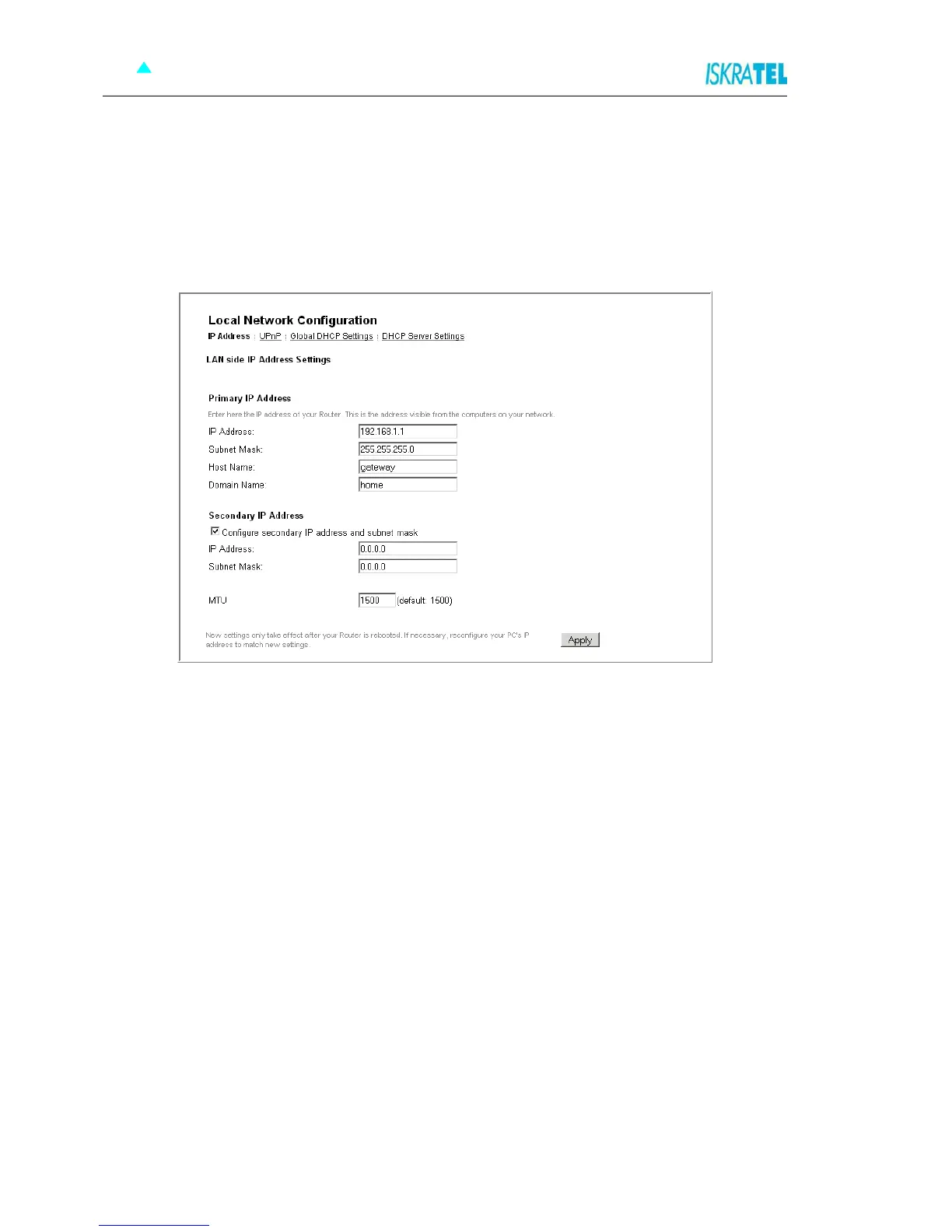
The IP address page displays the IP address and subnet mask for Sinope568+. These provide a unique
address for Sinope568+, as well as giving it the range of addresses to use for other PCs that are
connected to Sinope568+. Sinope568+'s default IP address and subnet mask are suitable for most
networks.
1. In the Local Network Configuration page, click the IP Address tab. The following page opens.
Figure 4-6: IP Address page
2. If you change any of the settings, confirm and save the settings by clicking Apply.



 To Next Page