3.5 WEB management connection 9
3.5 WEB management connection
Sinope568+ home gateway has embedded WEB server included in the firmware. This section of the
document describes the basic principles on how to manage the settings of the Sinope568+ home gateway
using WEB management connection with any web browser.
1. To access Web management connection enter the URL in your web browser http://<ipaddress>, for
example http://192.168.1.1.
<ipaddress> is the Local IP address of the Sinope568+ home gateway, e.g. 192.168.1.1 for factory
default settings. The IP addresses of modem and computer must be parts of the same IP network (e.g.
192.168.1.0).
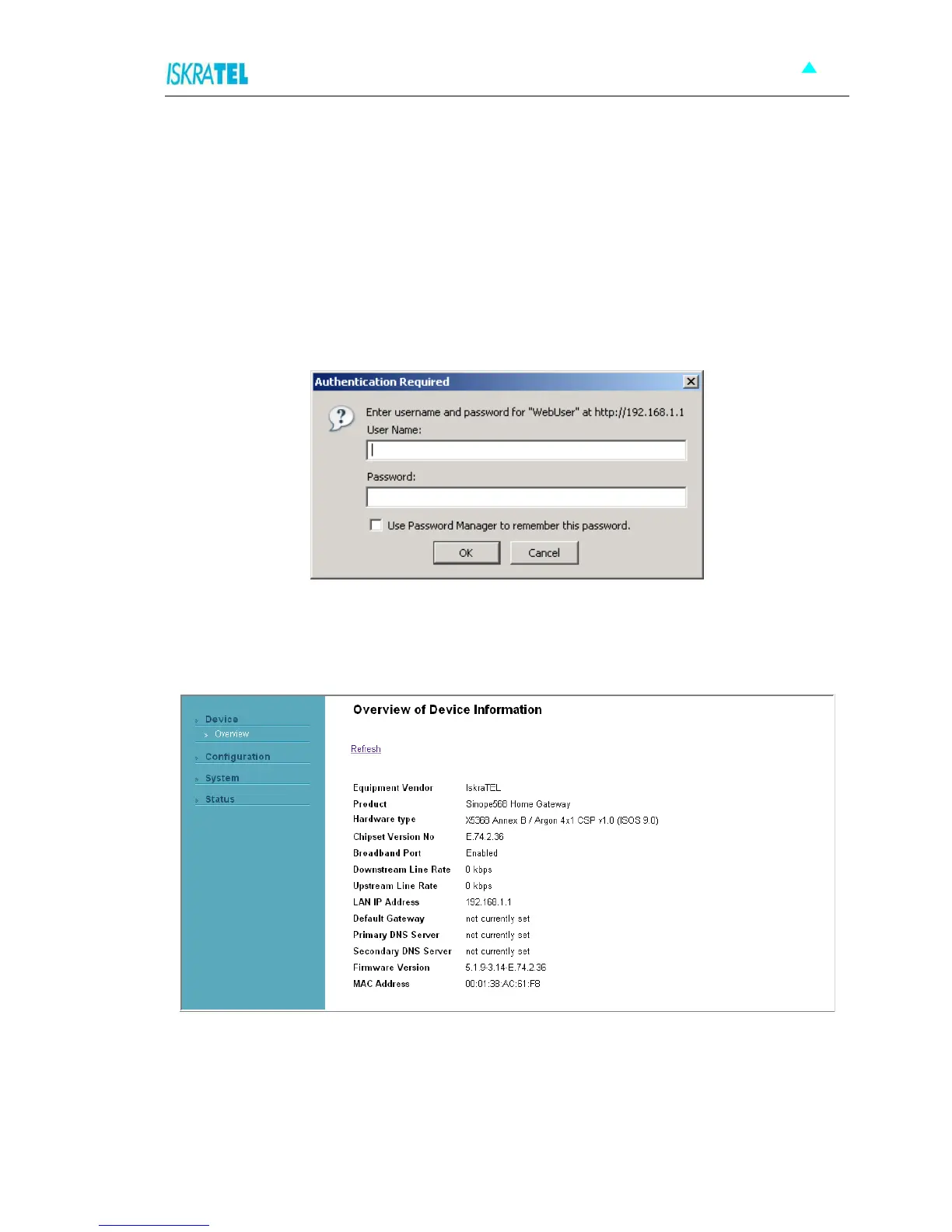
The following dialog box opens.
Figure 3-6: Web connection
2. Enter the user name user and password user.
3. Click OK to continue. The following page opens.
Figure 3-7: Overview page



 To Next Page