C. User Guide20
4.5 Wireless Network
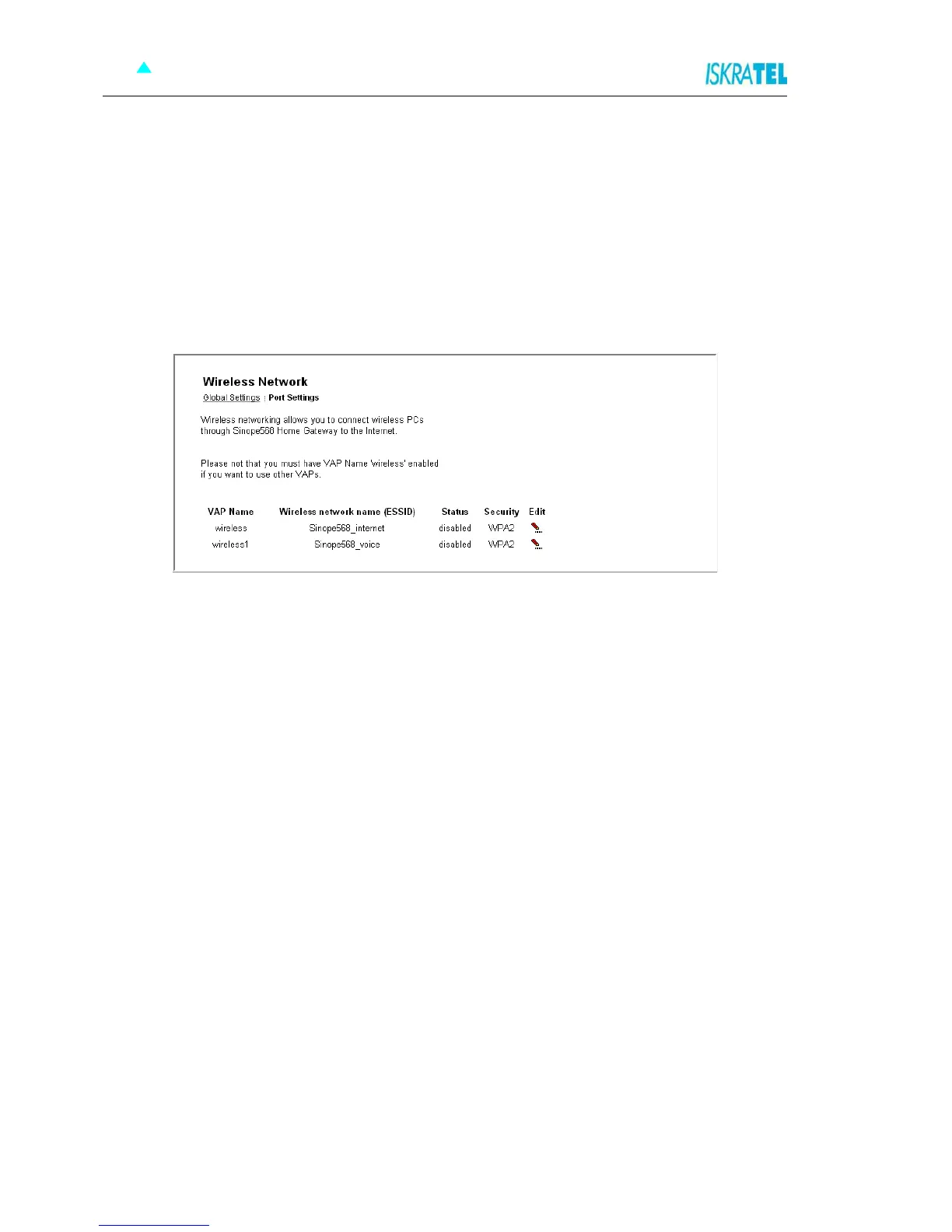
Sinope568+ allows you to connect wireless PCs to the Internet. The Wireless Network pages let you
enable and disable this feature and set various security settings for your wireless network.
These pages allow you:
To Set “Wireless Global Settings”
“To configure a wireless connection”
To access these settings:
Select Configuration > Wireless Network. The Wireless Network page opens.
Figure 4-12: Wireless Network page



 To Next Page