4.6 Voice Configuration 27
6. In this page select one of the following options:
• Allow any wireless PCs to connect - with this option you allow any PC to connect to your
wireless network.
• Allow all wireless PCs to connect except those I specify - with this option you specify those
PCs that will be denied access to your wireless network.
• Only allow the wireless PCs I specify to connect - with this option, you specify a list of PCs that
are allowed to connect to your wireless network.
7. If you have selected on of the last two options in the previous step, you will be prompted to add the
MAC addresses of PCs to the list.
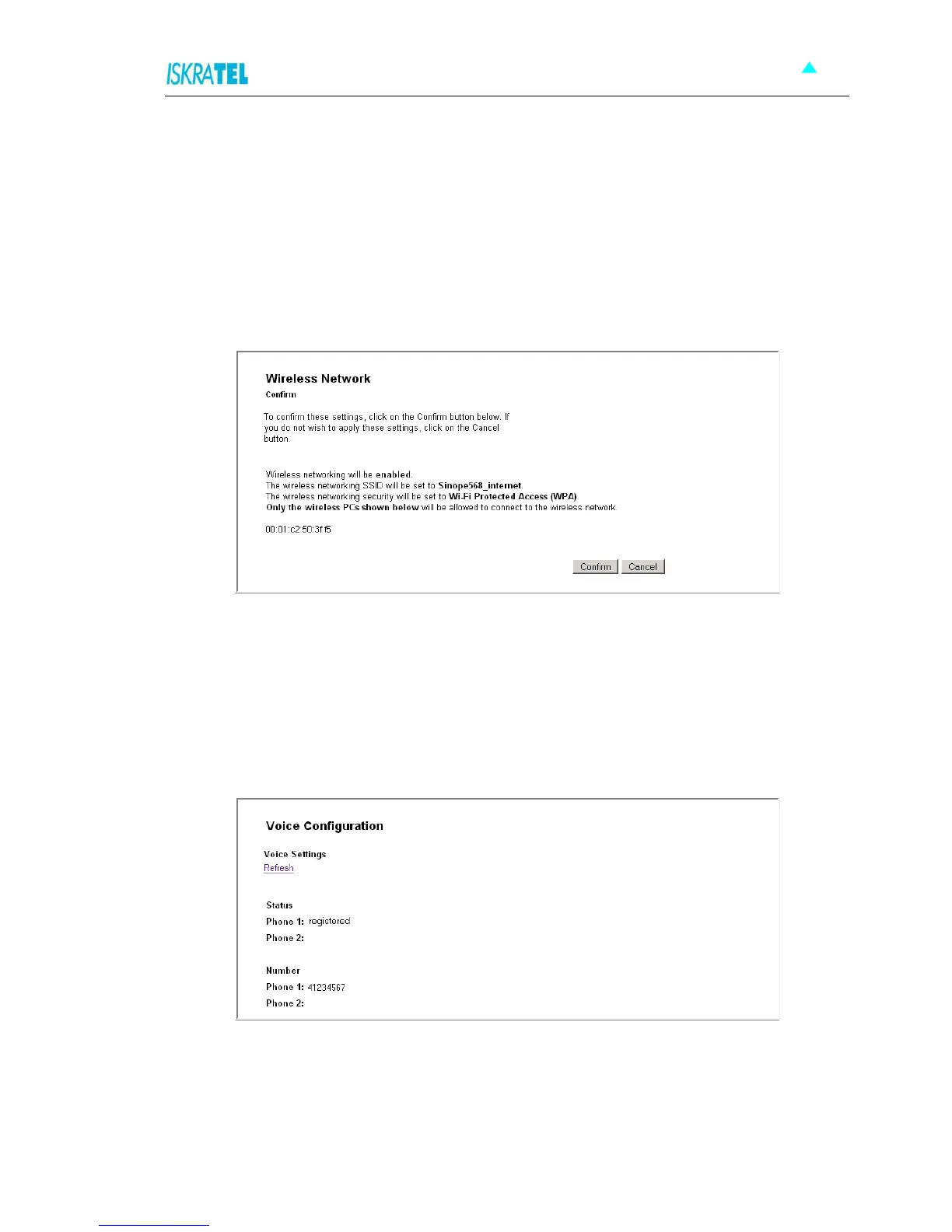
8. Before you confirm changes that you have made, the following page is displayed.
Figure 4-26: Wireless Network - Confirm settings
4.6 Voice Configuration
The Voice Configuration page enables you to monitor the status of voice connections on your home
gateway device.
Click the Voice option. The following page is displayed.
Figure 4-27: Voice Settings page
You can have two phones connected to your device. The status of each is indicated either by Phone 1
(connected to port TEL1) or Phone 2 (connected to port TEL2).
Status: displays the status of your phones (registered, unknown,...).
Number: displays the directory number of your phone.



 To Next Page