C. User Guide12
4.3 Internet
You can access the Internet in one of several ways depending on the service provided by your Internet
Service Provider (ISP):
Automatically detect settings. With this access type, Sinope568+ will scan for a link to the Internet.
Using PPPoA (Point to Point Protocol over ATM) allows Internet access only after you have entered a
valid username and password.
Using PPPoE (Point to Point Protocol over Ethernet) allows Internet access only after you have
entered a valid username and password.
Using DHCP (Dynamic Host Control Protocol) automatically allows Internet access.
Use direct manual settings provided to you by your ISP.
4.3.1 To establish internet connection
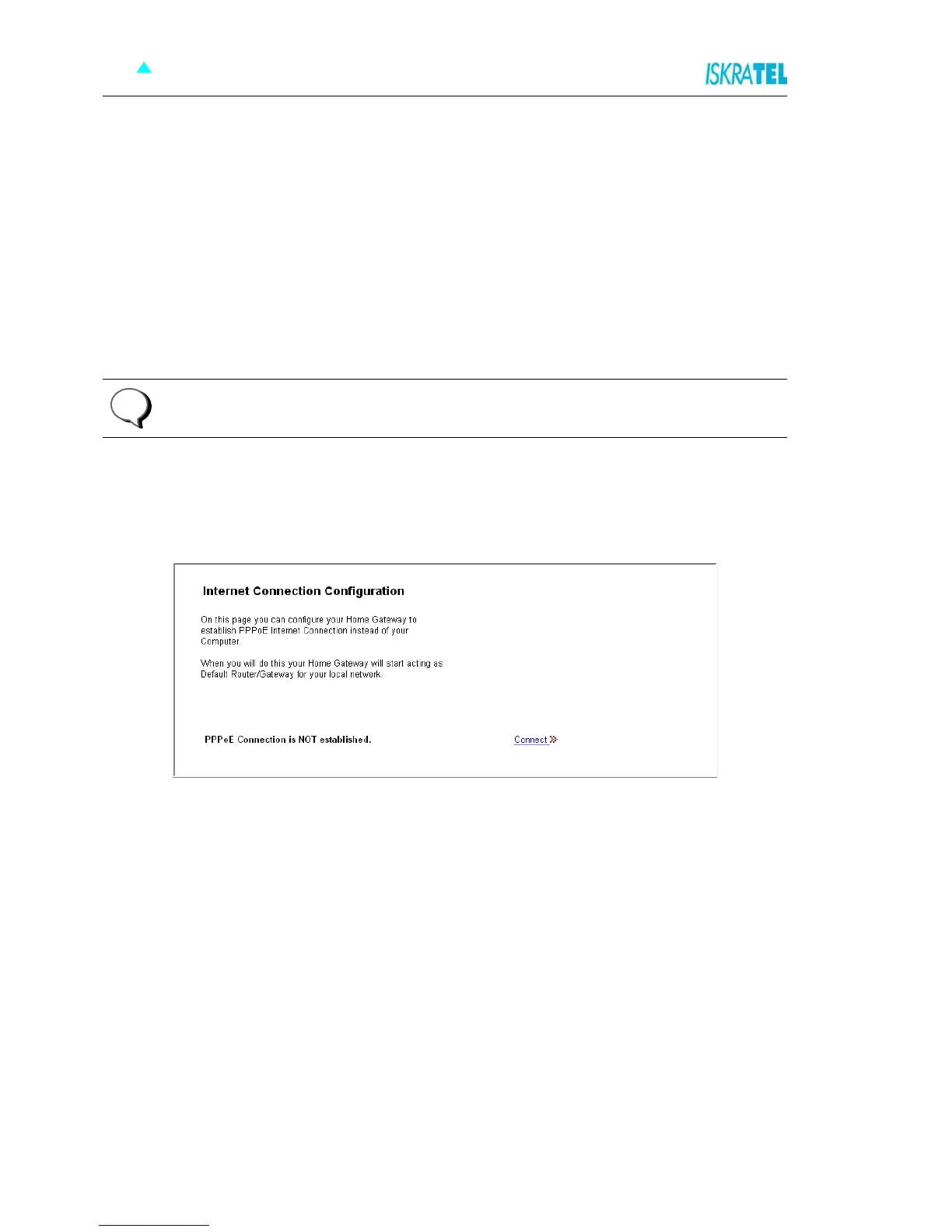
1. Select Configuration > Internet. The following page opens.
Figure 4-3: Internet connection configuration page
Note: Some providers do not support all connection types listed above. In this case only
available types are displayed!
i



 To Next Page