4.4 Local Network Configuration 13
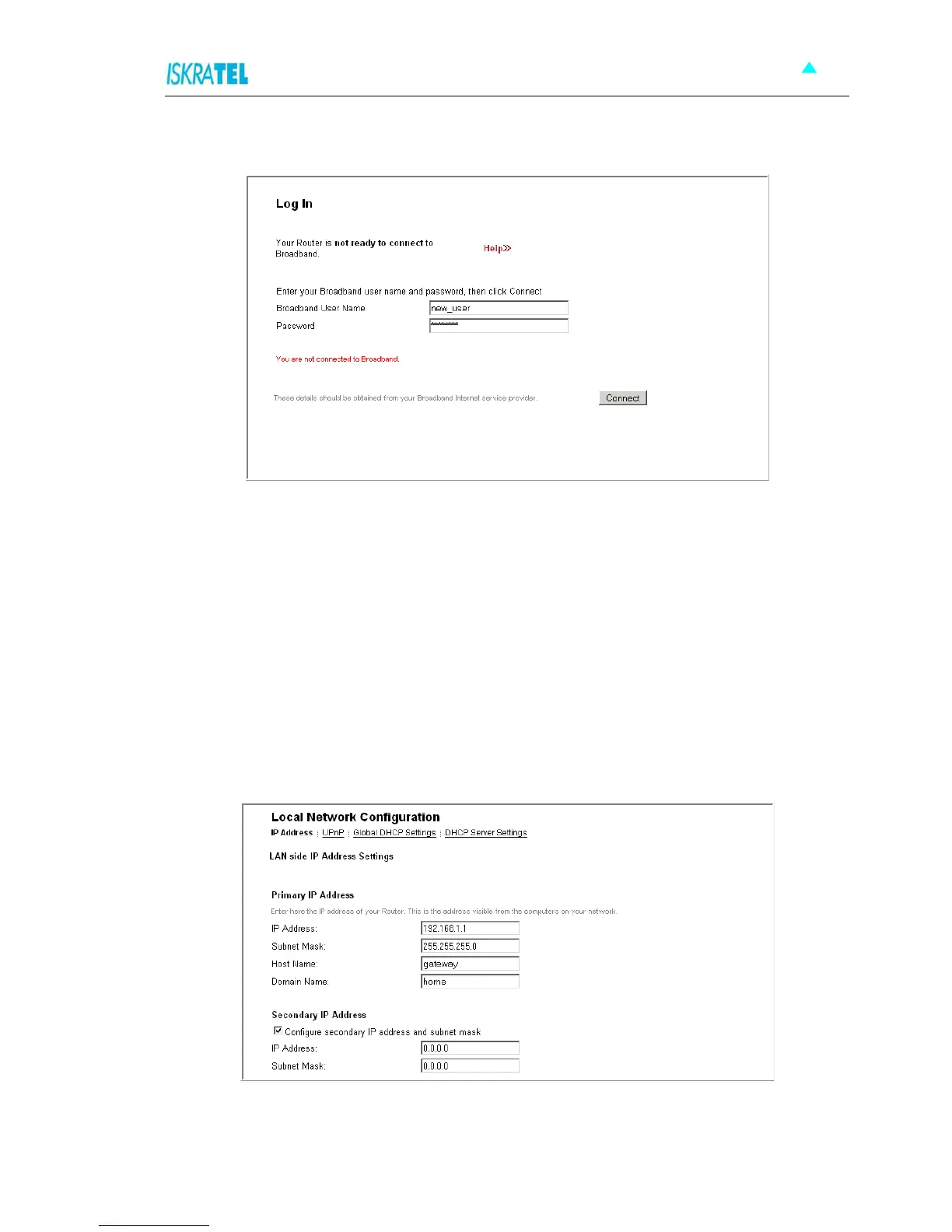
2. Click Connect. The Log In page opens.
Figure 4-4: Log In page
3. Type the username and password provided by your ISP. To continue, click Connect.
4.4 Local Network Configuration
These pages allow you to configure the following settings:
“IP Address”
“UPnP”
“Global DHPC Settings”
“DHPC Server Configuration”
To access these settings:
1. Select Configuration > Local Network. The Local Network Configuration page opens.
Figure 4-5: Local Network Configuration page
2. The settings are accessible through tabs listed below the page title. To access a specific setting, click
the corresponding tab.



 To Next Page