4.5.2.2 Wi-Fi Protected Access WPA/WPA2 25
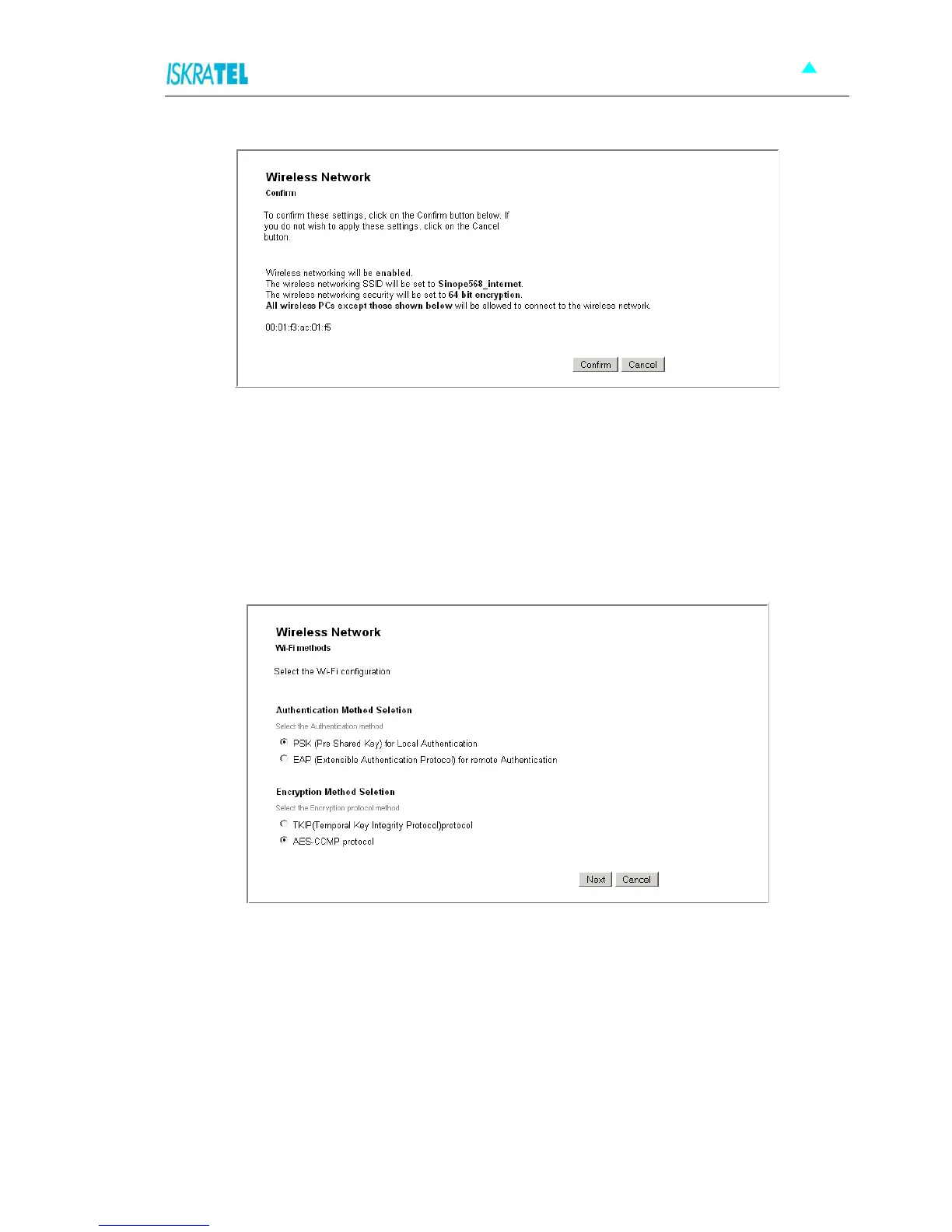
Figure 4-21: Wireless Network - Confirm settings
4.5.2.2 Wi-Fi Protected Access WPA/WPA2
For both encryption methods, you need to set a passphrase. Your wireless network can be accessed only
by providing this passphrase.
1. Select Wi-Fi Protected Access (WPA) on the wireless network (or Wi-Fi Protected Access2
(WPA2) on the wireless network). The following page opens.
Figure 4-22: Wi-Fi Methods
2. Select the Authentication method and the Encryption protocol method.
3. Click Next. The following page opens.



 To Next Page