4.7.1.2 To add/edit a port filter rule or an IP validator rule 31
4.7.1.2 To add/edit a port filter rule or an IP validator rule
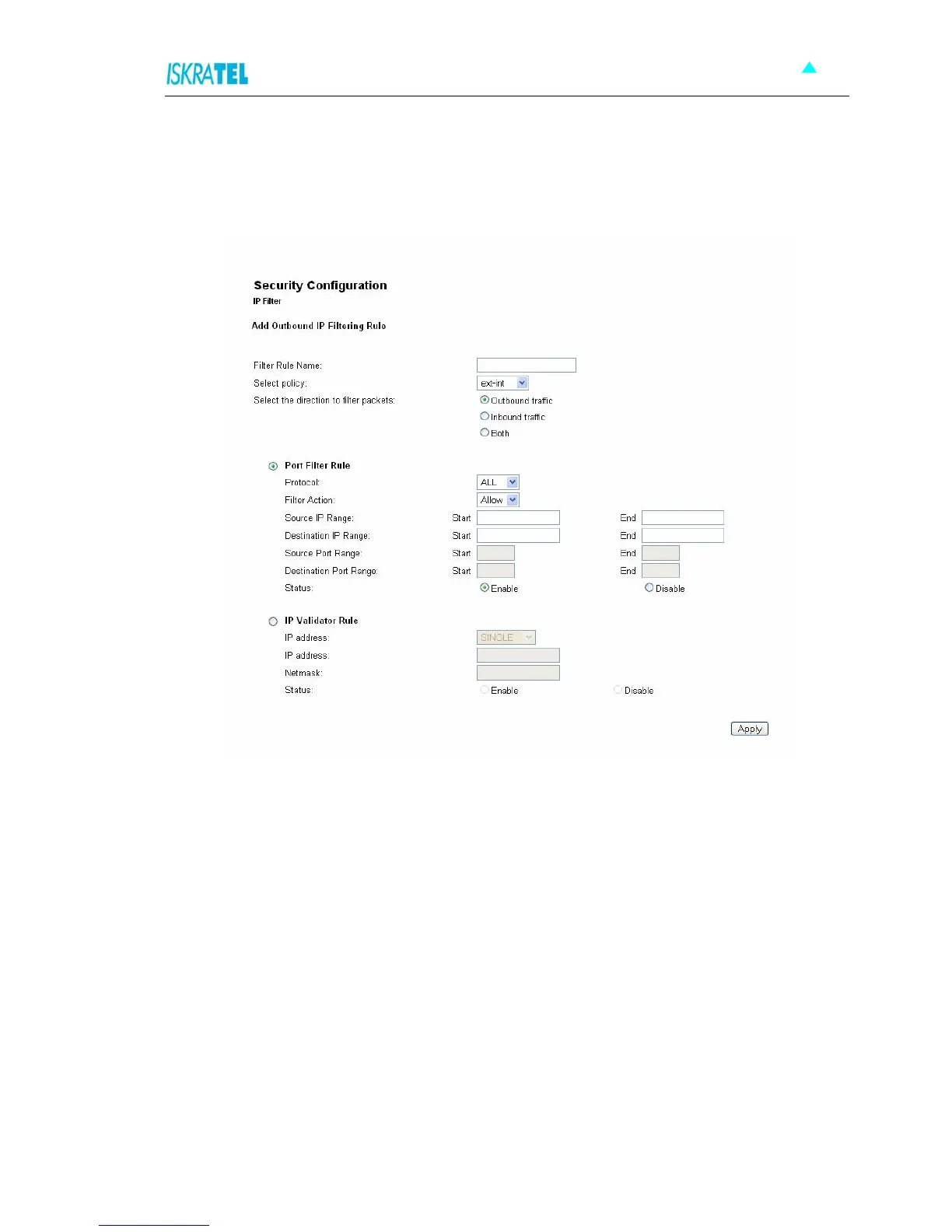
1. In the IP Filter Settings, click the Add button to add, or the Edit icon to edit the rule. The following
page opens:
Figure 4-31: Add IP Filtering Rule
2. Type in Filter Rule Name.
3. Select policy:
• ext-int
• ext-dmz
• dmz-int
4. Select the direction to filter packets:
• Outbound traffic
• Inbound traffic
• Both
5. Select Port Filter Rule or IP Validator Rule.



 To Next Page