4.1 Overview 11
4.1 Overview
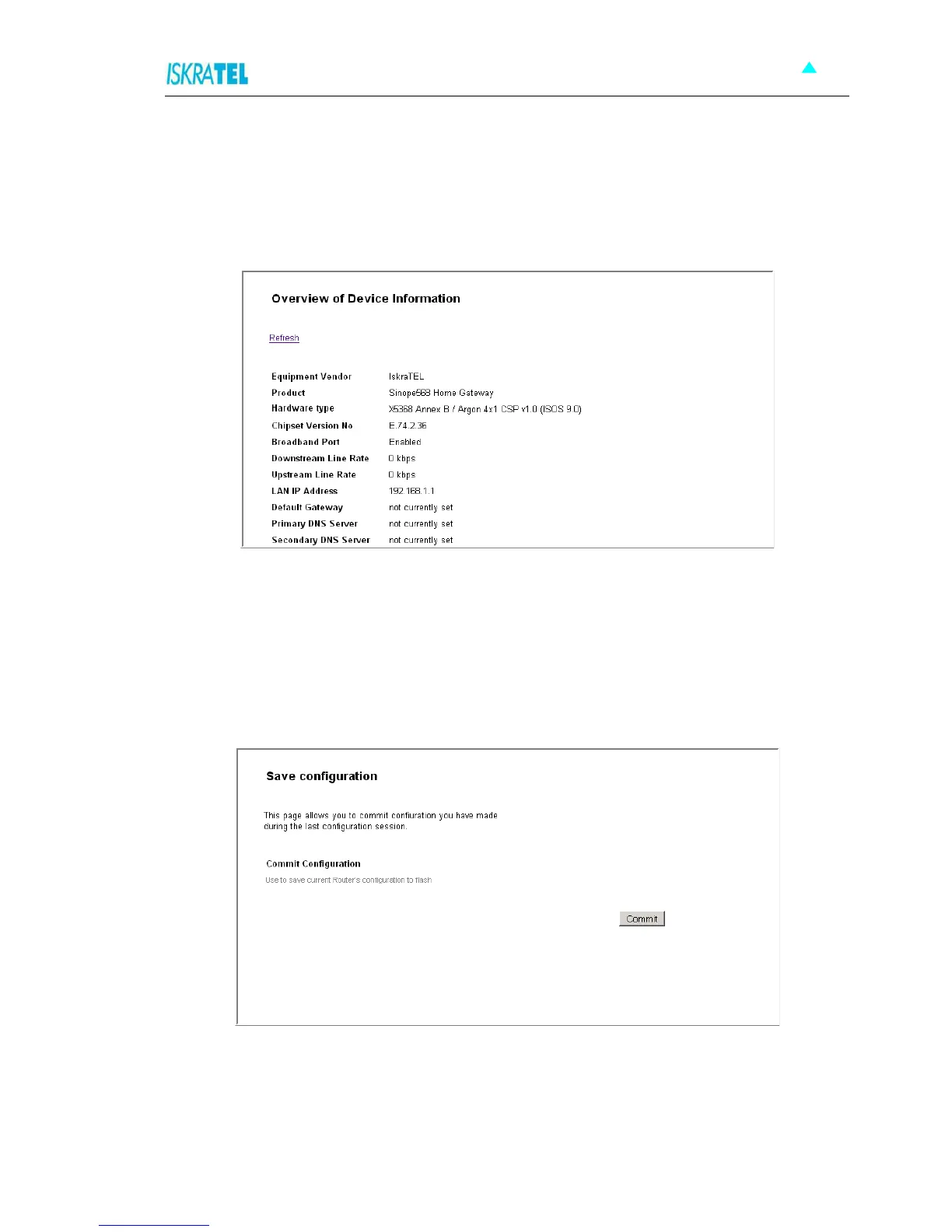
The Overview page displays useful current information about Sinope568+. The page shows the network
addresses being used by Sinope568+ to connect to your PCs, and for your Internet connection, as well as
the version information for Sinope568+.The hardware version information is set by Iskratel so the make
and model of your device can be quickly identified in the unlikely even that you need assistance.
Figure 4-1: Device Overview
4.2 Save Configuration
This page allows you to save the current configuration changes you have made to the flash memory of the
device.
1. Select Configuration > Save Configuration. The following page opens.
Figure 4-2: Save Configuration page
2. To save the changes you have made, click Commit.



 To Next Page