C. User Guide6
3.3 Support leg
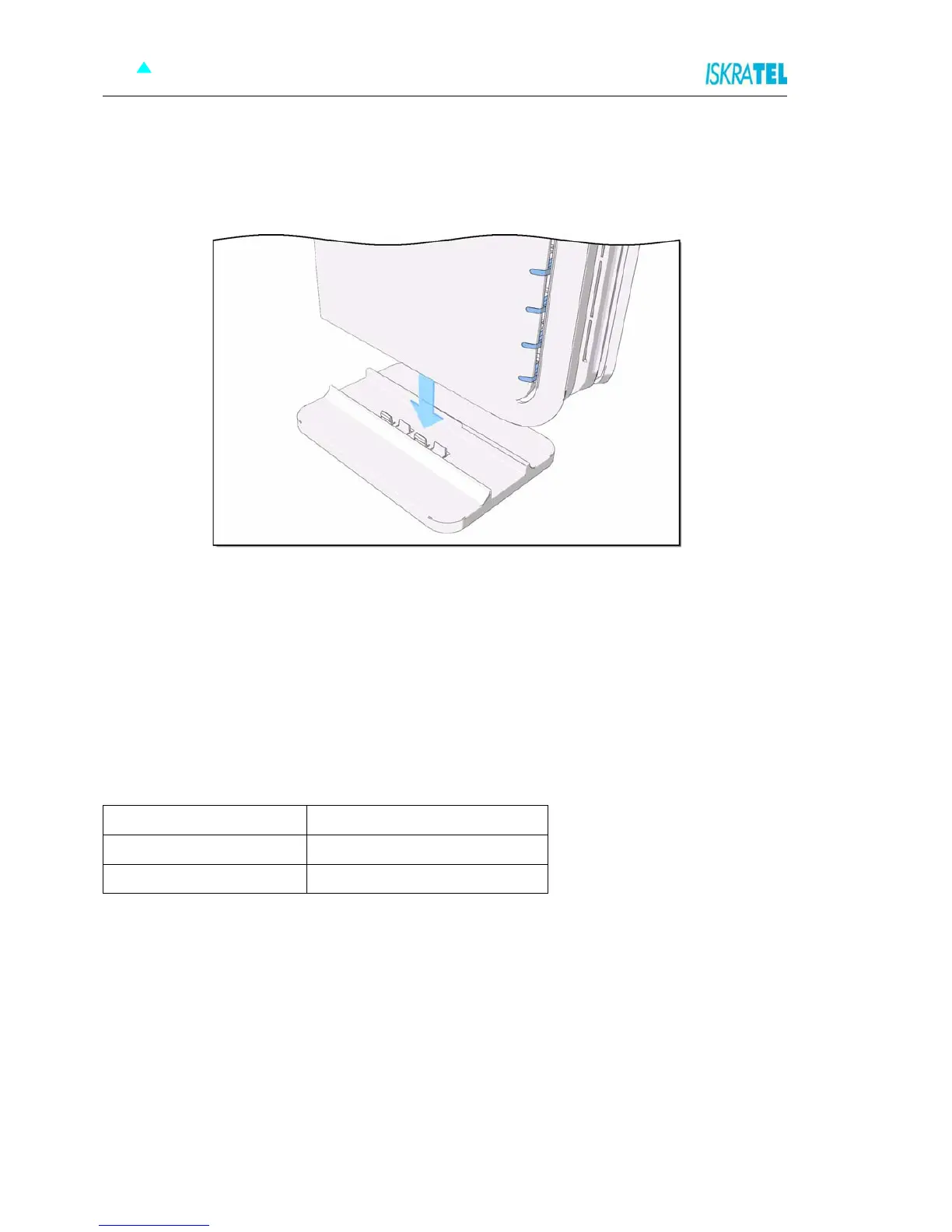
Insert the modem into the support leg provided (see figure below), then place the unit on a flat even
surface.
Figure 3-3: Support leg installation
3.4 Preliminary setup
3.4.1 LAN and TCP/IP setup
This section of the manual provides important information to keep in mind when setting up the first
connection between your computer and Sinope568+ home gateway.
The factory default settings of the Sinope568+ home gateway have values listed bellow:
Table 3-2: Factory default settings
Local IP address 192.168.1.1
Subnet mask 255.255.255.0
DHCP server Disabled



 To Next Page