C. User Guide18
4.4.4.1 To add a DHCP subnet
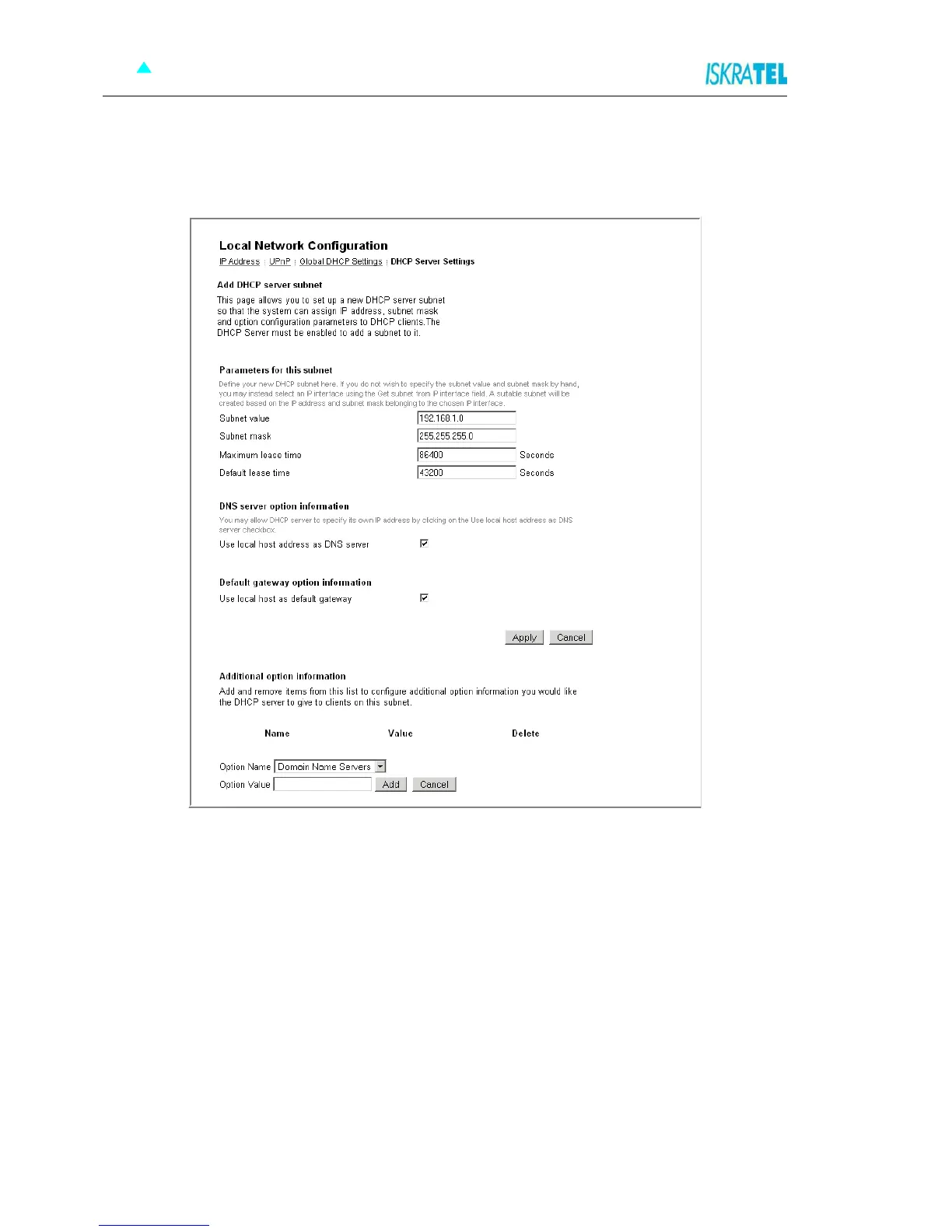
1. On the DHCP Server Settings page, click Add Subnet. The following page is displayed.
Figure 4-10: Add DHCP server subnet
2. Type in:
• value and netmask of the subnet and set the maximum and default lease times,
• DHCP address range or use a default range,
• set your Synope568+ to give out its own IP address as the DNS Server address,
• set your Synope568+ to give out its own IP address as the default Gateway address.
3. Click Apply.



 To Next Page