C. User Guide34
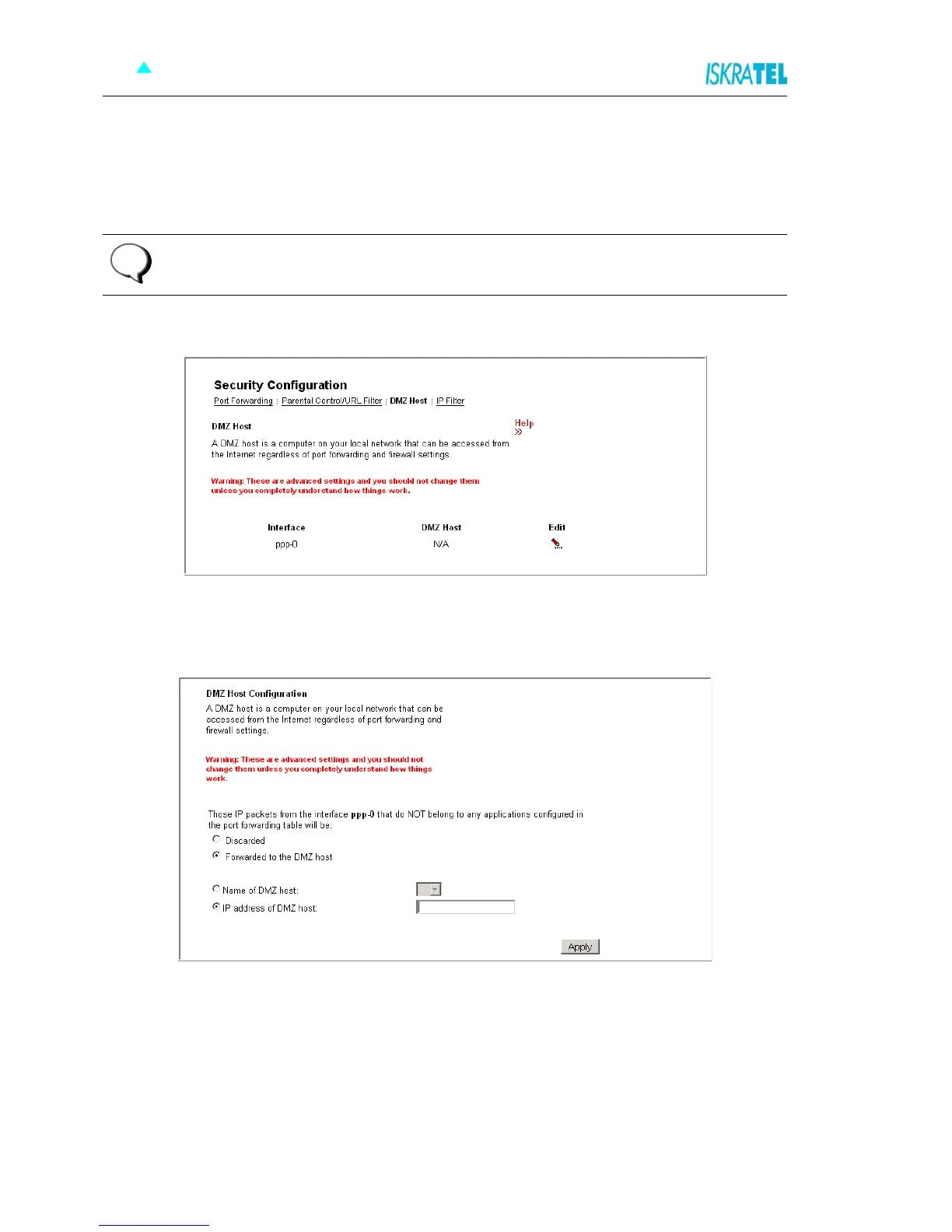
4.7.3 DMZ Host
A DMZ host is a computer on your local network that can be accessed from the Internet regardless of port
forwarding and firewall settings.
1. Select the DMZ Host tab. The following page opens.
Figure 4-33: DMZ Host
2. Click Edit. The following page opens.
Figure 4-34: DMZ Host Configuration
3. To set up a DMZ host:
•Select Forwarded to the DMZ host
• In the IP Address of DMZ host filed, type in its IP address.
4. Click Apply.
Note: The Port forwarding rules will override these DMZ settings.
i



 To Next Page