C. User Guide16
4.4.3 Global DHPC Settings
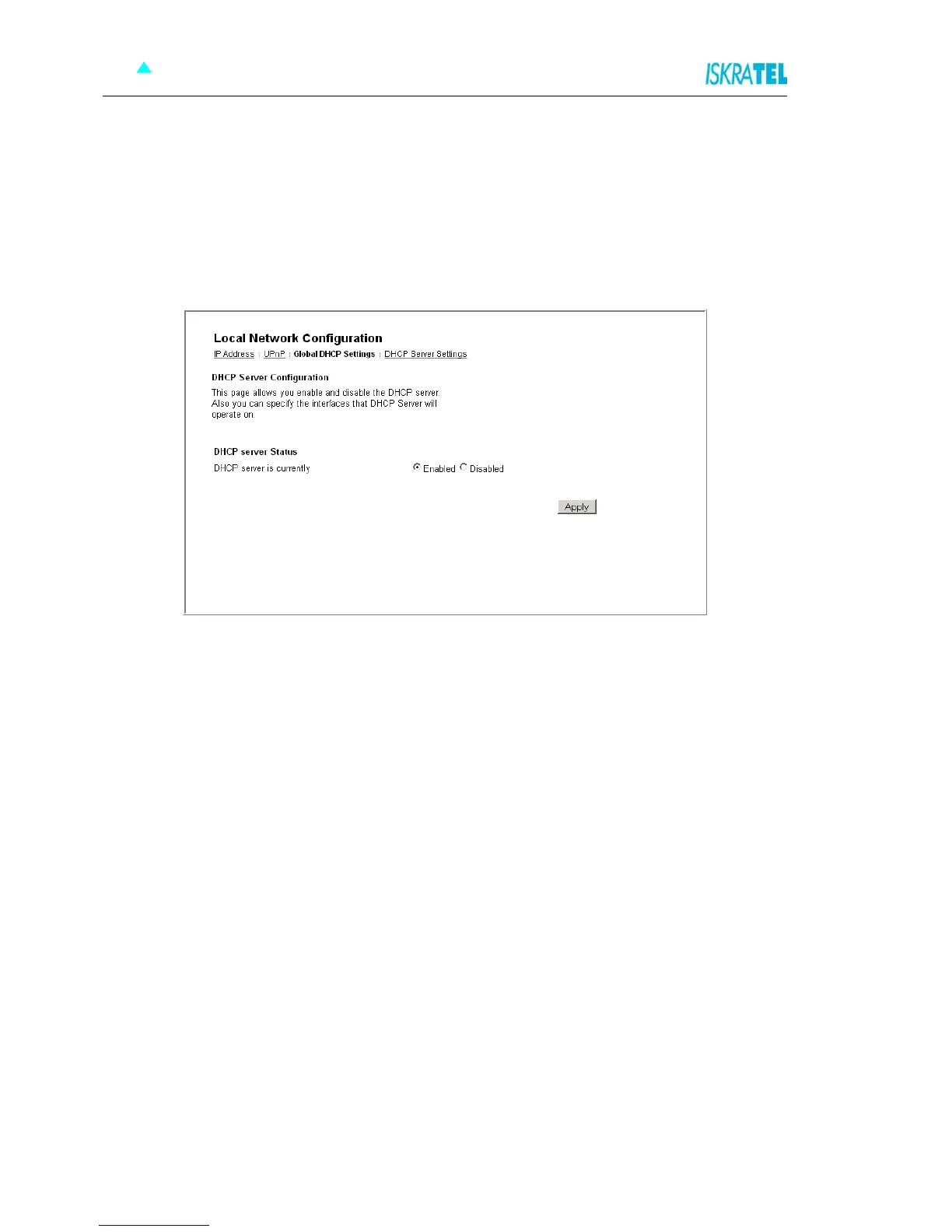
The Global DHCP Settings page allows you to enable or disable DHCP Server running on your
Sinope568+. DHCP Server can automatically configure your PCs connected to Sinope568+ to be able to
connect to the Internet. You must enable DHCP Client (Automatically configure IP address) on your
computer.
1. In the Local Network Configuration page, click the Global DHCP Settings tab. The following page
opens.
Figure 4-8: Global DHCP Settings
2. Enable or disable the DHCP server. By default, the DHCP server is enabled.
3. Click Apply.



 To Next Page