33
IT10151 - IT12151
OPERATING AND MAINTENANCE HANDBOOK
Emergency stop push buon
The red emergency stop push buon has placed both on the ground
control panel and in the platform control panel.
Pressing the push buon both from the ground control panel and
from the platform control panel, any movement and command of the
machine are disconnected, except for safety indicators (pilot lights and
audible alarm). To restore the normal functions pull the push-buon
upwards
Only by turning the key of the ground control panel in the OFF position,
the machine is turn o and its safety functions are disconnected.
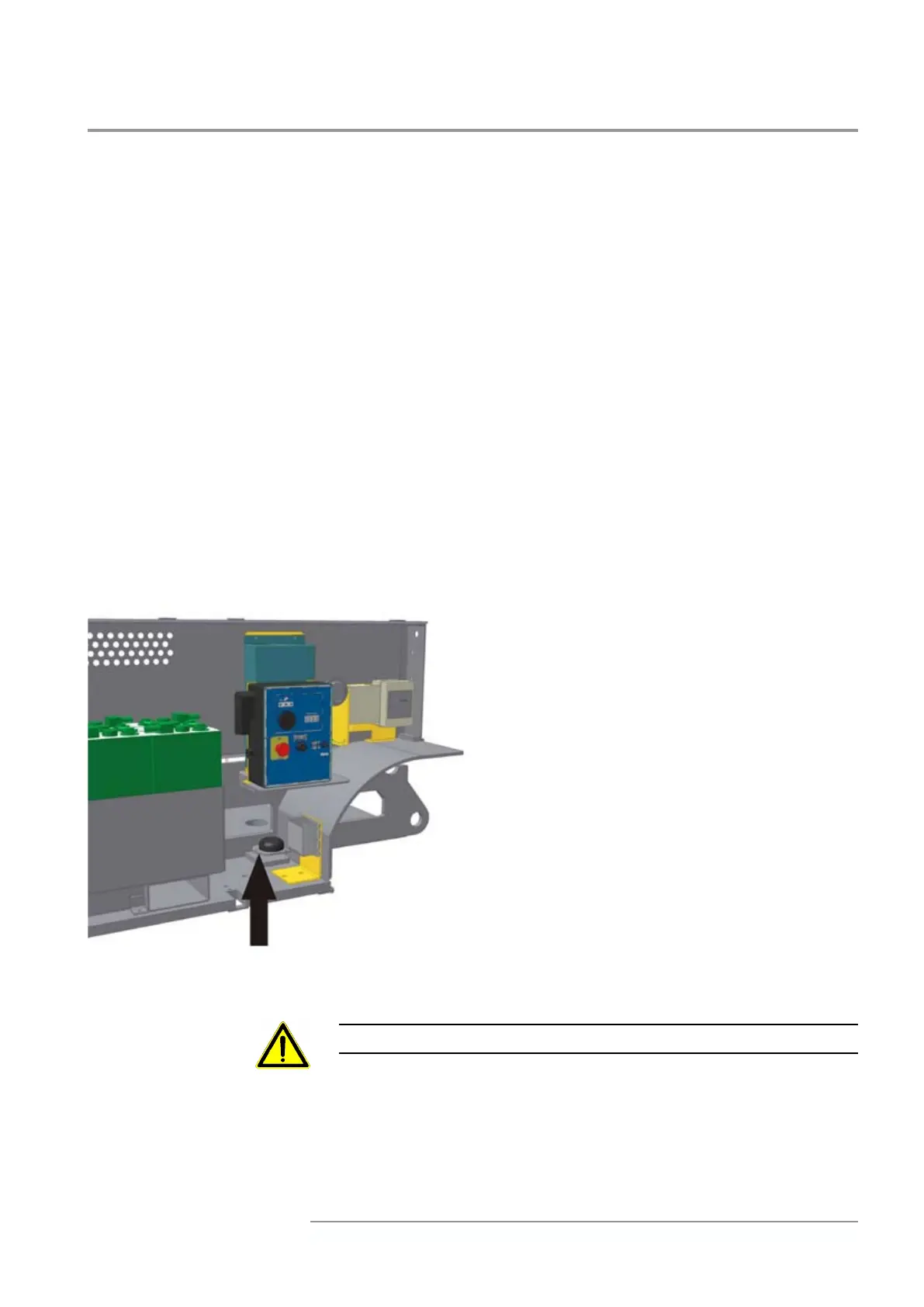
Flatness indicator
The microprocessor atness indicator is a digital device, placed in the
back le box, able to control the maximum slope at which the machine
can work.
Should it is exceeds the allowable maximum slope,
could cause:
• Under the SQ1 operating height, the inclination
warning light on the platform control panel blinks. If
you want to reach a level above SQ1, restore machine
conditions in which warning light is o.
• All machine movements stop when SQ1 operating
height is exceeded, apart from platform lowering
which is signalled by the switching on of the inclina-
tion and danger warning light on platform control
panel (See platform control panel - position 16 and
15 and “Emergencies” section) as well as by a sound
alarm. For enabling movements again, the platform
must be completely lowered and the machine must
be put to a stable condition again.
The atness indicator must not be modied for any reason



 To Next Page