129
128
CONNECTING TO
THE PERSONAL COMPUTER
44
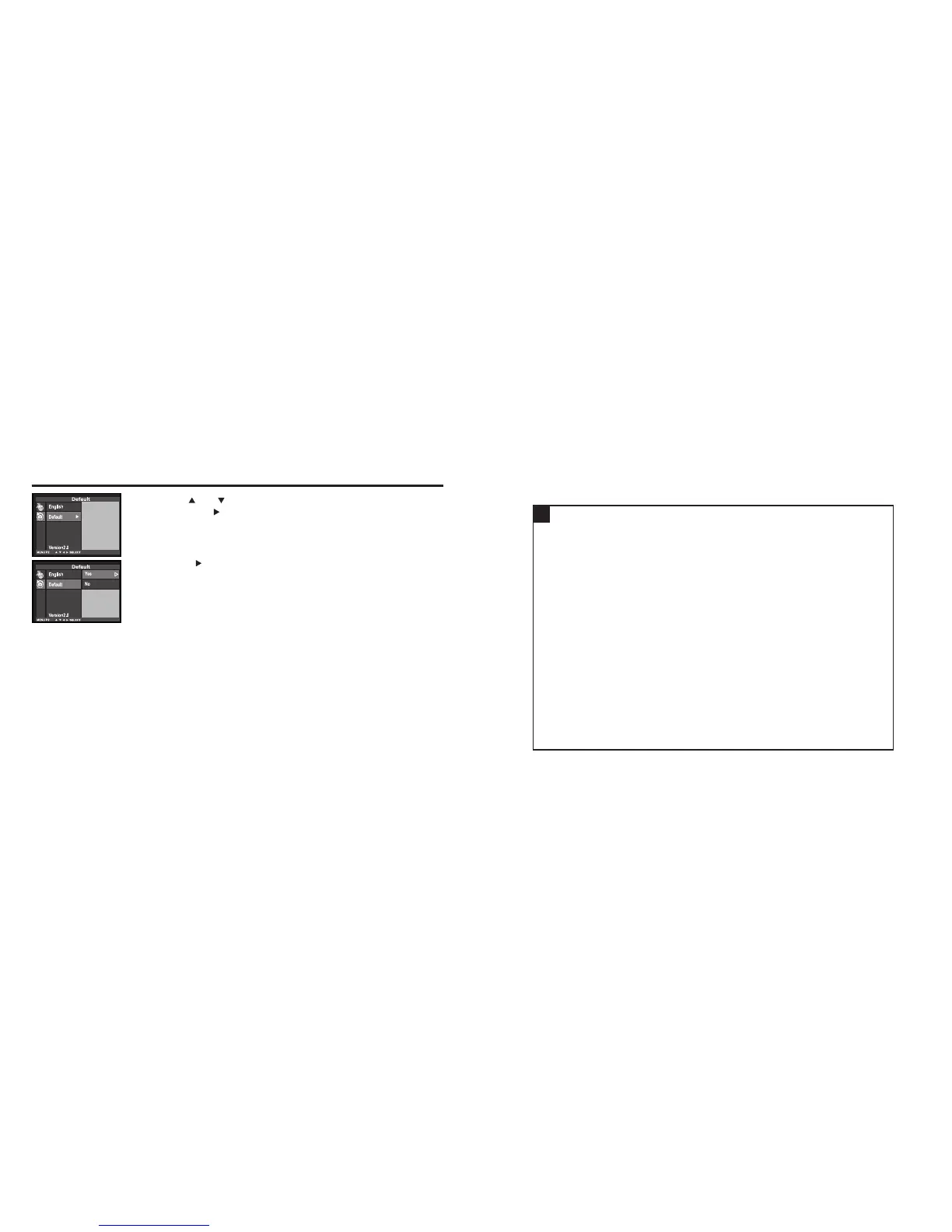
Press the key so that [YES] is highlighted .
• The camera settings are reset to the default.
• The LCD monitor display returns to the setup mode menu.
33
Press the or key so that [DEFAULT] is highlighted
and press the key.
• The display to confirm whether you reset the camera settings to the
default or not appears as shown in the figure.
RESETTING TO THE DEFAULT SETTINGS - CONT'D



 To Next Page