56
XP7202 Instruction Manual
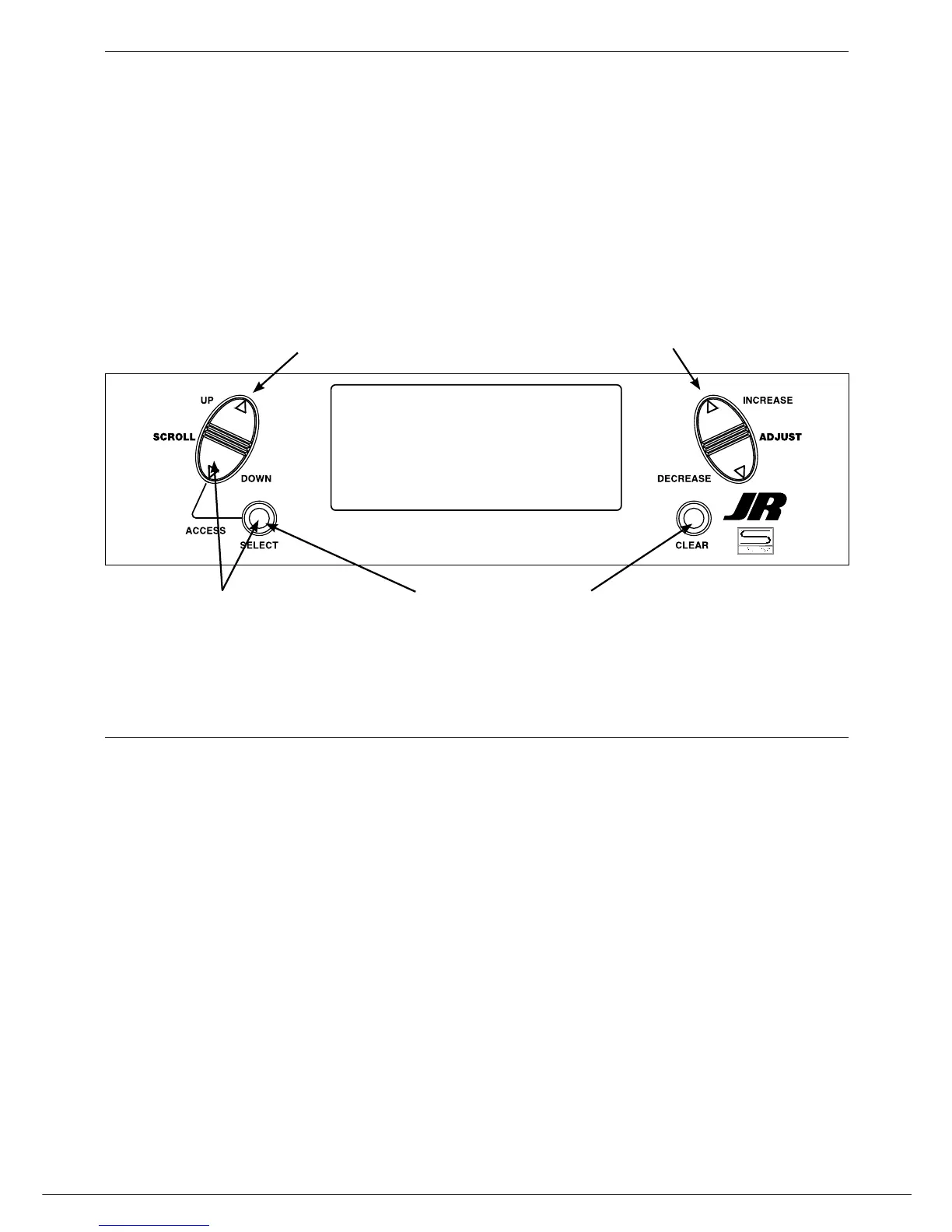
Press the Down and Select keys simultaneously to
access the Function Mode
In Function Mode, use the UP or Down keys to select
the desired PROG. MIX screen. (1-6)
Press the Select key to highlight RATE
Using the stick or switch that is assigned to the master
channel, move that stick or switch in the desired direction
that you wish to adjust the mix value.
Press the IncreaSe or DecreaSe keys to adjust the
mix value.
NOTE
: If a switch is assigned to the mix, that switch
must be turned on to allow mixing values to be
changed.
Moving the stick or switch in the opposite
direction will allow the mix value to be adjusted
in the opposite direction.
Programmable Mixing 1-6 (continued)
Assigning Mixing Values



 To Next Page