3ņ119
[III] AUTO Capture Interval
This function automatically saves a screen capture file at specified time intervals.
Time intervals can be specified in minutes.
Note: The use of the automatic capture function applies a high load to the CPU. As a result,
processing is always slow, so use the automatic capture function only when needed.
If the function is to be used, the allowable maximum value should be set.
Procedure 1 Press [RADAR MENU] key.
Press [4] key.
Press [9] key.
Press [1] key.
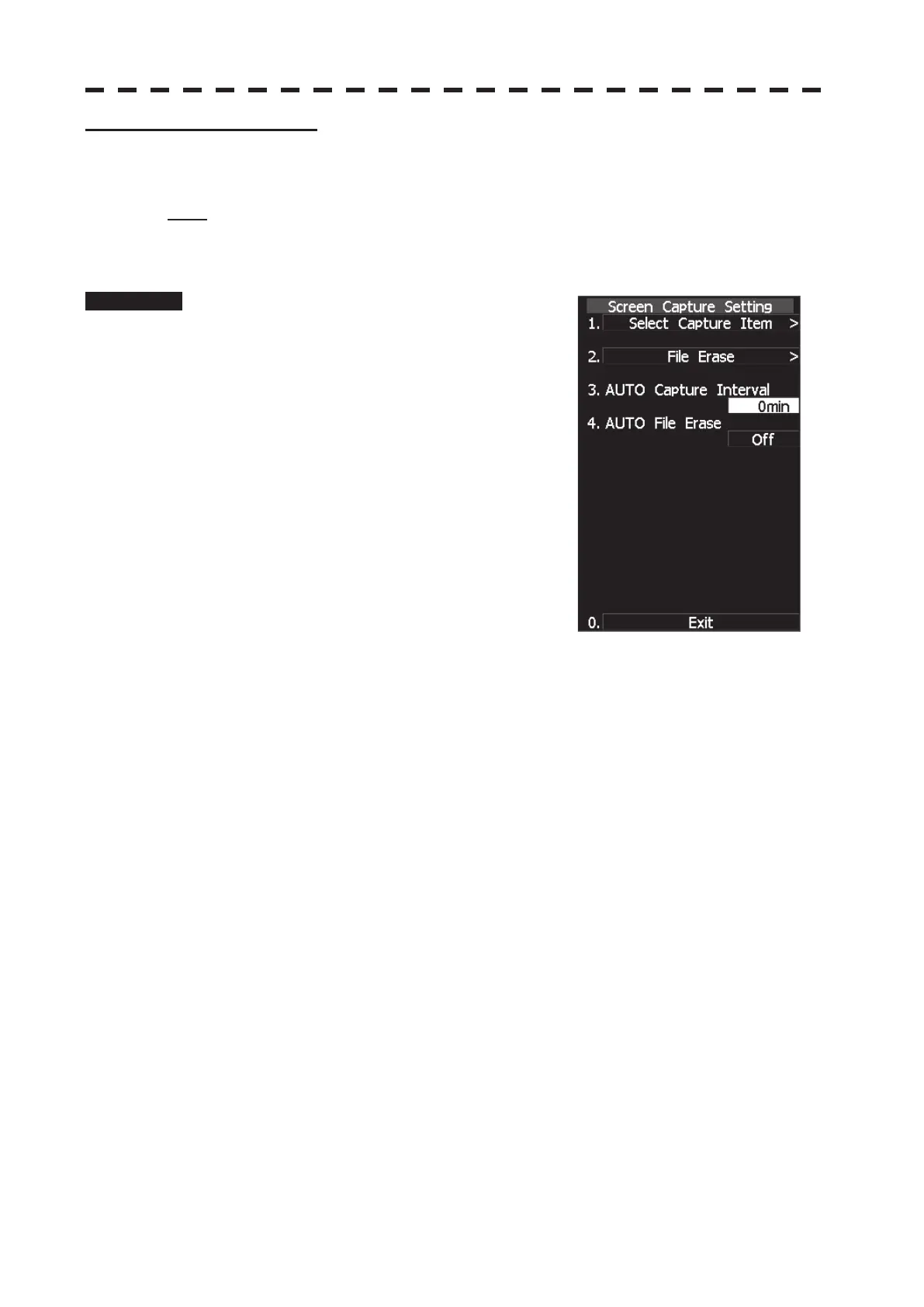
The Screen Capture Setting menu will appear.
2 Press [3] key.
The AUTO Capture Interval menu will appear.
The screen capture file is saved at specified time
intervals in minutes.
When 0 min is specified, the automatic capture
function is turned off.
When 1 min or more is specified, the automatic
capture function is turned on and performed at the specified time intervals.


 To Next Page
 Loading...