3ņ147
Caution in use.
Never eject the CF card while files are being written to the card.
Turn the power off before inserting or ejecting a CF card.
3.11.1 Save in and Transfer to Card (MEM CAPA/Copy)
Procedure 1 Press [RADAR MENU] key.
The Radar Menu will appear.
2 Press [9] key.
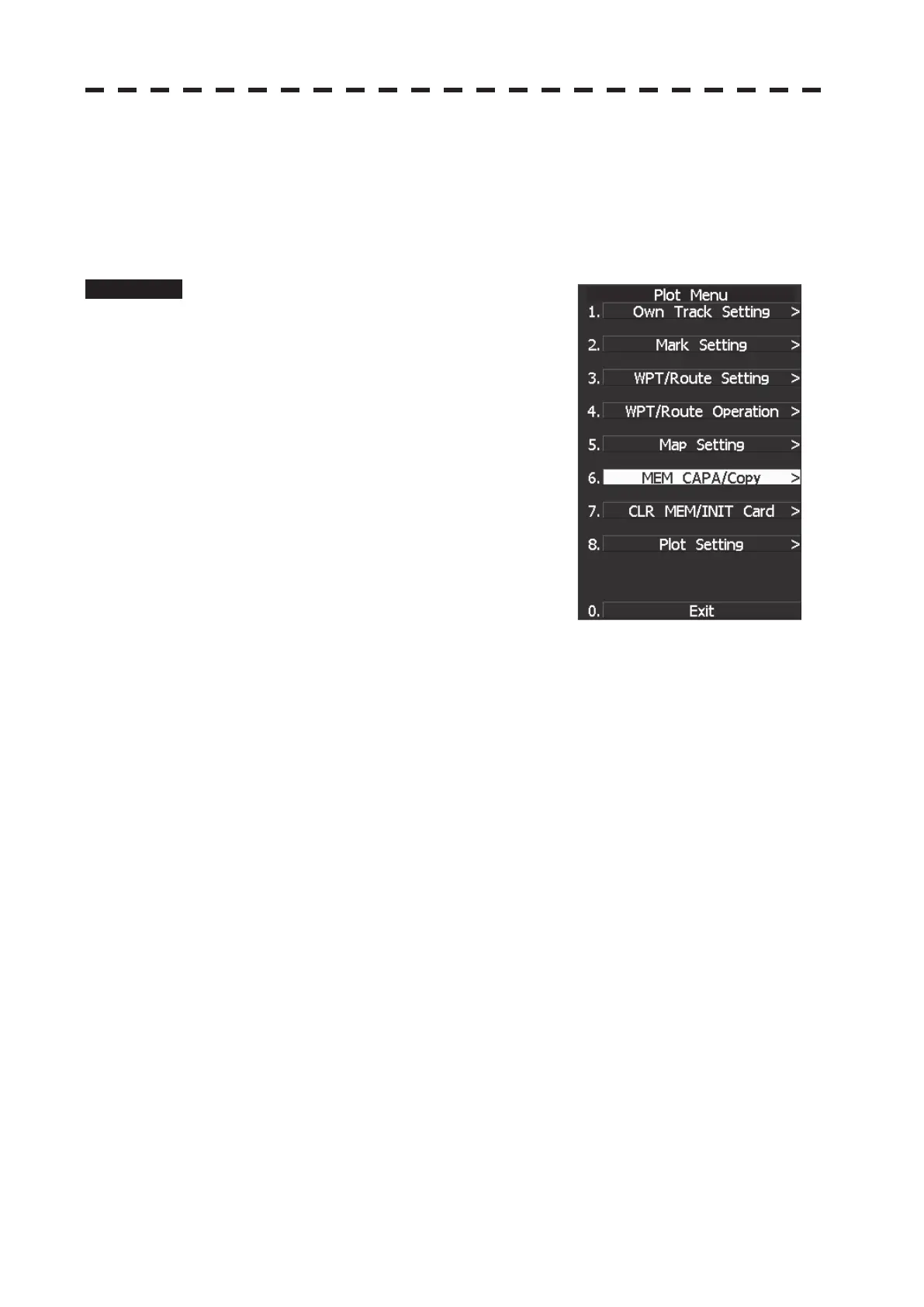
The Plot Menu will appear.
* Software button մ located at the operation/message area in
Section 2.3.9 is also available to save and transfer data.
3 Press [6] key.
The MEM CAPA/Copy window will appear.


 To Next Page
 Loading...