3ņ125
[3] Bright of L/L Line
x Select the brilliance of latitude/longitude line display.
x There are four selection items: OFF , LOW , MEDIUM , and HIGH .
[4] ERC Display Request
x Display of the information within ERC can be switched between ON and OFF .
x There are two selection items: ON , and OFF .
On : Data in the ERC is displayed.
Off : Data in the ERC is not displayed.
[5] ERC Mark
x Select the size of mark display on the ERC chart.
x There are two slection items: NORMAL and SMALL .
Normal : The ERC mark is displayed in normal size.
Small : The ERC mark is displayed in a size smaller than normal.
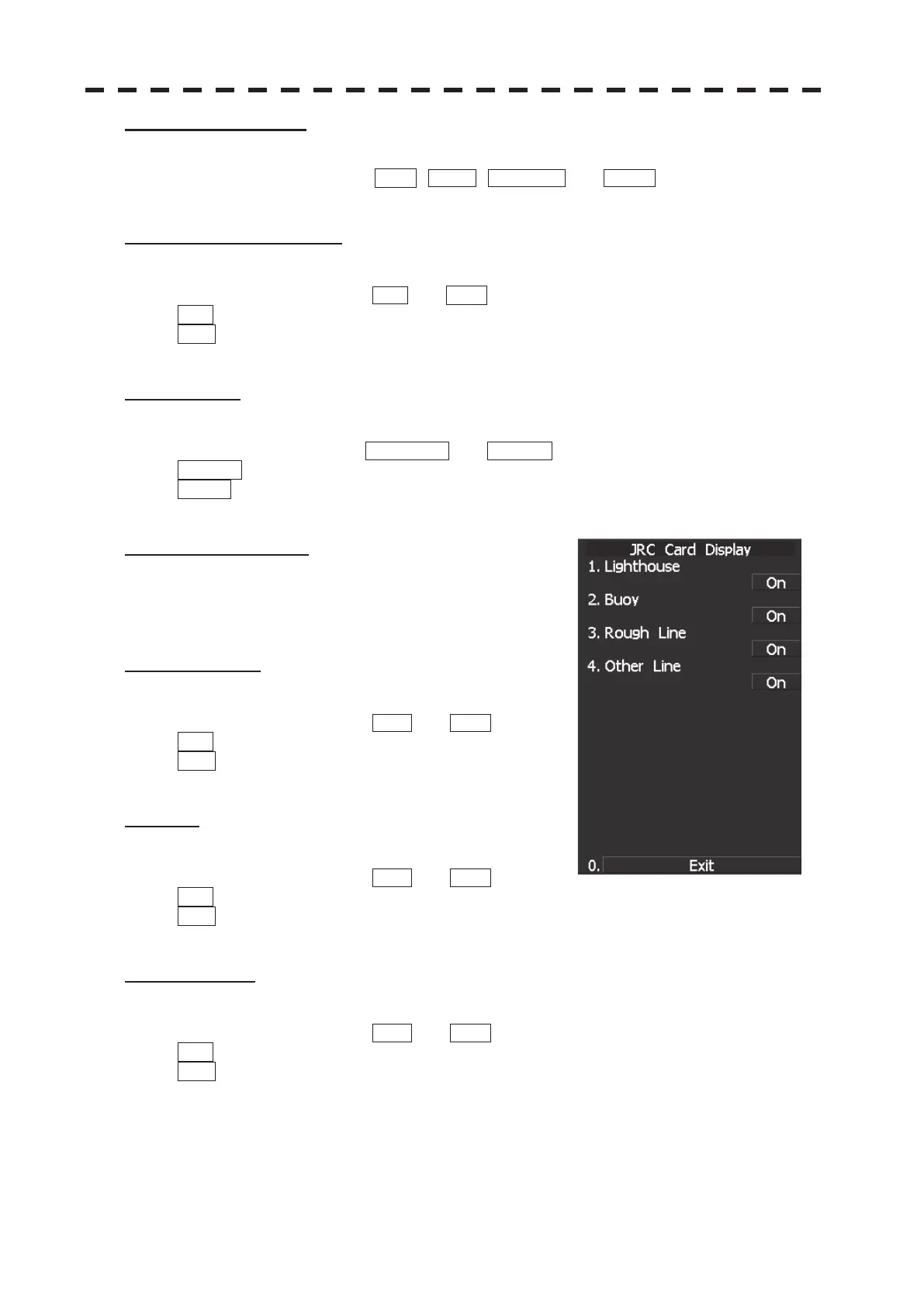
[6] JRC Card Display
x Sets the display contents of the JRC card.
x The JRC Card Display Setting Menu will appear.
[1] Light House
x Determine whether to display lighthouses.
x There are two selection items: ON and OFF .
On : Light houses are displayed.
Off : Light houses are not displayed.
[2] Buoy
x Determine whether to display buoys.
x There are two selection items: ON and OFF .
On : Buoys are displayed.
Off : Buoys are not displayed.
[3] Rough Line
x Determine whether to display rough lines.
x There are two selection items: ON and OFF .
On : Rough lines are displayed.
Off : Rough lines are not displayed.


 To Next Page
 Loading...