11
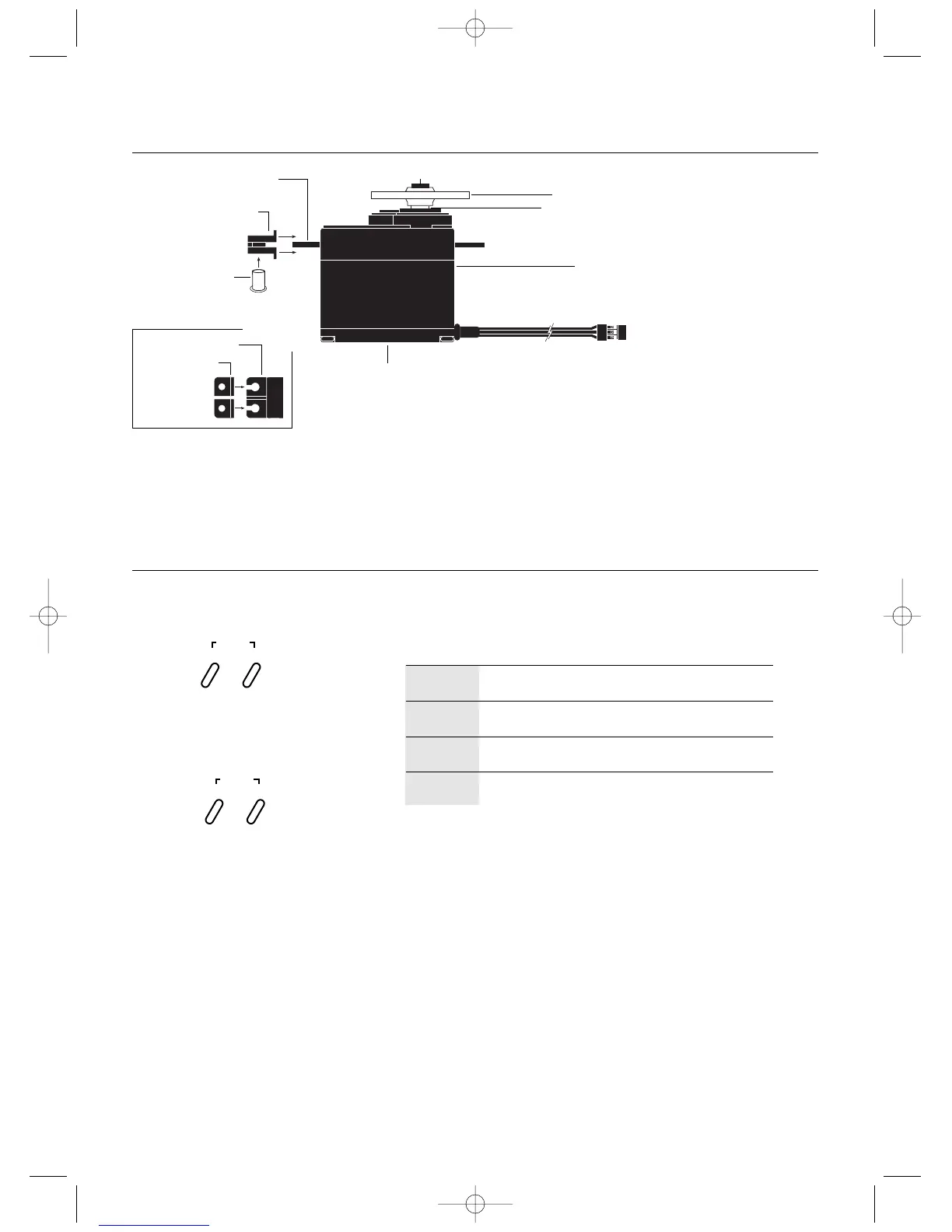
Servo Layout
Key Input and Display
Note: Rubber grommets and (sometimes) eyelets
are used in fuel-powered vehicles.
Servo Mounting Flange
Rubber Grommets
Rubber Grommets
Servo Case
Servo Lead with Connector
Servo Output Shaft
Servo Mounting Flange
Servo Arm/Horn
Servo Arm Retaining Screw
Servo Eyelet
Z270/Z590M
Servo
Top View
To enter the Function mode, press the Scroll key
while the transmitter is on.
Press the Increase and Decrease keys
simultaneously to clear the screen or return
to factory preset.
To enter the System mode, press the Scroll
and Channel keys simultaneously and hold
while turning on the transmitter.
KEY
SCROLL
CHANNEL
INCREASE
DECREASE
Moves up through the available functions
Selects the desired channel
Increases the value of the selected function
Decreases the value of the selected function
USE
SCROLL
ENTER
CHANNEL
INCREASE
CLEAR
DECREASE



 To Next Page