20
40
20
LAP
Lap-Timer
(page 26)
Function Mode
Mode Key Channel Key
sts
0
TRIM
aus
0
TRIM
ths
0
TRIM
L/F L/F
R/B
R/B
tdb
0
∞
0
∞
0
∞
stl
st
LN
EXP
thf
LN
EXP
st
100
EPA
MIX
aux
100
EPA
th
100
EPA
thb
MIX
st auxth
Throttle
Deadband
(page 21)
Channel Key
Exponential
(page 22)
Channel Key
Channel Key
Channel Key
Channel Key
Channel Key
Channel Key
Channel Key
Mixing
(page 25)
End-Point
Adjustment
(page 23)
Sub-Trim
(page 27)
Servo Reversing
(page 28)
—
REV•NORM
—
REV•NORM
—
REV•NORM
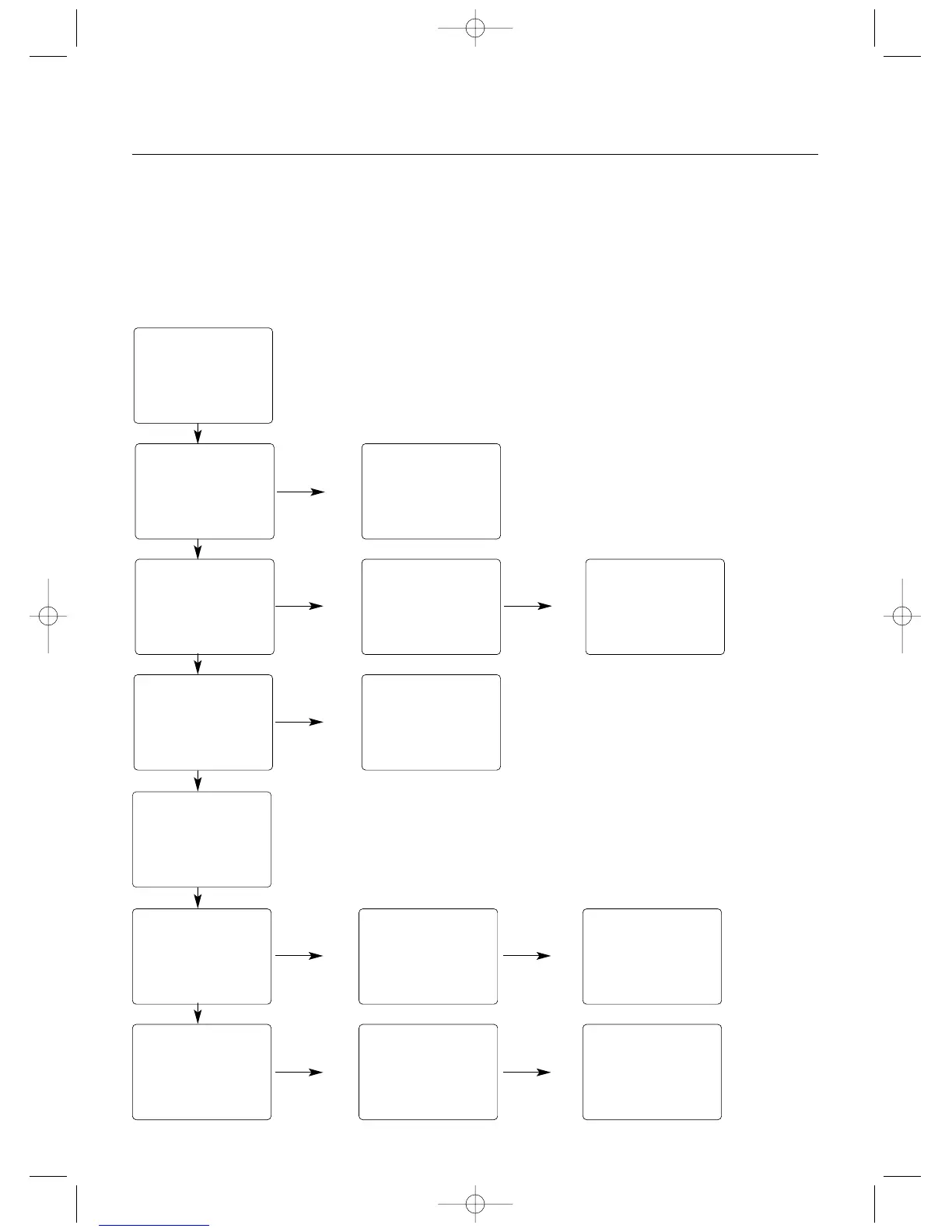
Accessing the Function Mode
To enter the Function mode, turn on the transmitter. Press
the Scroll key until a beep is heard. The display will change
to show the first function listed on the Function Mode Flow
Chart. Scroll down through the functions one by one. Once
the desired function has been reached, use the Channel
key to select the appropriate channel (if applicable).To
adjust the values of the function, press the Increase (+) or
Decrease (-) keys until the desired value is displayed. To
exit function mode, press the Scroll and Channel keys
simultaneously. The next time you enter Function mode,
you will be returned to the last function accessed.



 To Next Page