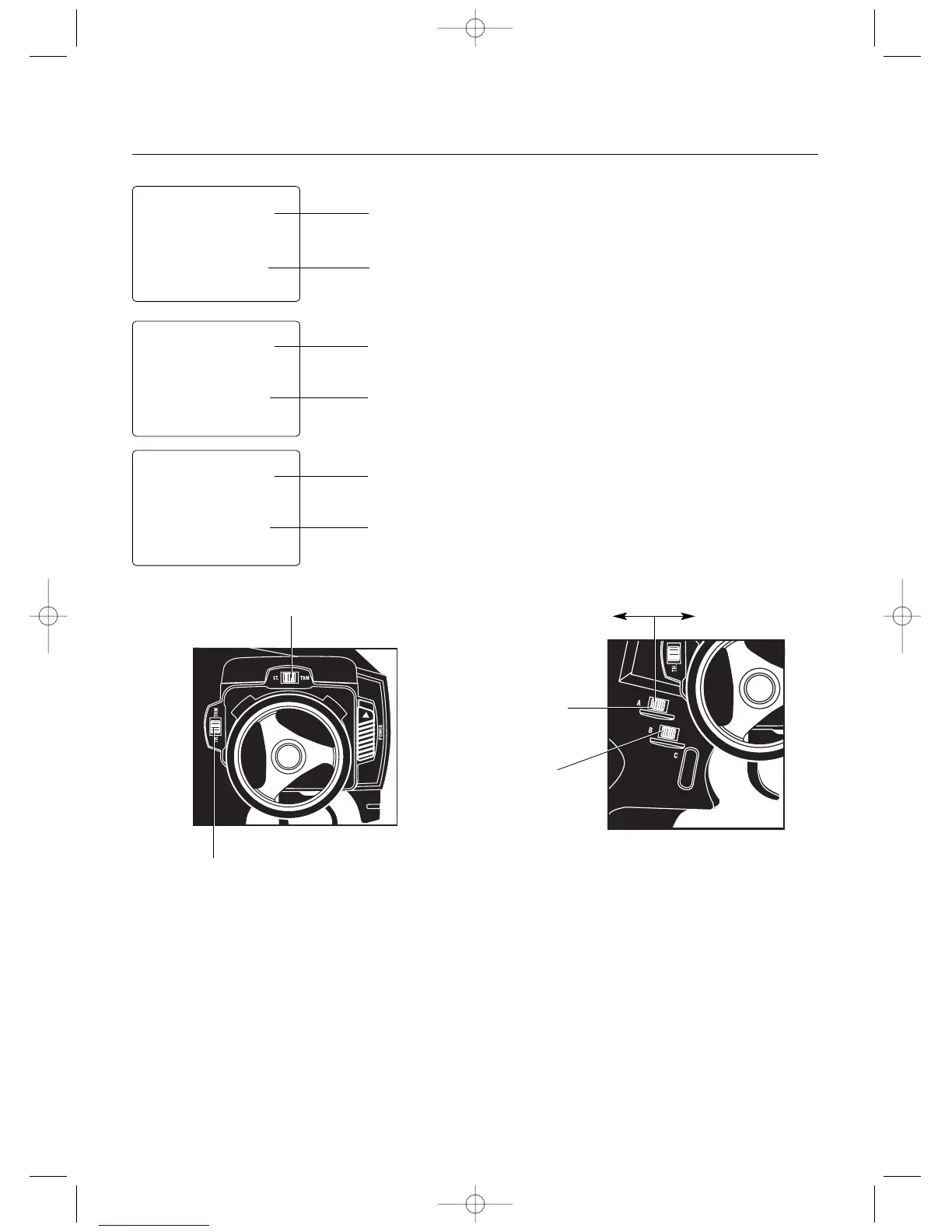
Servo Trim Adjustment
Steering
1.With the transmitter power switch on, move the
digital steering trim lever in the desired position to
be adjusted. The steering trim value screen will
appear automatically.
Throttle
2.With the transmitter power switch on, move the digital
throttle trim lever in the desired position to be adjusted.
The throttle trim value screen will appear automatically.
Auxiliary Channel 3 (If Active)
3.With the transmitter power switch on, move the
digital grip lever A in the desired position to be adjusted.
The Auxiliary Channel 3 value screen will appear
automatically.
Direct Trim Access
5
stc
0
TRIM
thc
0
TRIM



 To Next Page