System Mode
18
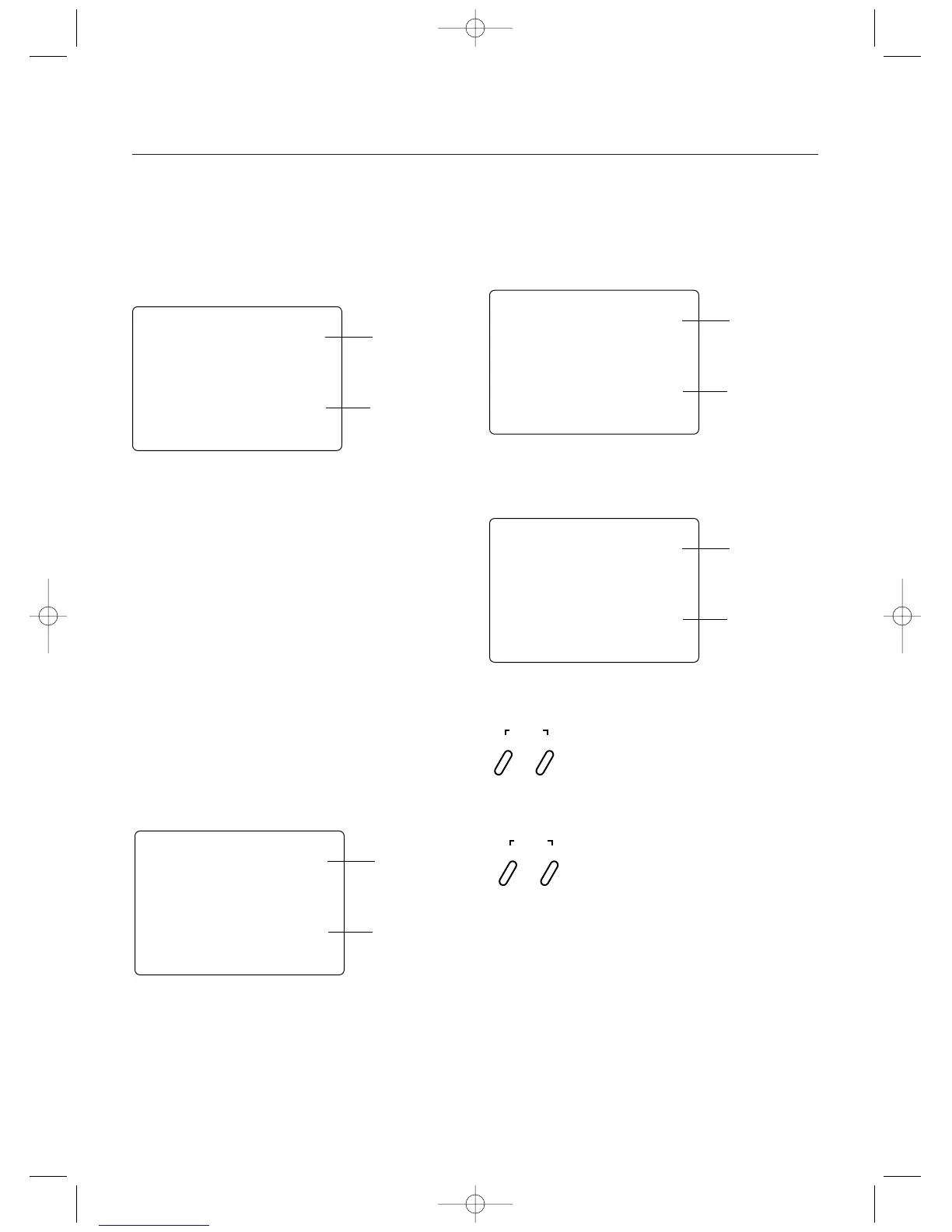
Grip Button C Function Select
The Grip Button C function of the XS3 allows you to select
from 3 different functions available. Use the information
below to select the correct Grip Button C assignment for
your particular installation.
“0”: Off. (Default) If “AUX” is “2P”, then “2P “
replaces “0” in this screen.
“Eb”:ESB (Emergency Steering Button.) To cancel the
“STG” regulation for panic steering.
“LA”:Lap timer.
Note: If “LA” or “Eb” is selected and “2P” is
assigned to the Auxiliary Channel 3 function,
the Auxiliary Channel 3 function is moved to
Grip Dial A.
(Factory preset)
00
= The 0, or off function, is the default setting and does
not assign a function to Grip Button C. If the Auxiliary
Channel 3 function is set to “2P” or 2-position, “2P” will
appear in this screen in place of “0” and Grip Button C will
function as the gear select button.
EEBB
= The Eb or Emergency Steering Button function is
designed to override the value of Grip Dial B and provide
100% steering rate. This feature is useful if you have
reduced the steering rate to make your vehicle easier to
drive but need full steering in an emergency situation such
as a collision.
e 24-Insert new drawing
LLAA
= The LA or Lap-Timer function is designed to be used
when you want to enable the recording of individual lap
time. The Lap-Timer function is described on page 26.
Accessing the Grip Button C Function
1.Press the Scroll and Channel keys at the same time and
hold.
2.Turn on the transmitter power switch to enter System
mode.
3.Press the Scroll key until “GBC” appears on the screen.
4.Press the Increase or Decrease key to select the correct
Grip Button C function type to be used.
5.Press the Scroll key to access the Data Reset function.
6.To exit the System mode, either turn the transmitter
power switch off or press the Scroll and Channel keys at
the same time.
gbc
LA
Grip Button
Function
Lap-Timer
g
b
c
0
Grip Button C
Function
Grip Button C is
Inhibited
gbc
EB
Grip Button C
Function
Emergency
Steering Button
is Activated
gbc
LA
Grip Button C
Function
Lap-Timer Button is
Activated
INCREASE
CLEAR
DECREASE
SCROLL
ENTER
CHANNEL
Press and hold the Scroll and Channel keys at the
same time to enter the System Mode. Next Press the
Scroll key until "GBC" appears.
0= Inhibited
Eb = Emergency Steering Button
LA = Lap-Timer
Press the Increase or Decrease key to select the
desired Grip Button C function type to be used.



 To Next Page