System Mode
19
Data Reset
The Data Reset function allows you to reset all the pro-
gramming in the selected model (1, 2, 3 4, 5 or 6) to the
factory default settings. Before using the Data Reset func-
tion, it is important to enter the Model Select function and
check to make sure the current model number indicated (1,
2, 3 4, 5 or 6) is the model to which you want to reset to
the factory default settings. The Model Select function is
described on page 14.
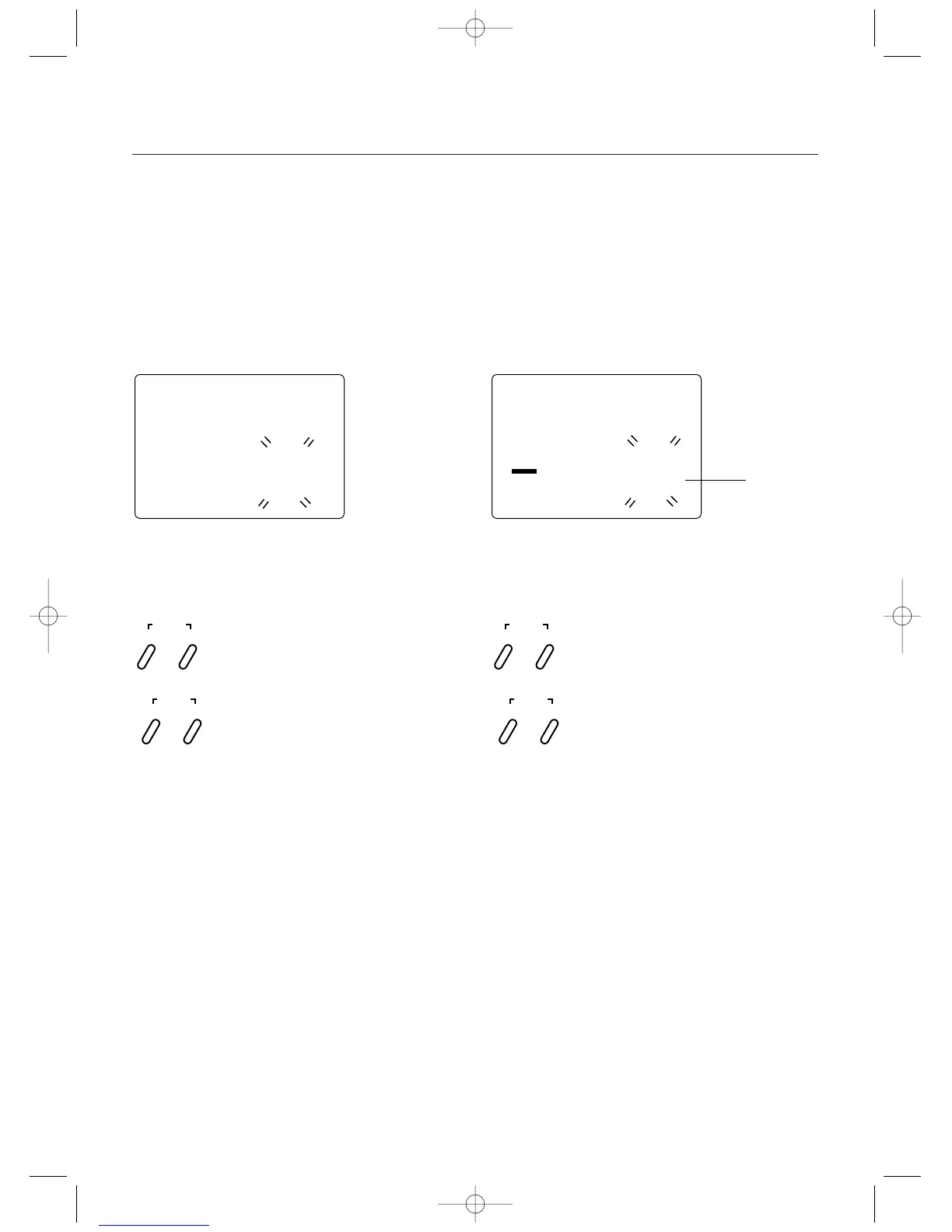
clr
1
Model to
be Reset
Accessing the Data Reset Function
1.Press the Scroll and Channel keys at the same time
and hold.
2.Turn on the transmitter power switch to enter the
System mode.
3.Press the Scroll key until “CLR” appears on the screen.
4.Press the Increase and Decrease keys at the same time
to reset the data. To confirm that the selected model’s
programming has been reset, a beep will sound and
the model number selected (1, 2, 3 4, 5 or 6) will stop
flashing.
5.Press the Scroll key to access the Copy Model Data
function.
6.To exit the System mode, either turn the transmitter
power switch off or press the Scroll and Channel keys
at the same time.
Press and hold the Scroll and Channel keys at the
same time while turning the transmitter power switch
on. Next, press the Scroll key until “CLR” appears.
Press the Increase and Decrease keys at the same
time to reset (clear) all settings for the selected model
to the factory default settings
SCROLL
ENTER
CHANNEL
INCREASE
CLEAR
DECREASE
Copy Model Data
Copy Model Data function allows you to copy the current
model data into the model memory of the blinking model
selected. Before using the Copy Model Data function,
be sure you know what model number you want to copy
the data to as all data in this selected model will be lost.
If the current model being copied from uses the default
name, the model name from the model being copied to
will be retained.
Accessing the Copy Model Data Function
1.Press the Scroll and Channel keys at the same time
and hold.
2.Turn on the transmitter power switch to enter the
System mode.
3.Press the Scroll key until “CPY” appears on the screen.
4.Press the Increase or Decrease key to select the desired
model number you want the current model data copied
to. This model number being select should be blinking.
5.Press the Increase and Decrease keys at the same time
to copy the current model data into the selected model
number. To confirm that the selected model has been
copied to, a beep will sound and the model number
selected (1, 2, 3, 4, 5 or 6) will stop flashing.
6.To exit the System mode, either turn the transmitter
power switch off or press the Scroll and Channel keys
at the same time.
Press and hold the Scroll and Channel keys at the
same time while turning the transmitter power switch
on. Next, press the Scroll key until “CPY” appears.
Press the Increase and Decrease keys at the same
time to copy model data from the current model to
the selected model.
SCROLL
ENTER
CHANNEL
INCREASE
CLEAR
DECREASE
cpy
2
Model being
copied to



 To Next Page