System Mode
13
Accessing System Mode
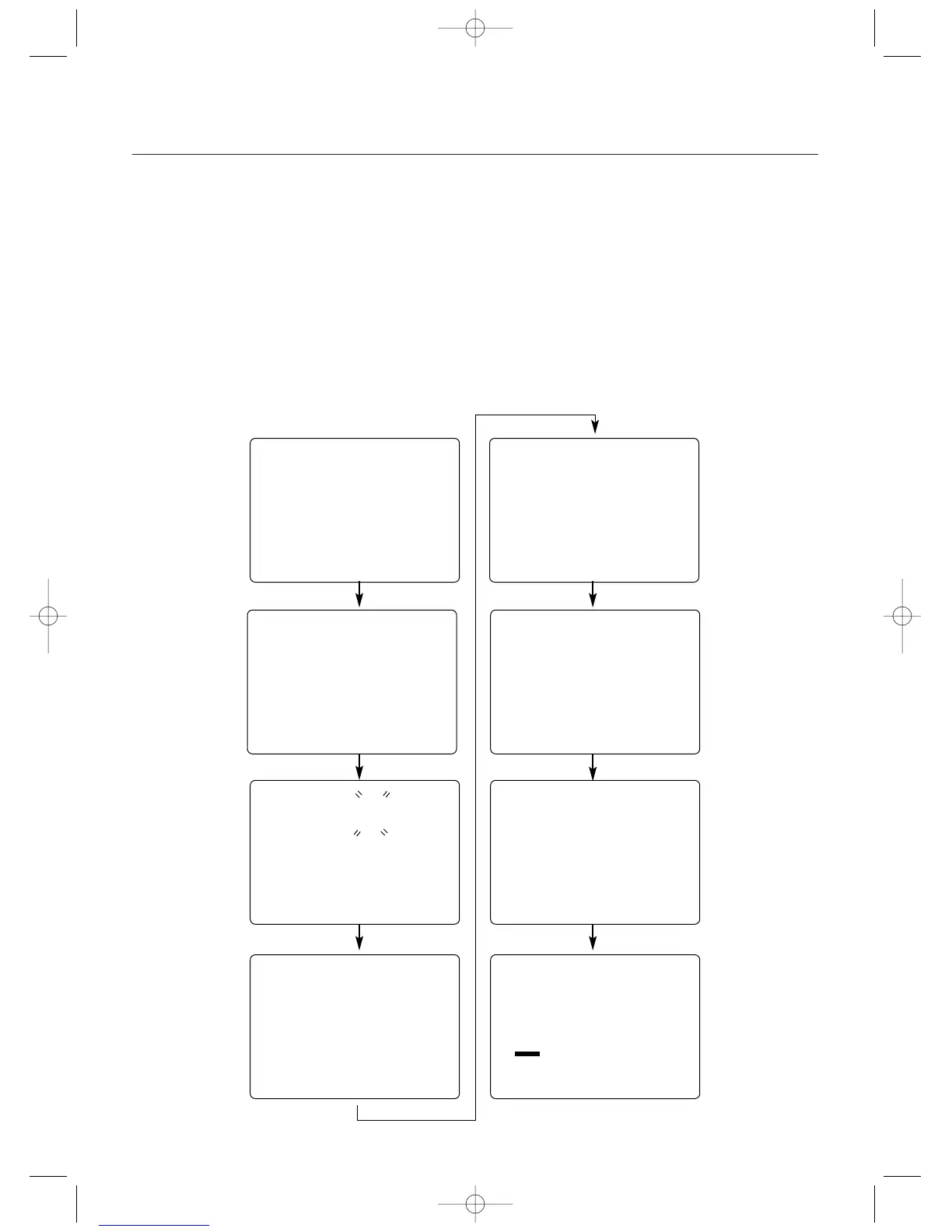
To enter the System mode, press the Scroll and Channel
keys simultaneously while turning on the transmitter power
switch. By pressing the Scroll key, you can now choose
Model Select, Channel Select, Model Name Input, Frame
Rate, Auxiliary Channel 3 function, Grip button C function,
Data Reset or the Model Copy function. Information for
each function is located on the page number listed next to
the function name on the flow chart.
To exit the System mode, press the Scroll and Channel
keys simultaneously or simply turn off the transmitter.
Note: If you turn the transmitter off and immediate-
ly enter System mode again, you will be returned to
the last System mode function used instead of the
Model Select function. While in System mode, there
is no RF output generated by the transmitter.
Adjustments can be performed with reduced battery
power consumption. If you exit System mode by
pressing the Scroll and Channel key at the same
time, RF output will not be enabled until you first
turn off the transmitter.
Model Name Entry
(page 15)
aux
0
Auxiliary Channel 3
Function
(page 17)
frm
F
Frame Rate
(page 16)
md !
1
mdl
1
Model Select
(page 14)
clr
1
cpy
2
gbc
0
Data Reset
(page 19)
5
Grip Button C
Function
(page 18)
Copy Model Data
(page 19)
26
ch
61
Channel Select
Function
(page 14)



 To Next Page